Back to homepage

Bella Tsai

Hiiiiiii, I'm Bella(apparently), and I'm very tall. I like cake and spicy food. Hate coriander I enjoy watching old films and American high school movies. I am obsessed with animals, including amphibians and reptiles. I am a Swiftie and a terrible singer. I love coffee and my hometown, Taiwan.

Other Students

Week 14

Project file 1
Project file 2
Project file 3
Project file 4
Project file 5
Live Demo

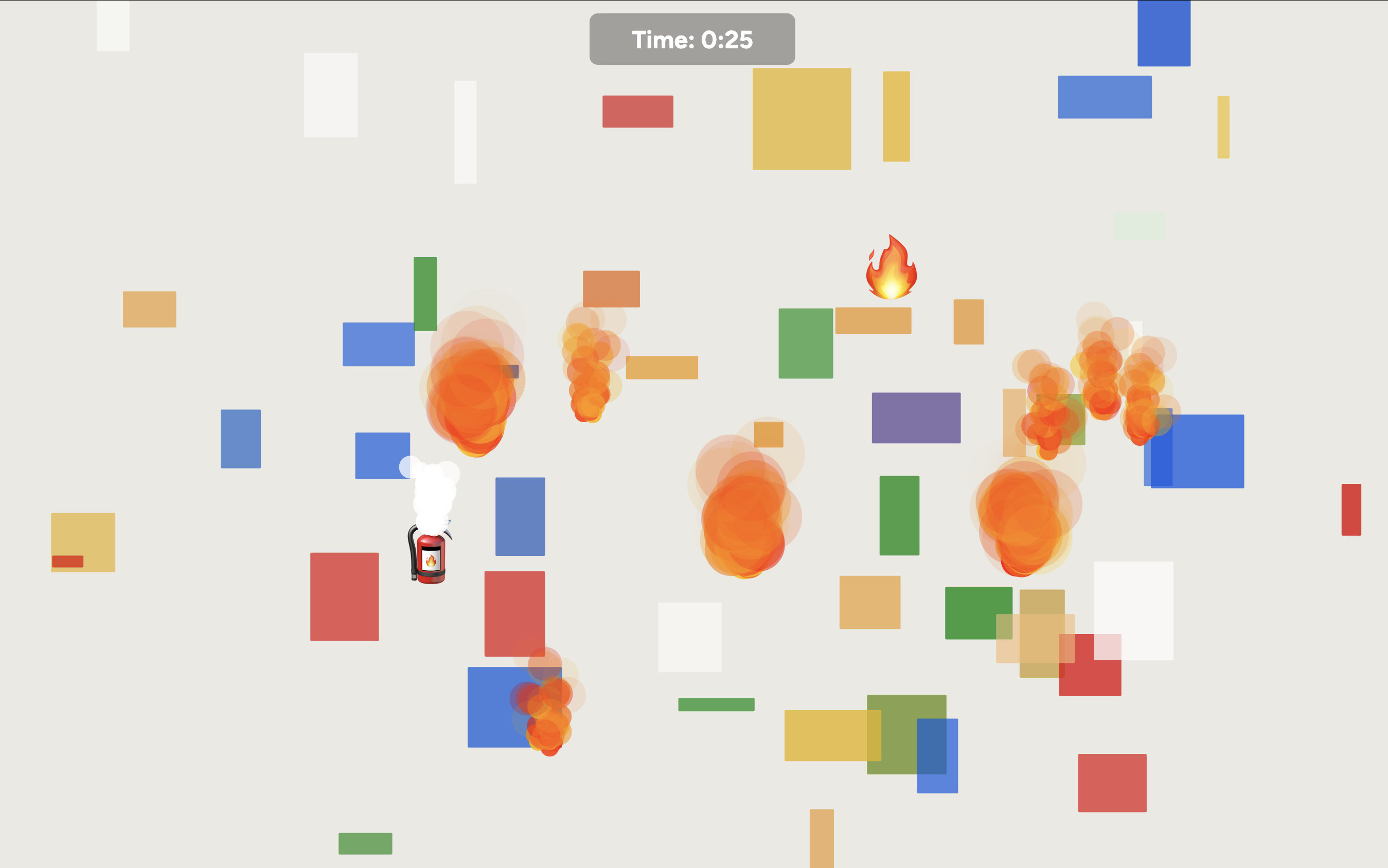
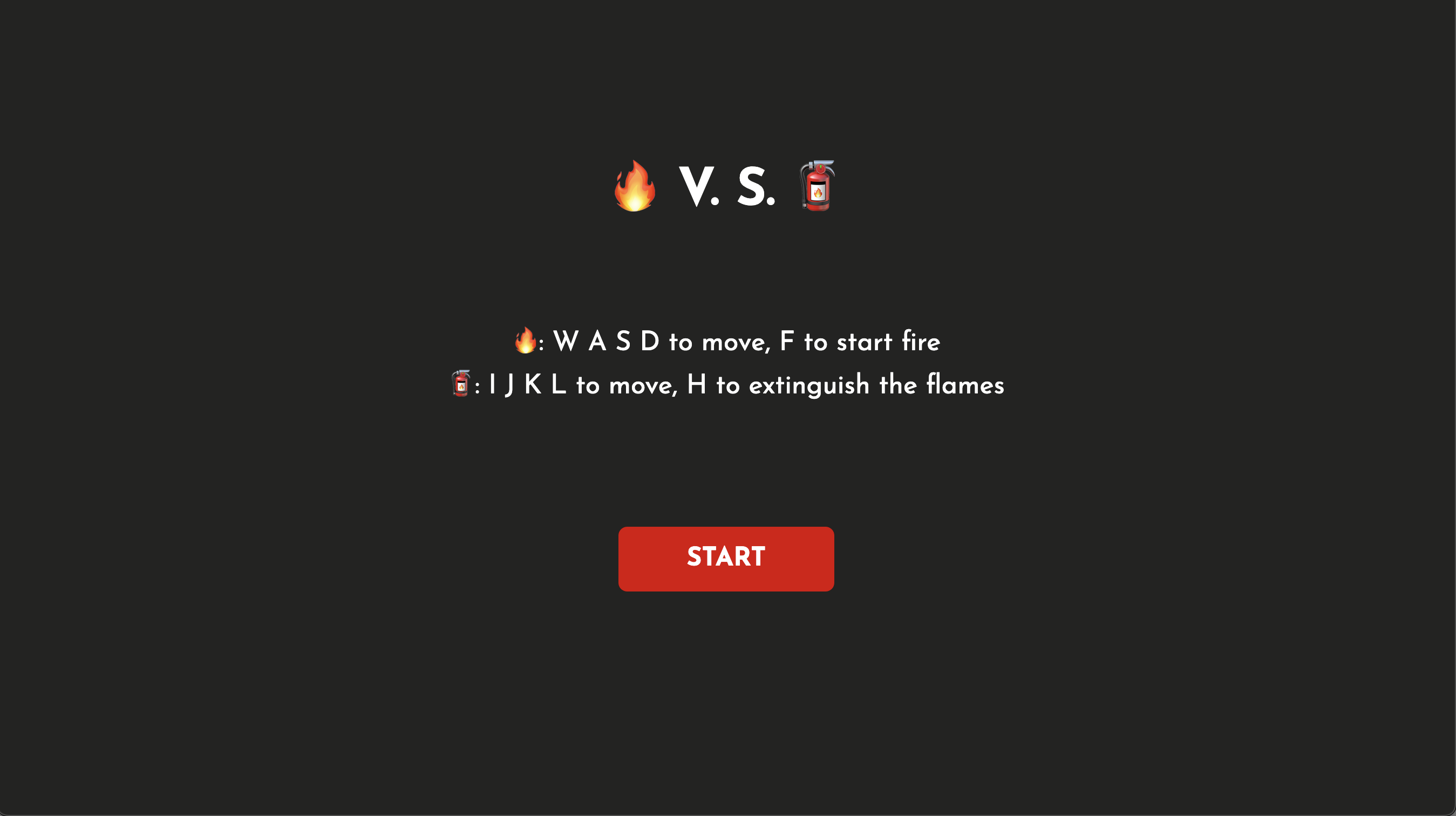
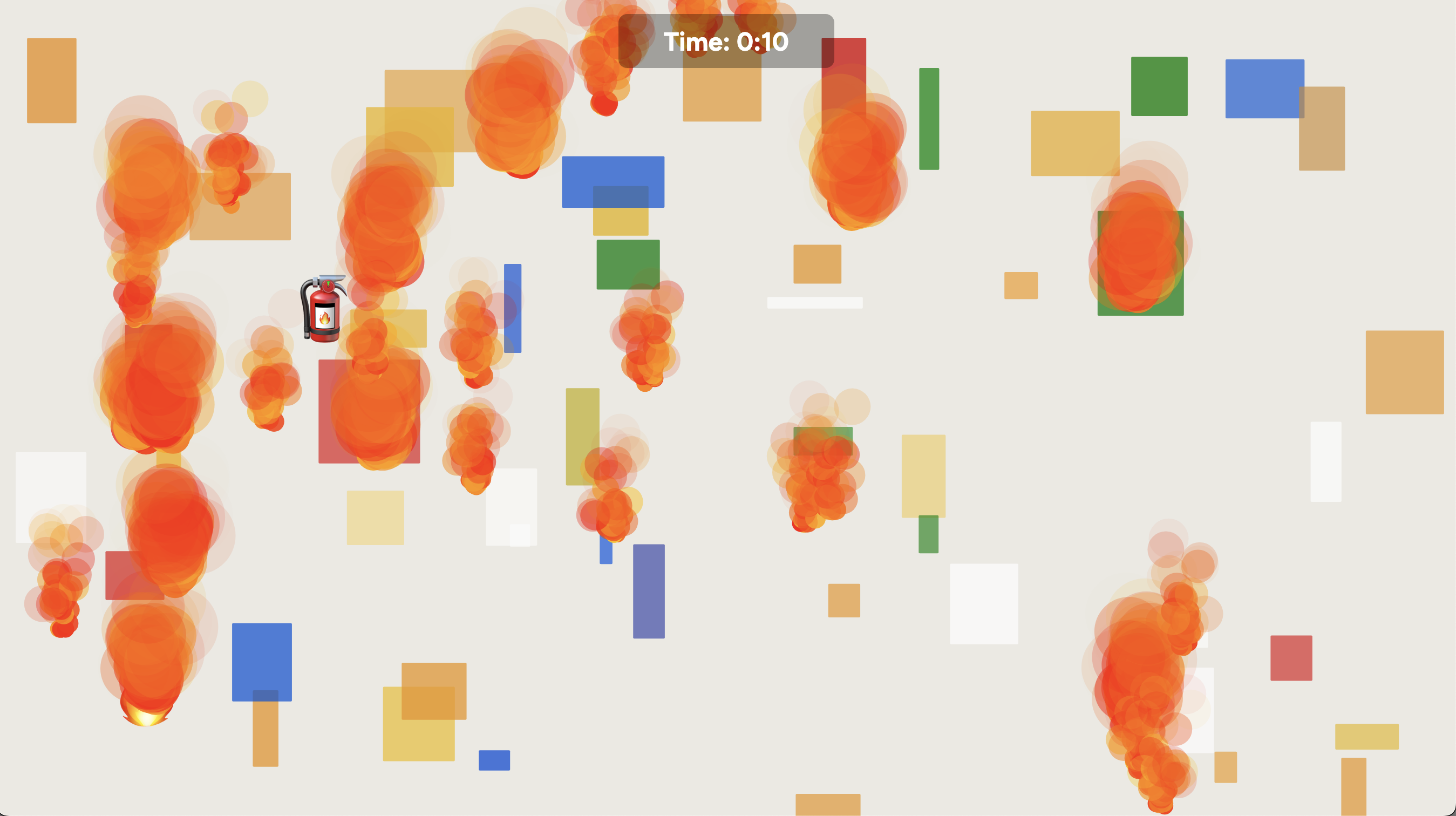
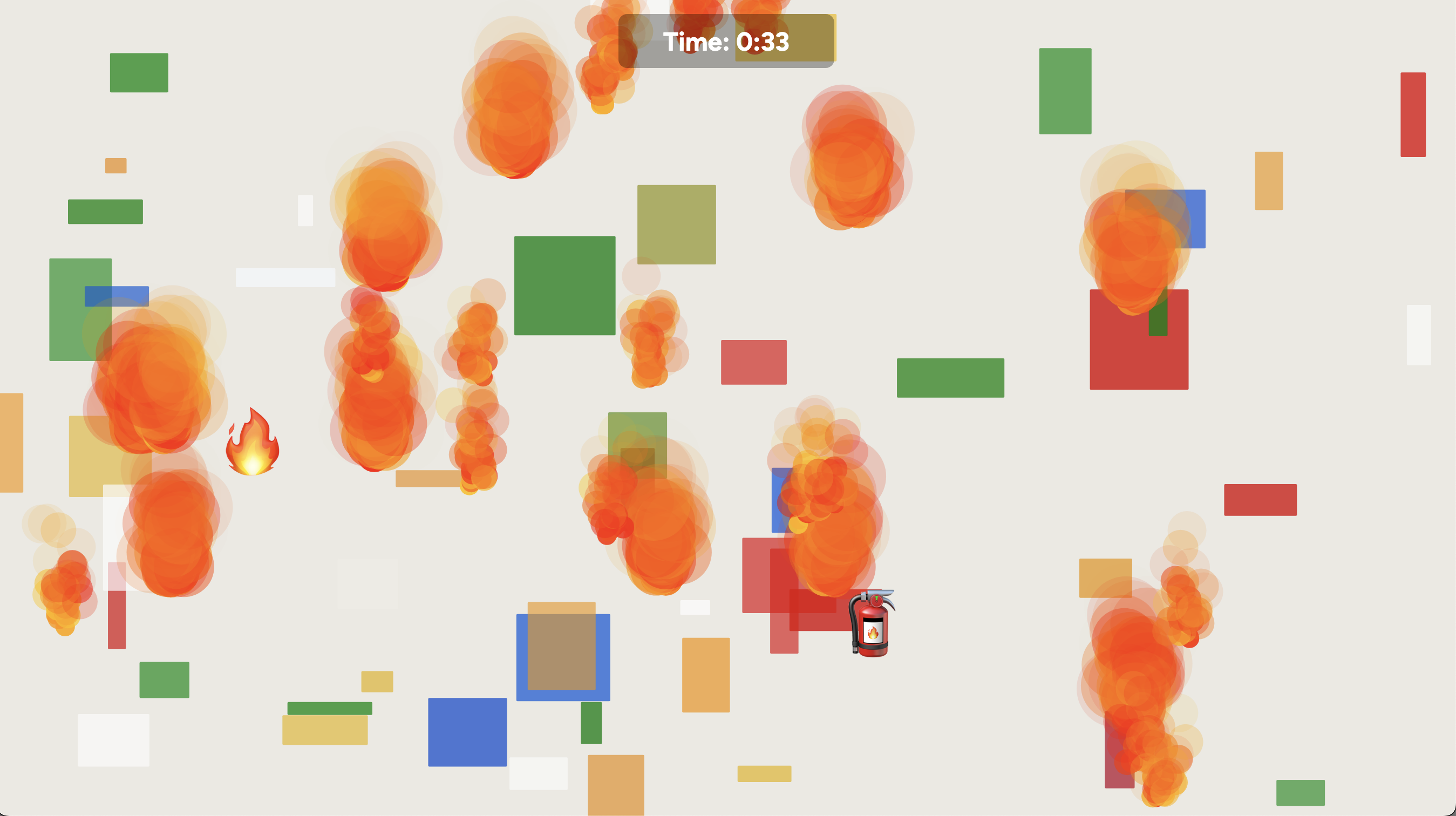
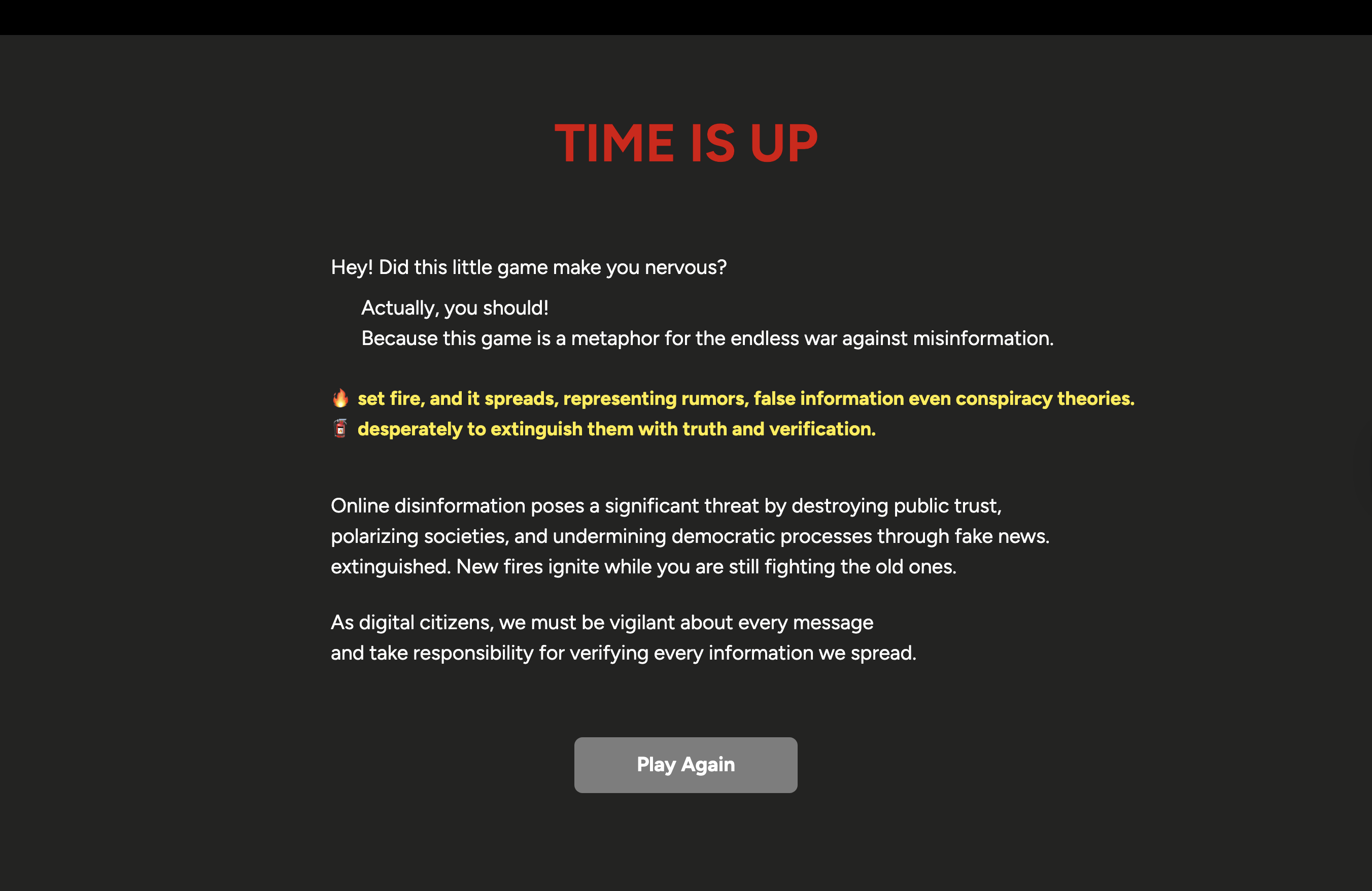
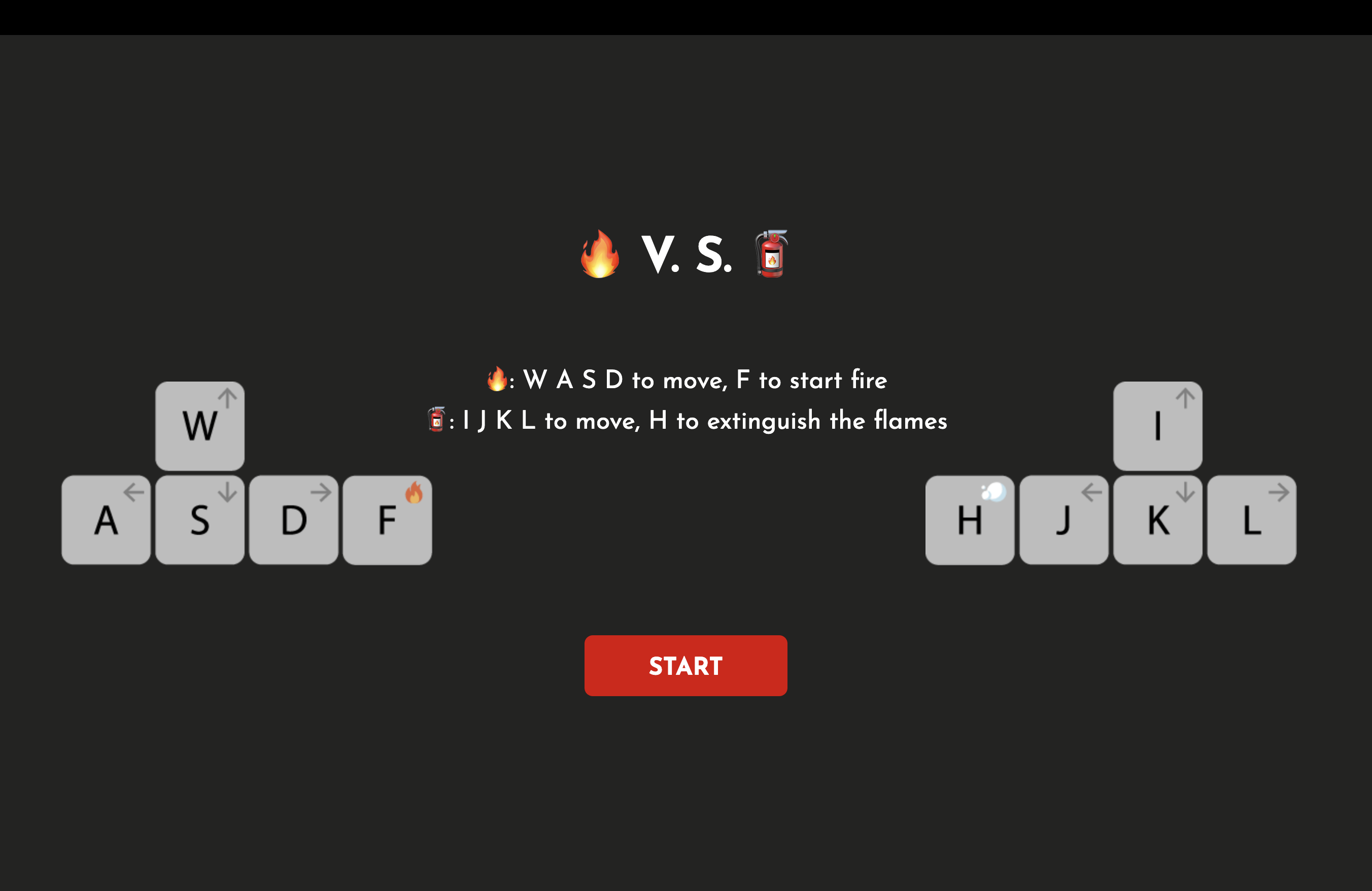
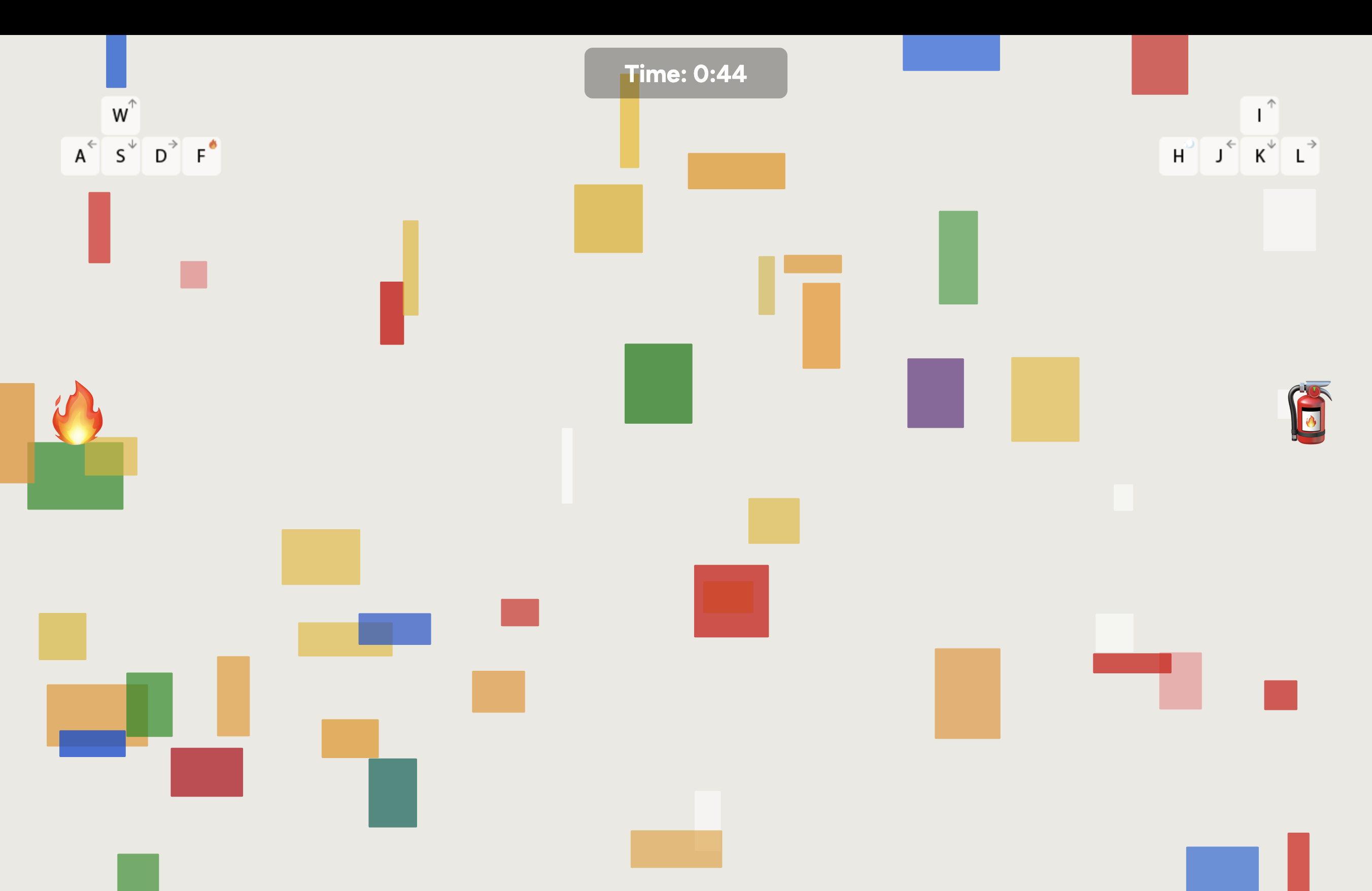
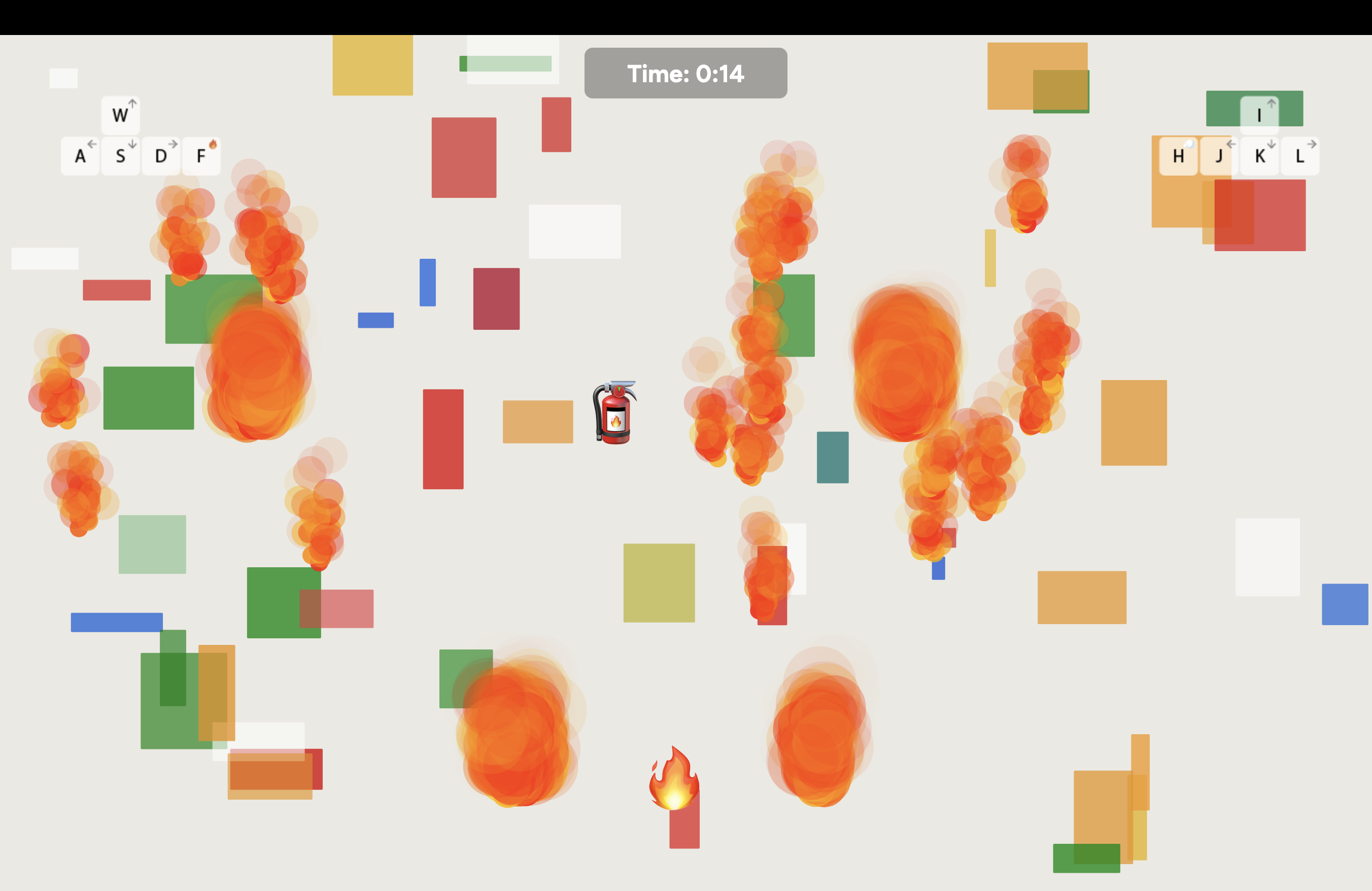
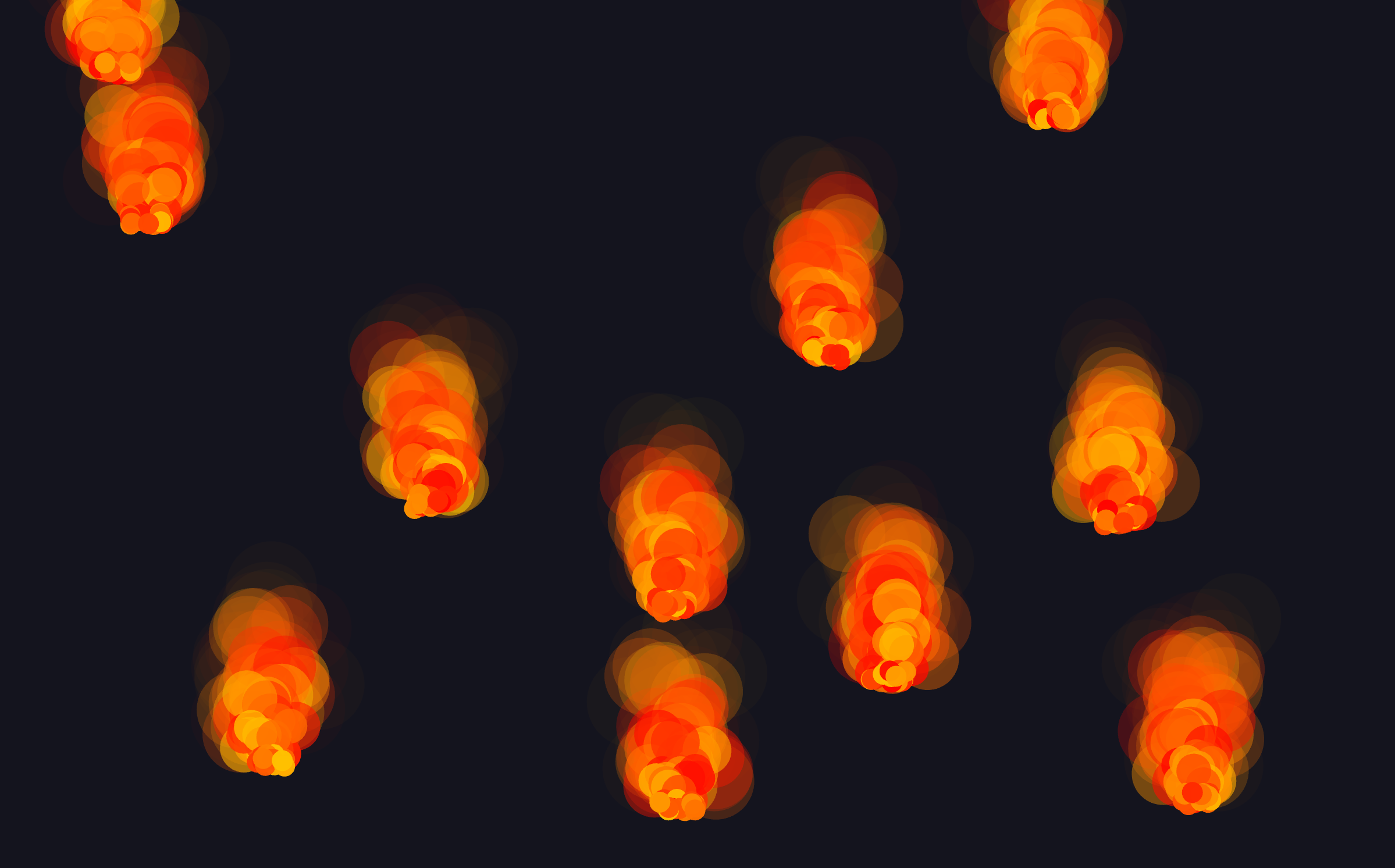
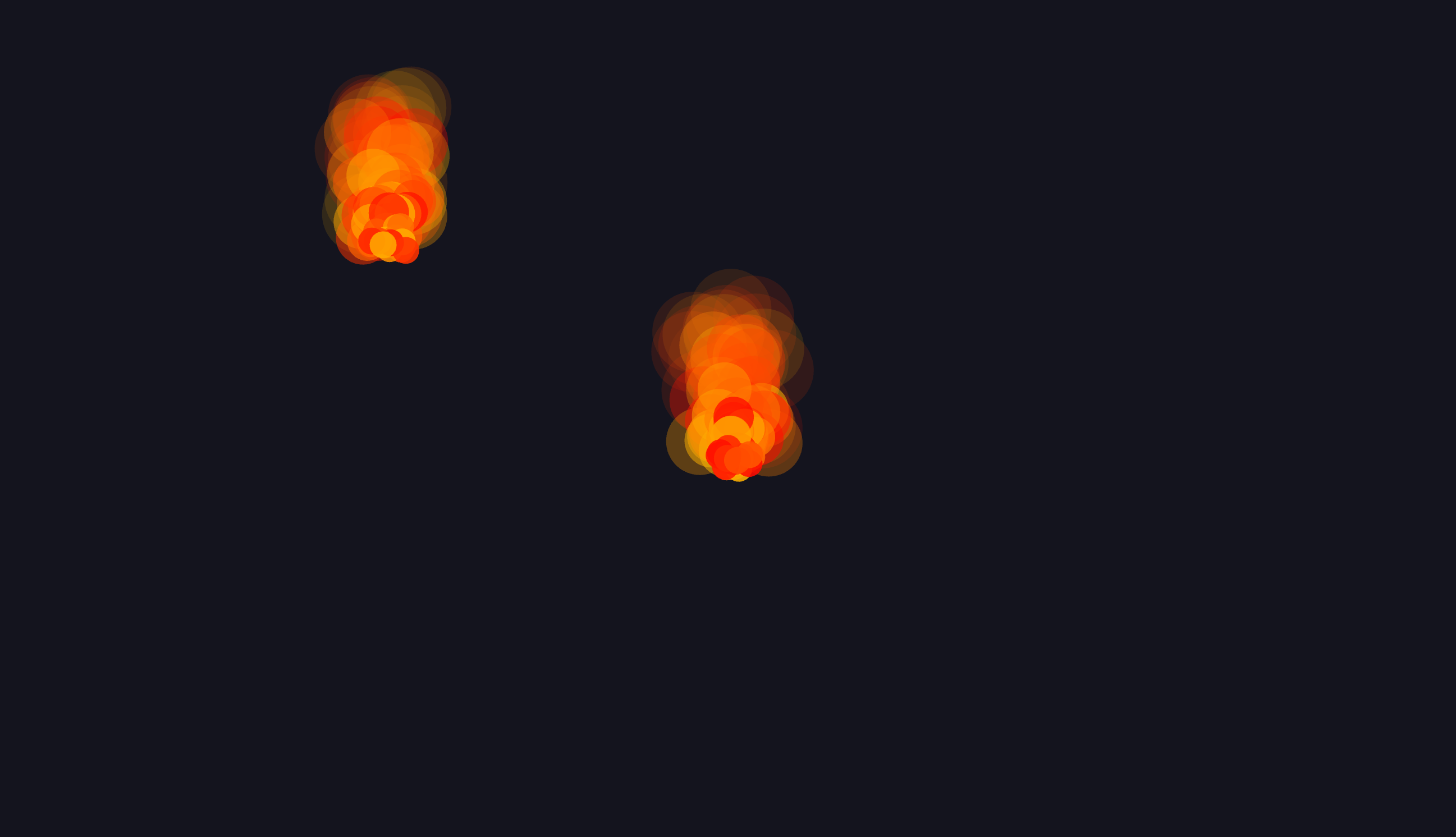
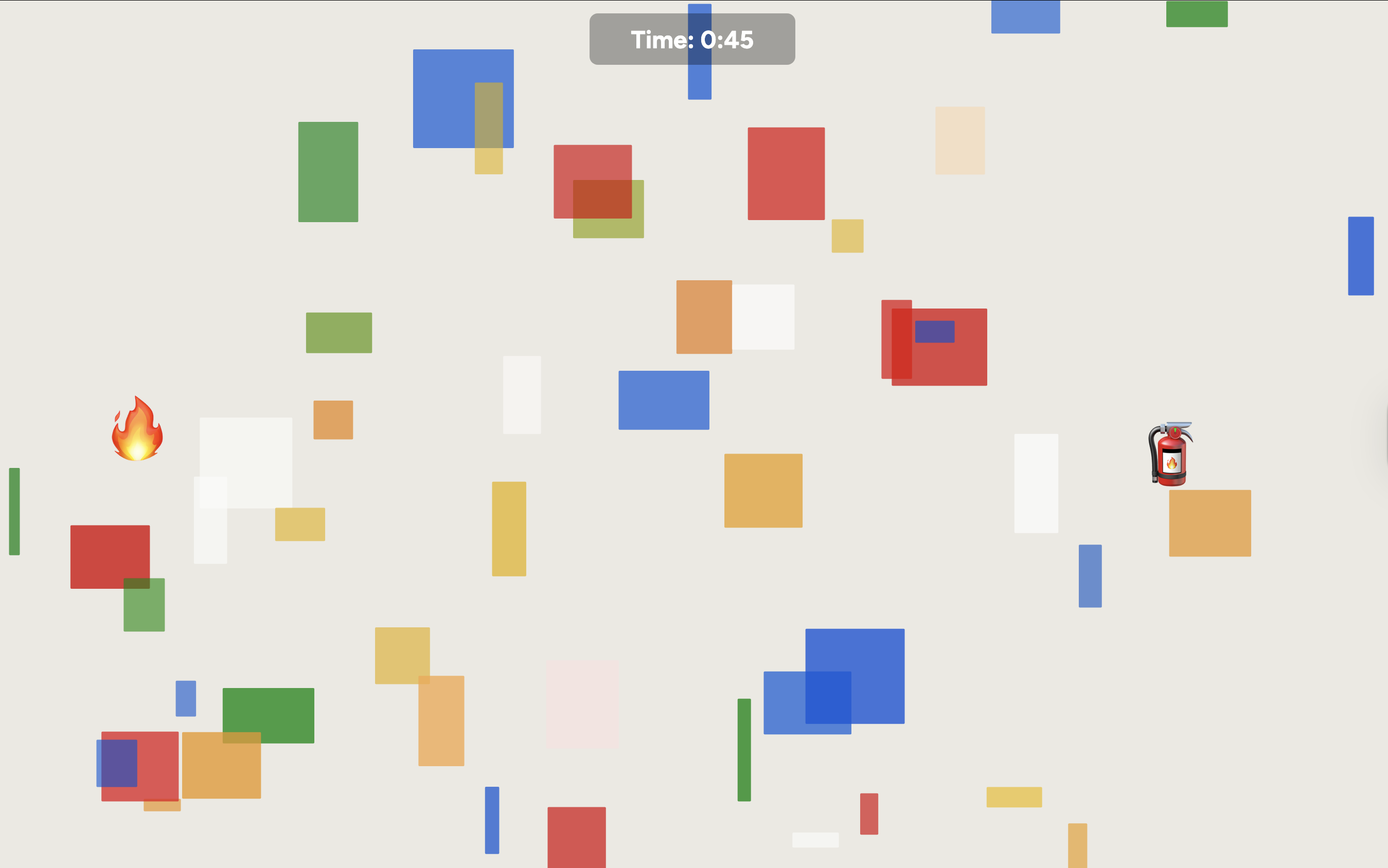
According to a study on "Varieties of Democracy" (V-DEM) by the University of Gothenburg, Sweden, Taiwan ranks first among 179 countries surveyed in terms of the severity of foreign disinformation attacks. As a Taiwanese, I deeply feel the harm that fake news inflicts on our democracy, yet we often fail to grasp the urgency of the situation. I want to use this interactive game of starting and extinguishing an unbalanced fire to visualize the endless war between the spread of disinformation and fact-checking. I hope that this visual game experience will serve as a small reminder that we must be more vigilant about online information, especially in this era of AI-generated information. We should view misinformation as a danger to our society.

Credits & References

Background Code: [link]
Emoji: [link]
KeyPress function: [link]
[link]
[link]
ChatGPT

Week 10

Project file 1
Project file 2
Project file 3
Project file 4
Project file 5
Live Demo

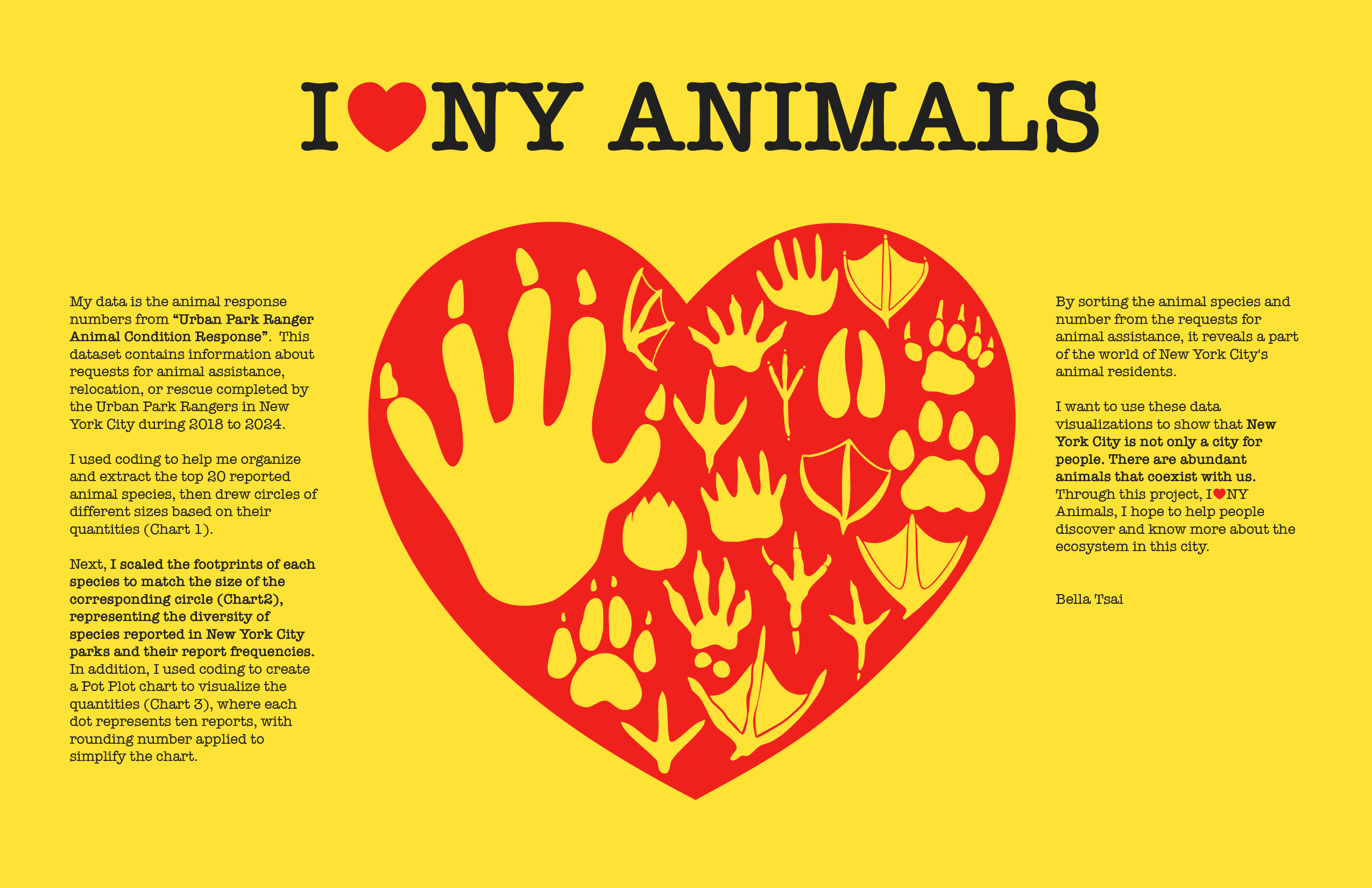
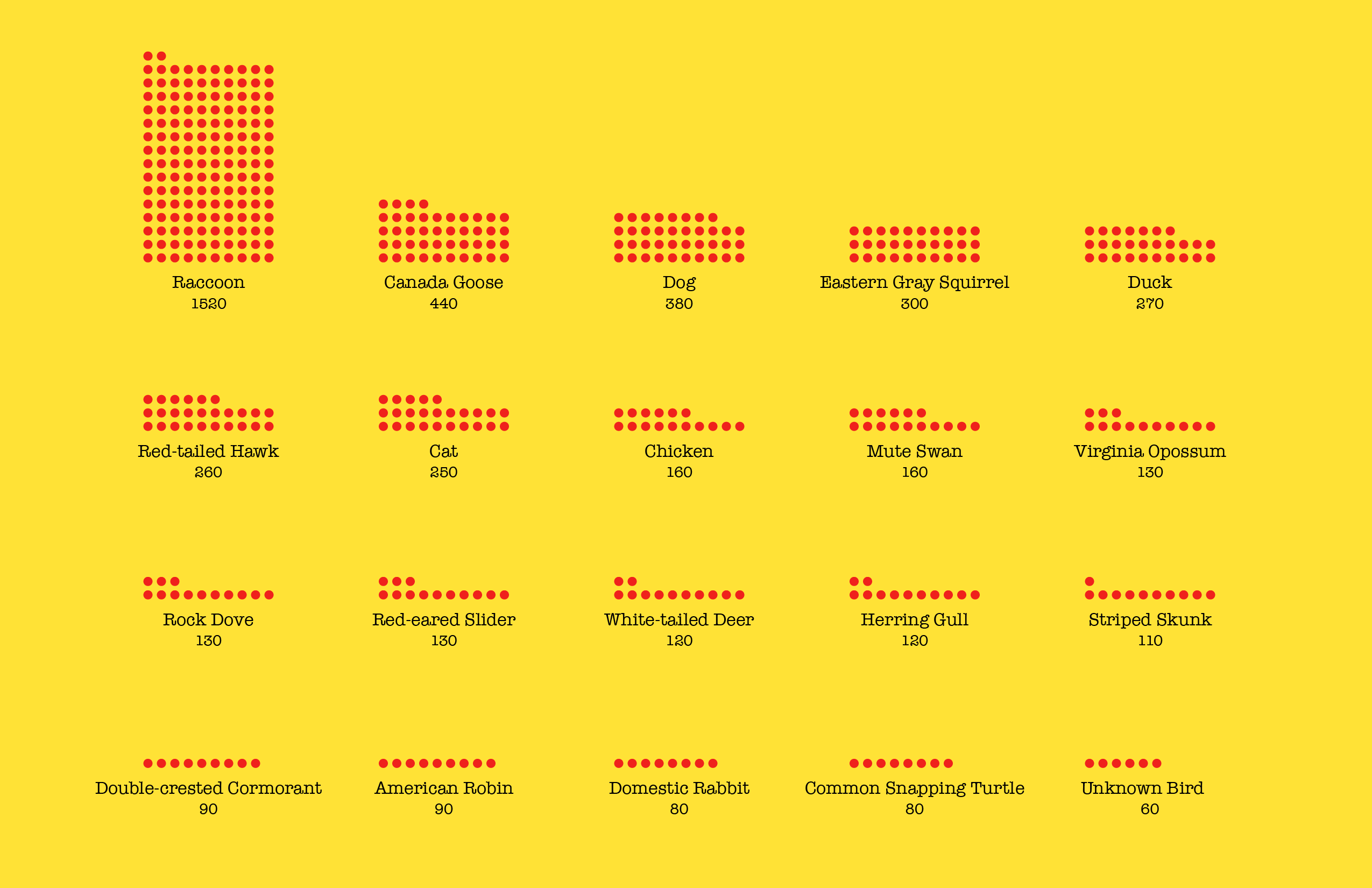
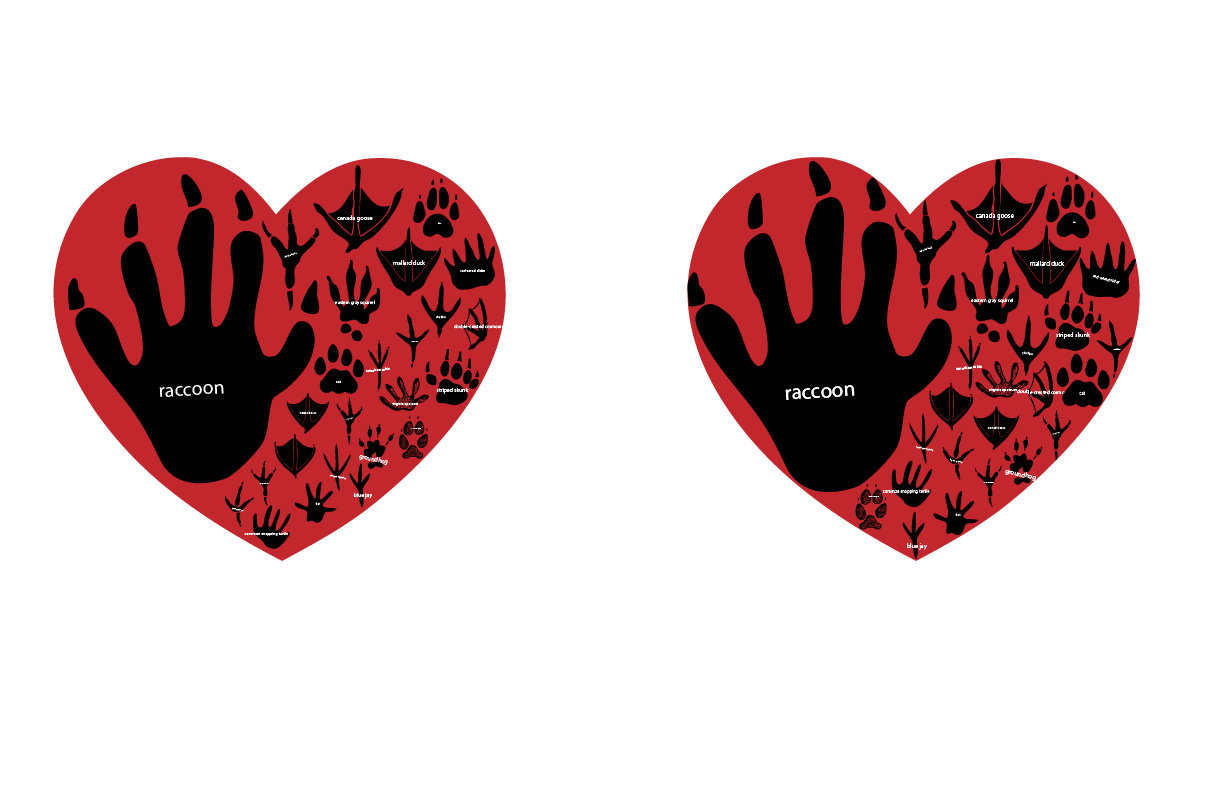
This week, in my project, I❤️NY ANIMALS, I updated my data from Manhattan to include all data from the entire city of New York. I also reconsidered the color scheme and data explanations, ultimately updating the layout and using Reso Printing and yellow paper for a simple and elegant visual. Regarding the data explanations, I considered how to use my legends to visually tell a story. I decided to include silhouettes of the animals and their basic information, even though the individual animal details are a bit lengthy. For animal enthusiasts genuinely interested in learning more about animals, I felt it was essential. My thinking is that the choice to read is up to the audience, but for designers who want to convey this message, providing it is a bare minimum. For presentation, I initially considered using 3D printing to create physical objects. However, I really liked the point made in class last week that behind every data point lies a living entity. Therefore, I felt I wanted to express animals more vibrantly. I want to emphasize that data presentation doesn't always have to be so "technological," so I thought of using hand-carved stamps. The stamp also provides opportunities for audiences to participate and guess the animals.

Credits & References

Data: [link]
Footprint Resource:
Beartracker’s Animal Tracks Den [link]
Freepik Stock [link]
AnimalSilhouette
Cornell Lab | All About Birds [link]
Freepik Stock [link]
AnimalInfo
National Geographic Kid- animal section [link]
National Geographic - animal section [link]
CuriOdyssey - animal section [link]
Cornell Lab | All About Birds [link]

Week 7

Project file 1
Live Demo

I want to use the "Urban Park Ranger Animal Condition Response" New York public dataset to show that New York is not only a city for people—its residents also include many familiar and unfamiliar animals coexisting with us. These requests for animal assistance, relocation, and rescue completed by the Urban Park Rangers reveal a part of the world of New York City's animal residents. Through this project, I hope to help people discover another side of this city.

Credits & References

Instructor Munus
ChatGPT

Week 4

Project file 1
Project file 2
Project file 3
Project file 4
Project file 5
Live Demo

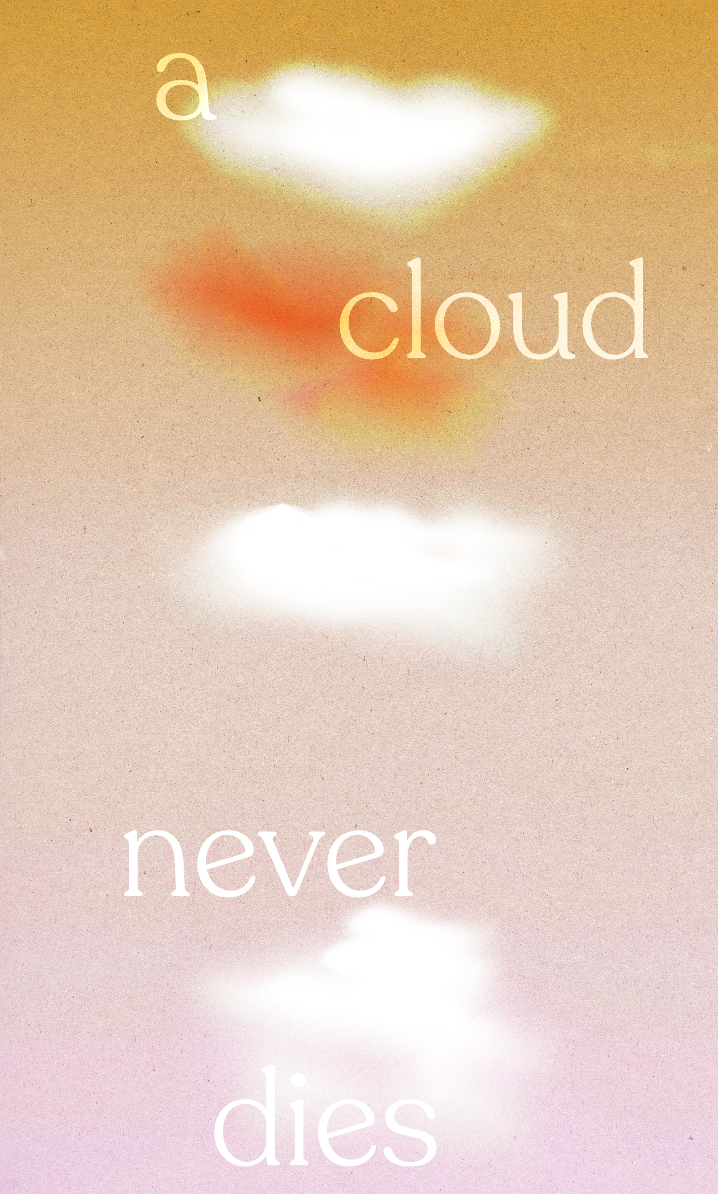
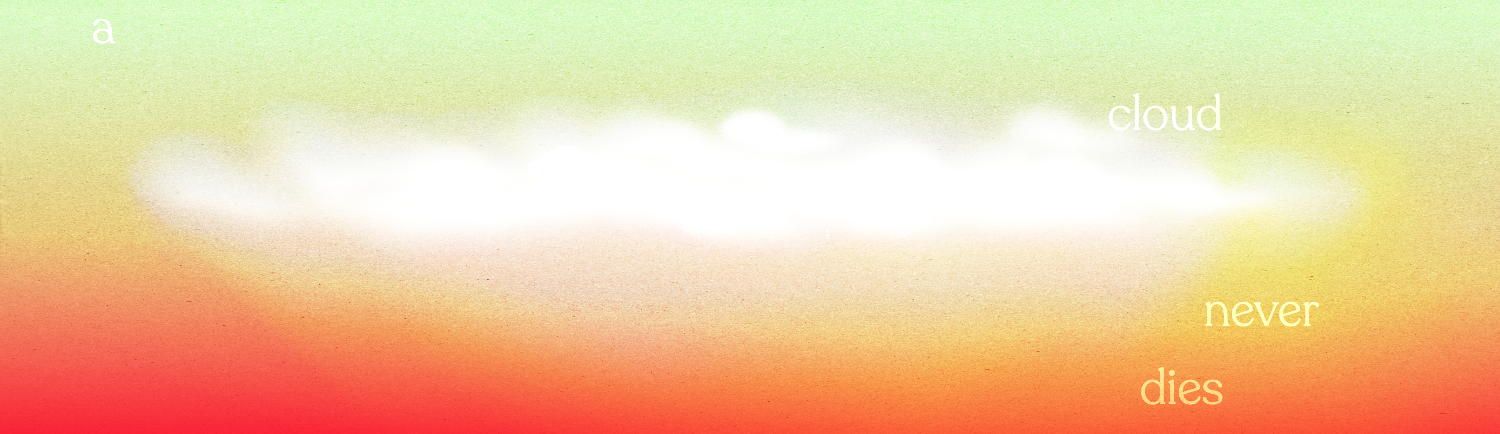
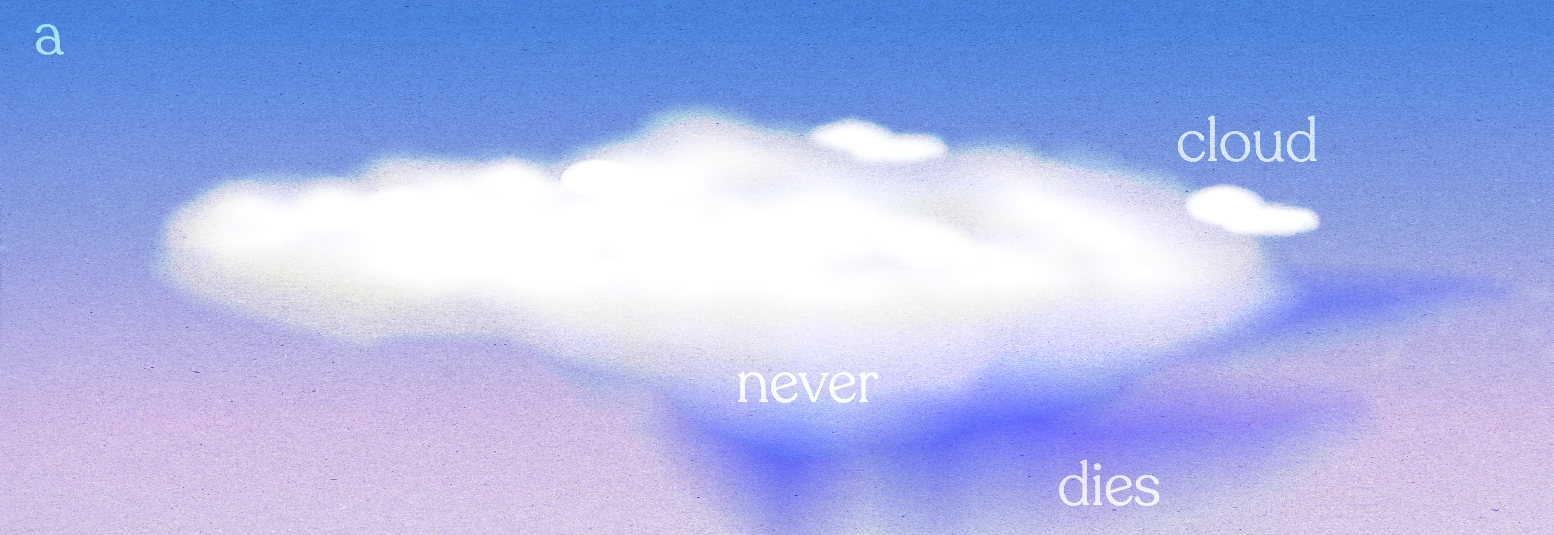
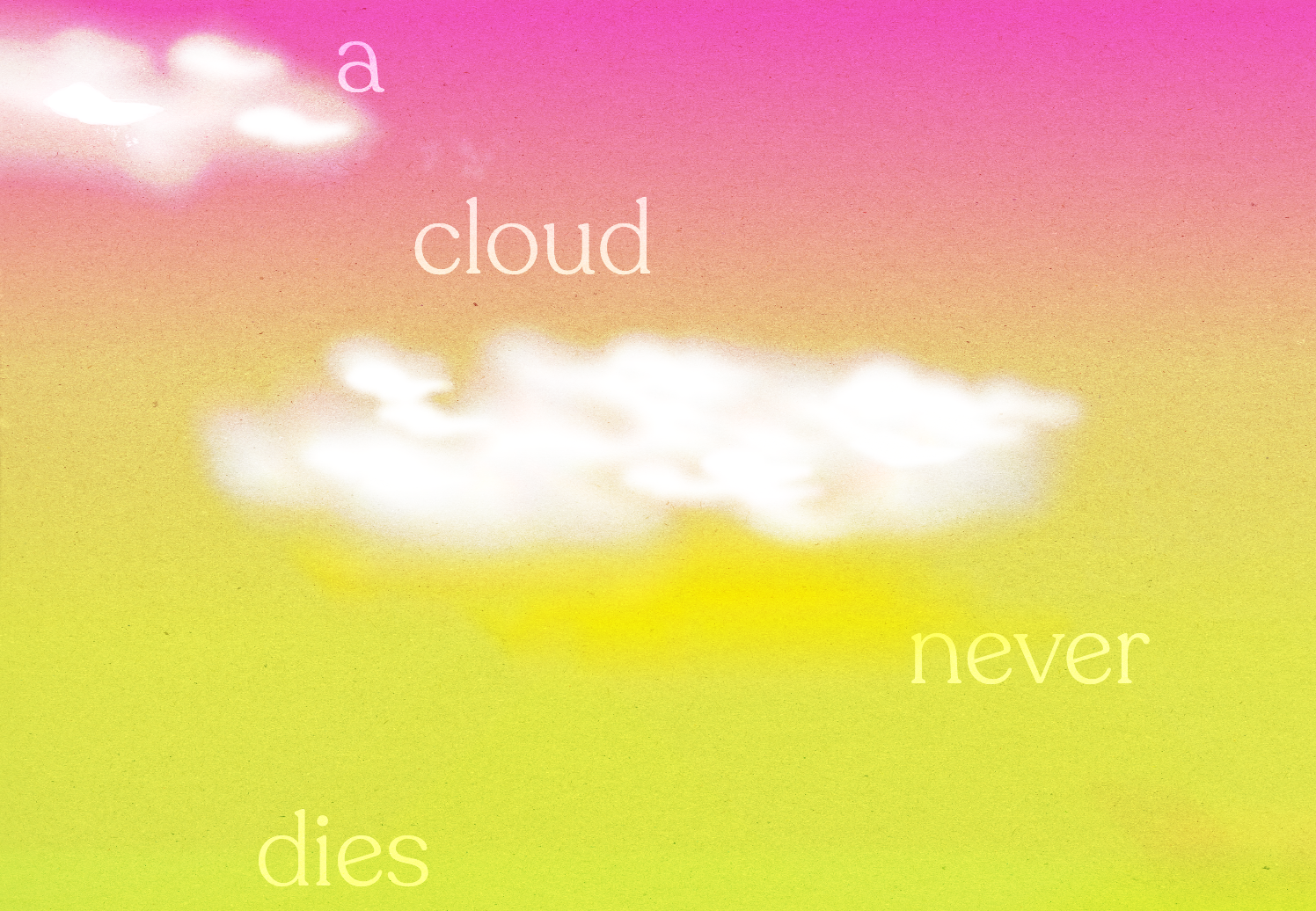
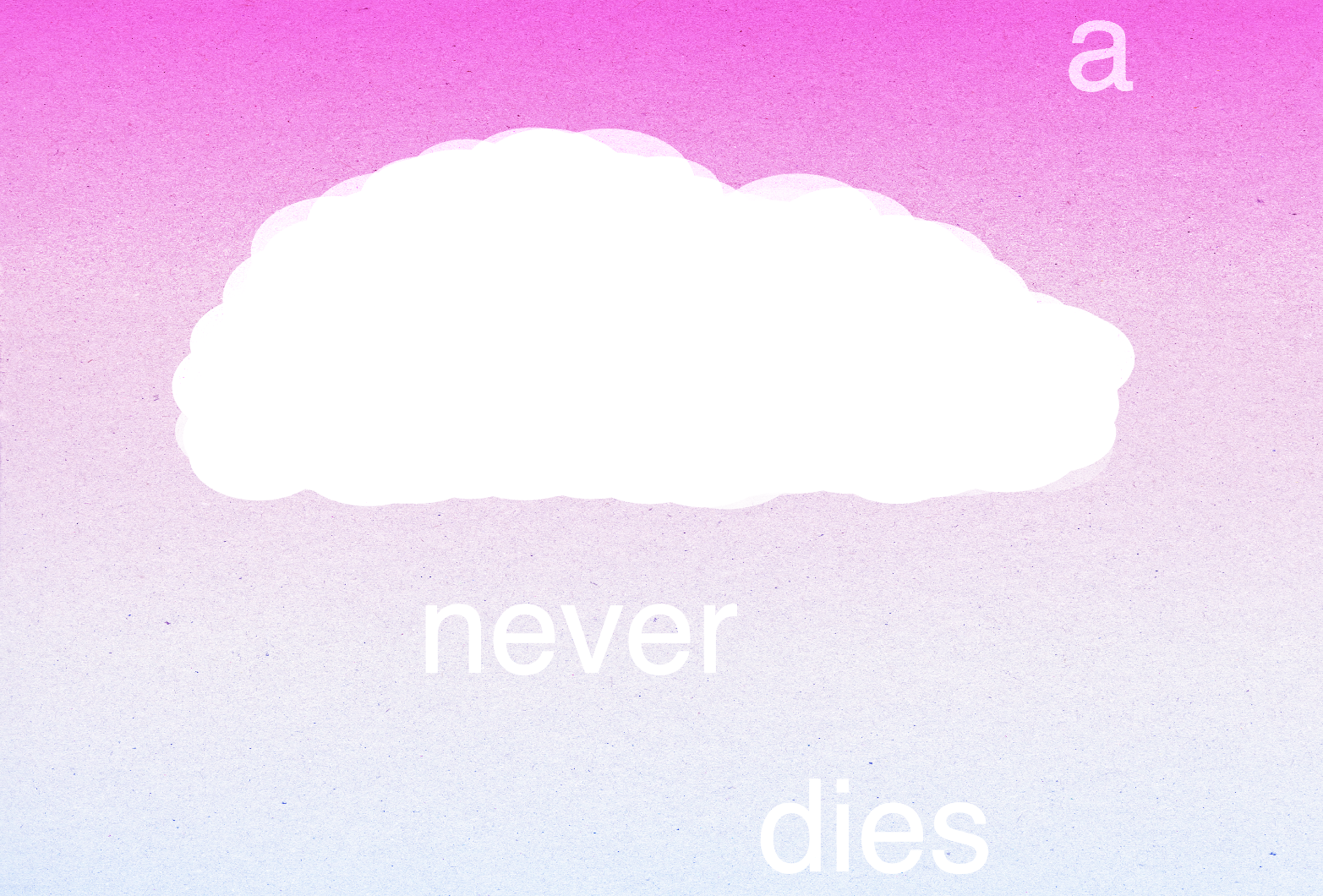
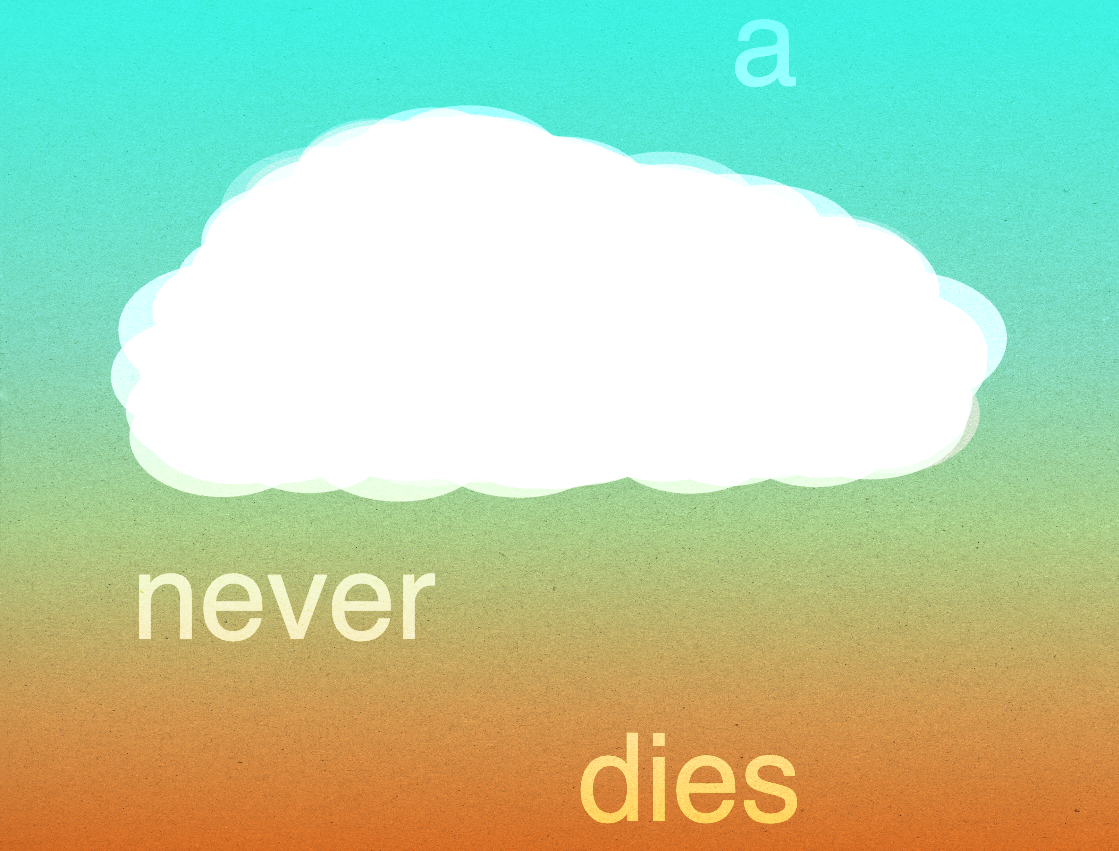
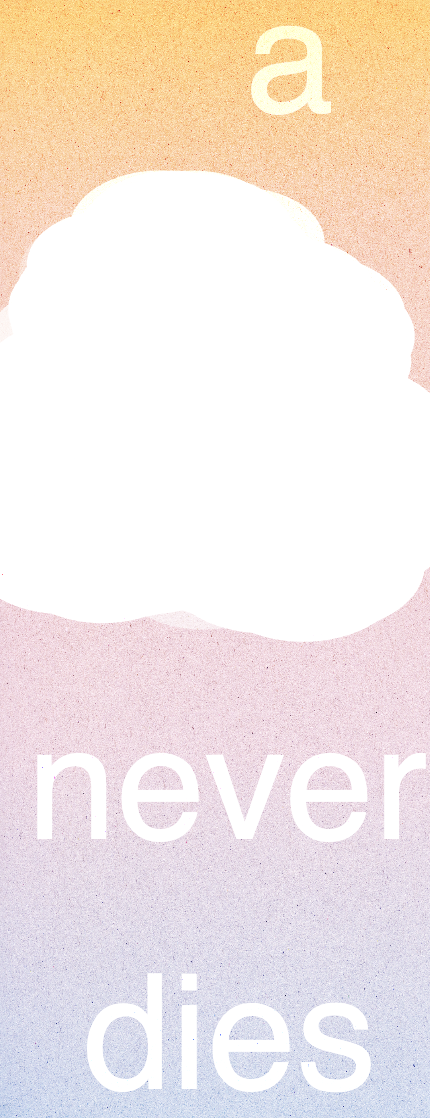
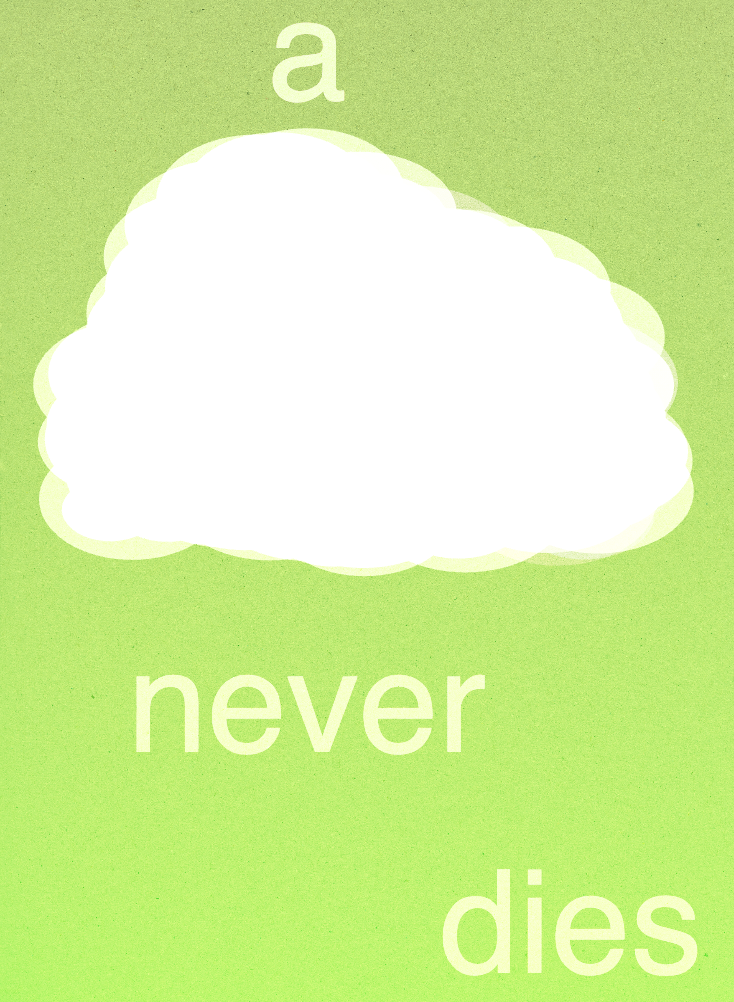
This week, I focused on polishing and refining my Flexible Manifesto. I tried to make my cloud visually more compelling and the cloud system more dynamic. I used conditionals to decide the number of clouds to show, and utilized the random function on the density, position, and cloud shape to make my variation as dynamic as possible while remaining certain constraints, like text separated into 4 lines, resulting in a recognizable family.

Credits & References

Munus one-on-one tutorial
p5.js libraries:
blendMode()
filter()
createGraphics()
tutorial:
createGraphics() - p5.js Tutorial [link]

Week 2

Project file 1
Project file 2
Project file 3
Project file 4
Live Demo

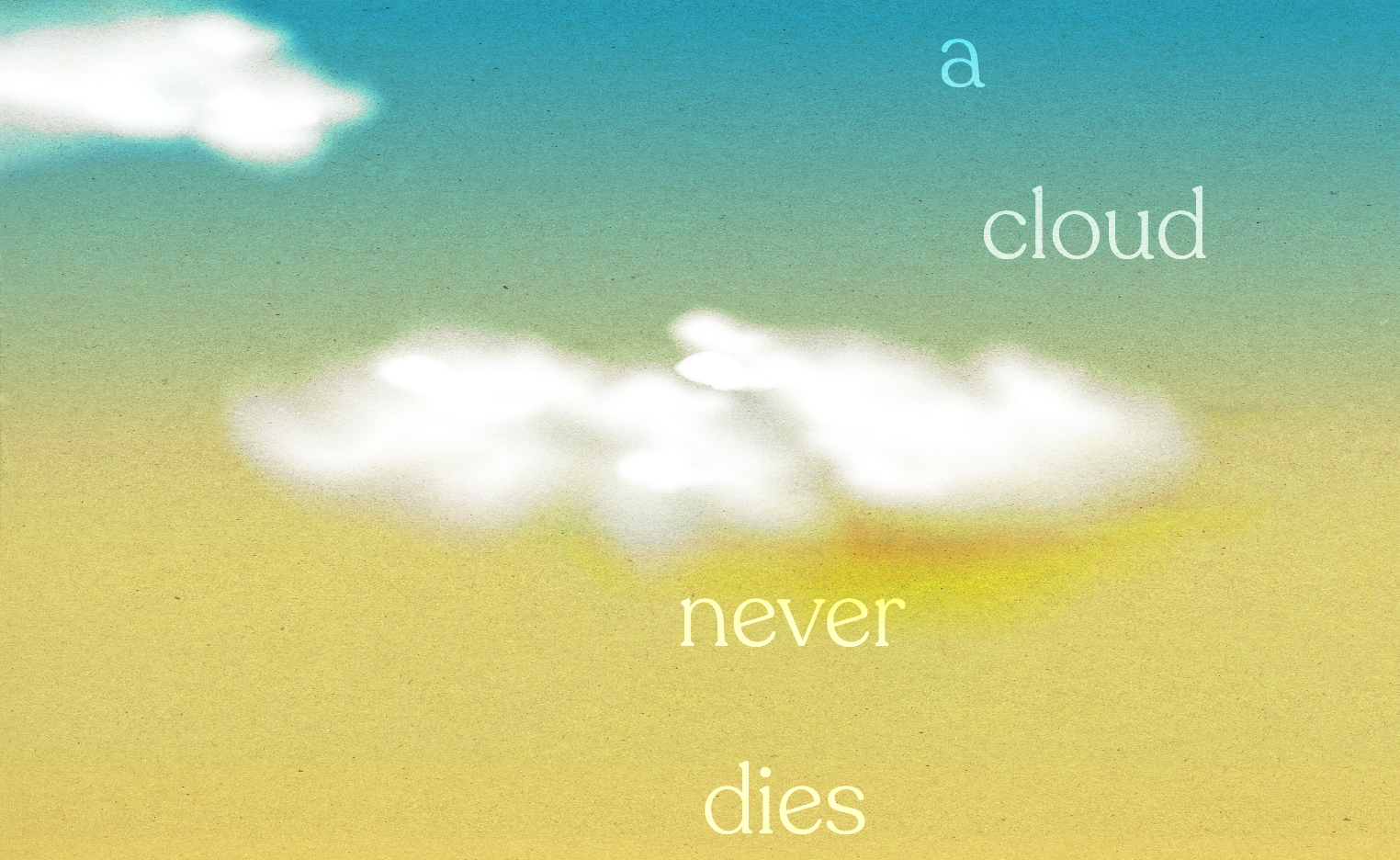
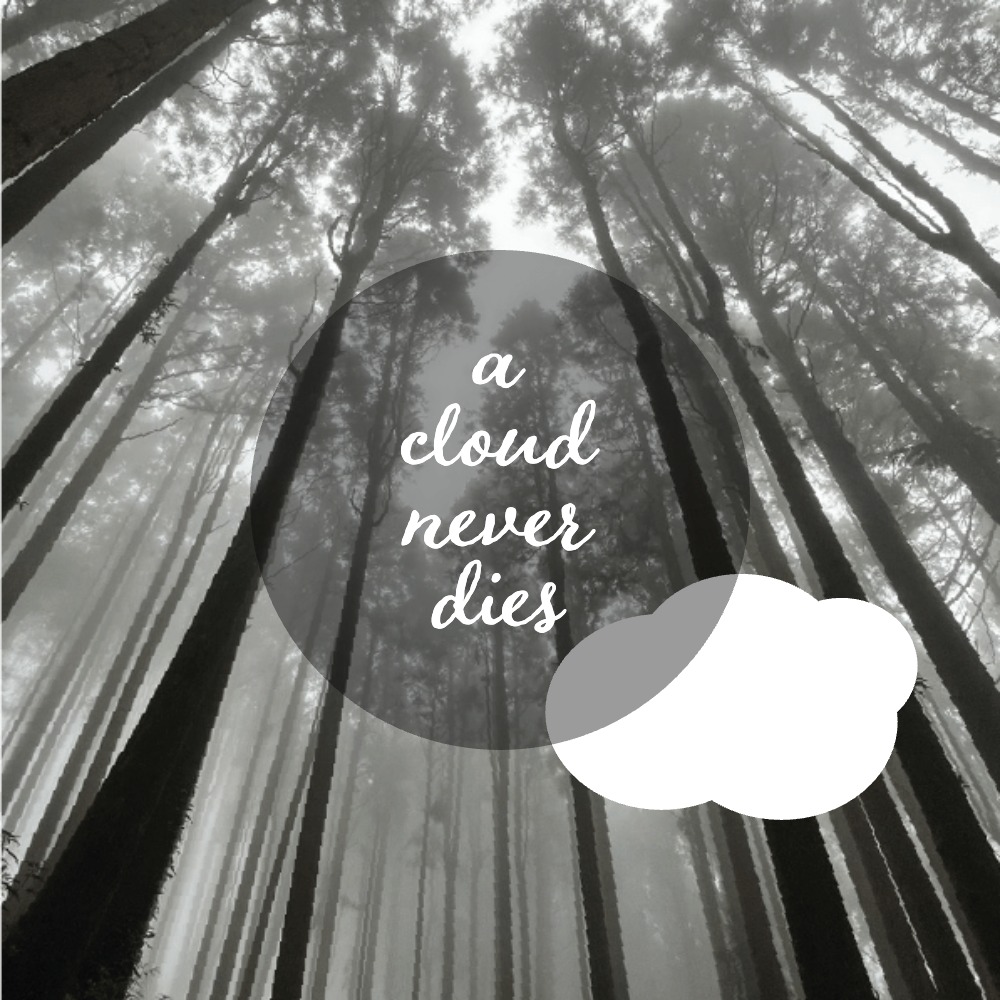
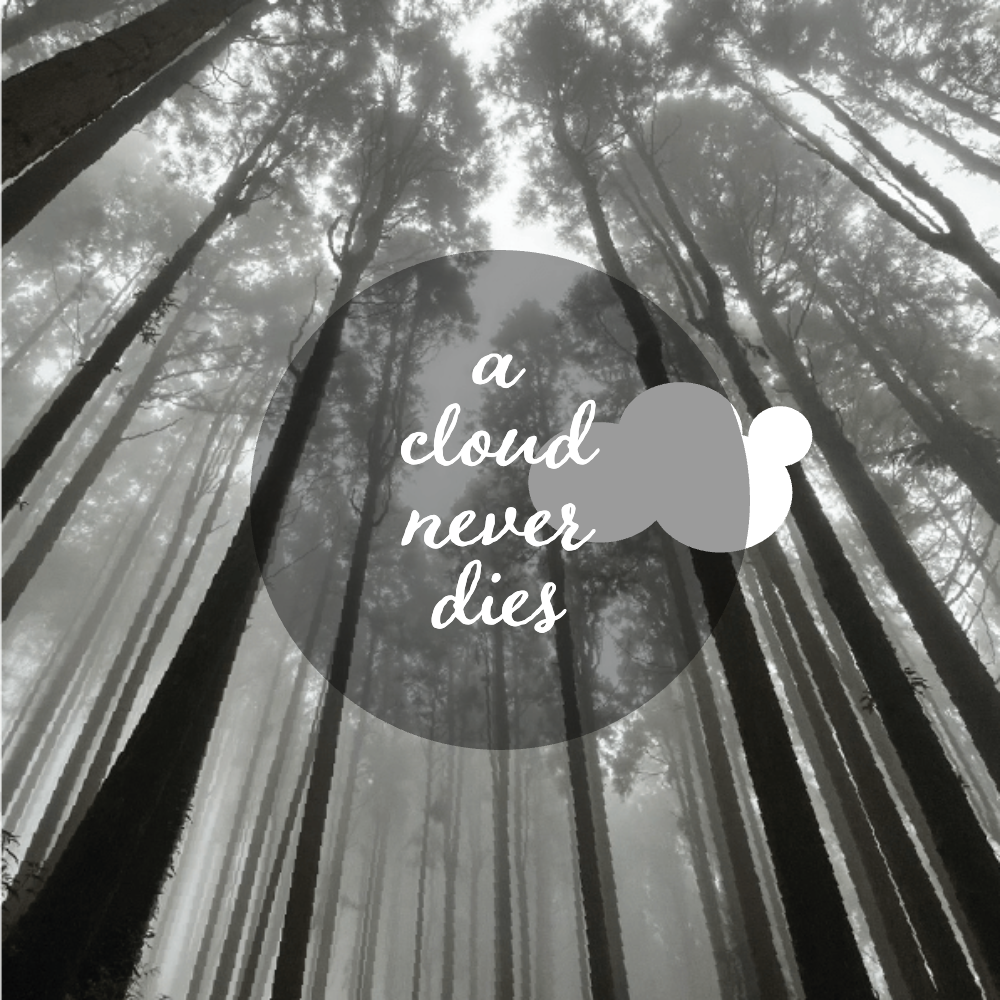
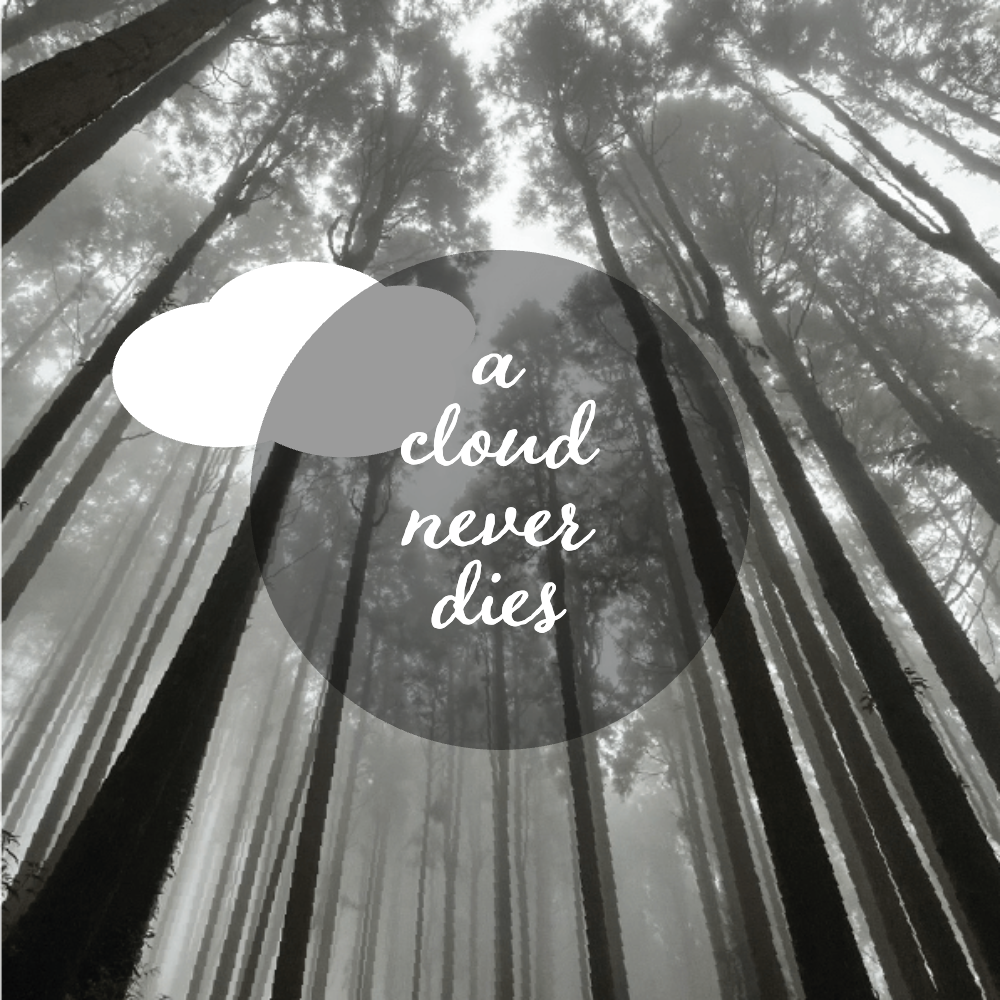
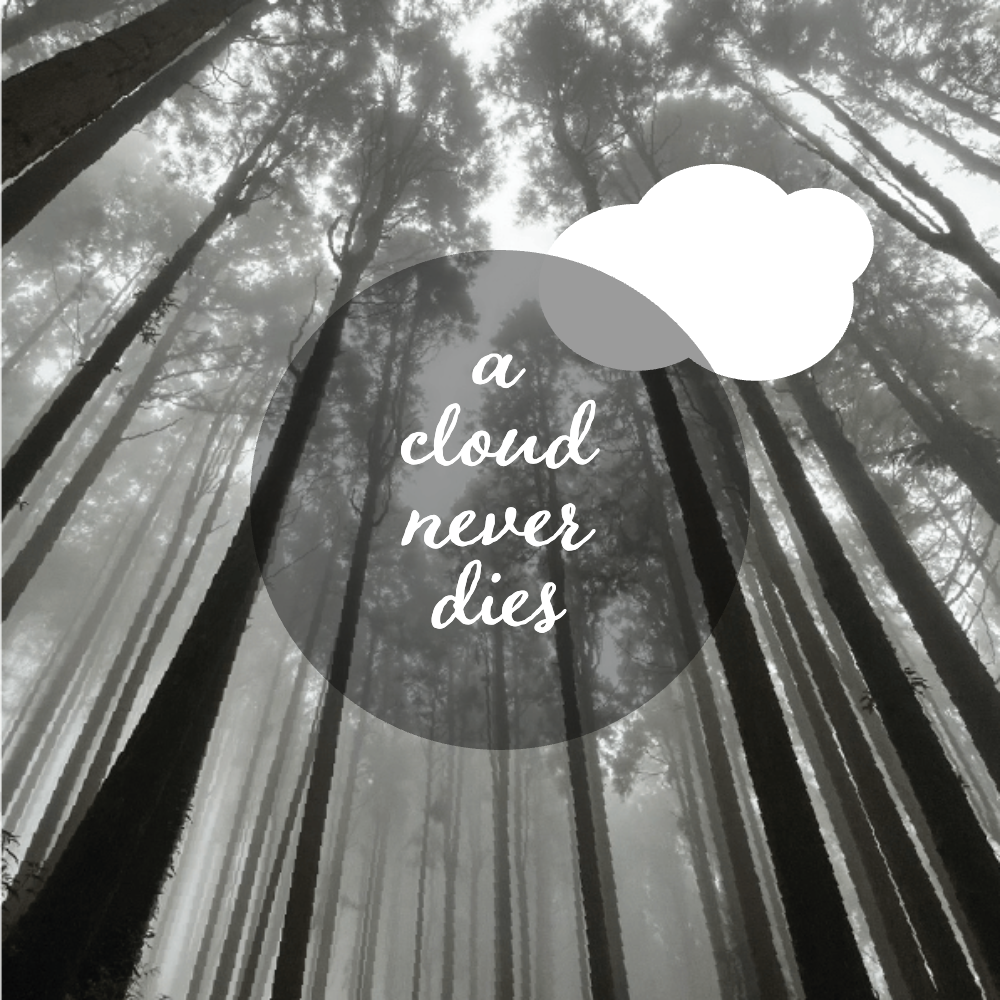
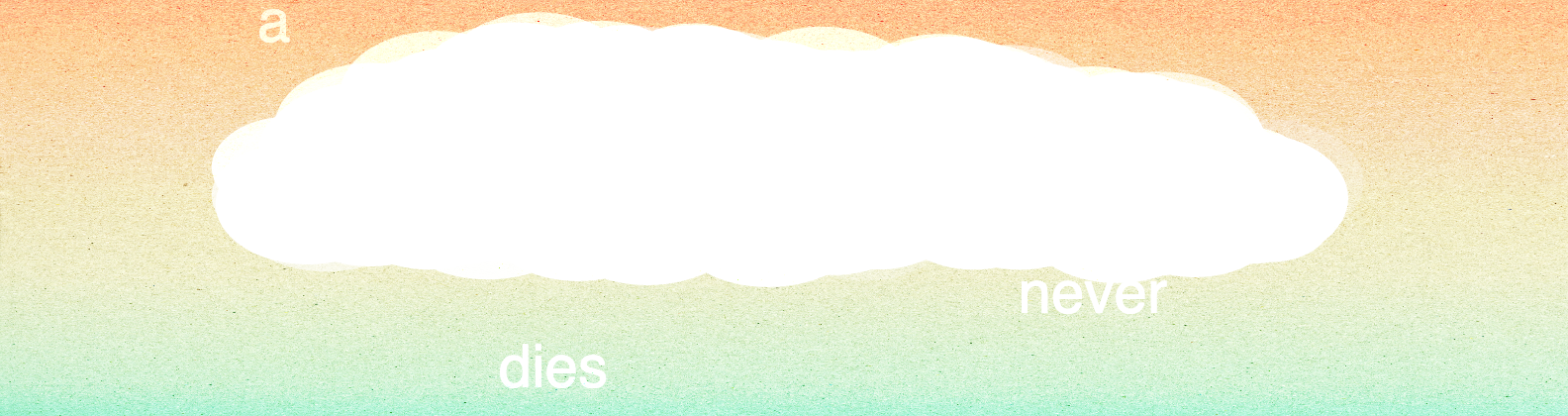
In this project, "a cloud never dies", I want to make a cloud appear with the text while changing its position and shape. And make the mouse itself become a little cloud to move around. I want to review all the new functions that were demonstrated in the week 2 course: load image, add variable, add GUI control, and use random to make my cloud appear in different places and shapes.

Credits & References

tutorials for getting more familiar with p5.js: [link]
AI:
asking for adding GUI controller opacity, text leading, and close control bar section
asking how to group shapes together

Week 13

Project file 1
Project file 2
Project file 3
Live Demo

This week I originally wanted to make an image-driven hygrometer, but because the interaction with the environment couldn't have a continuous change in time, I thought of developing the concept of removing objects to design a small game. During a discussion with Munus, I learned about the party function of p5.js. Therefore, for this project, I want to develop it with fire and fire extinguishing as interactive elements.

Credits & References

The Coding Train: Many Particle Systems (Emitters!) - The Nature of Code [link]
The Coding Train: The Nature of Code Series
Chat GPT help me debug

Week 9

Project file 1
Project file 2
Project file 3
Project file 4
Live Demo

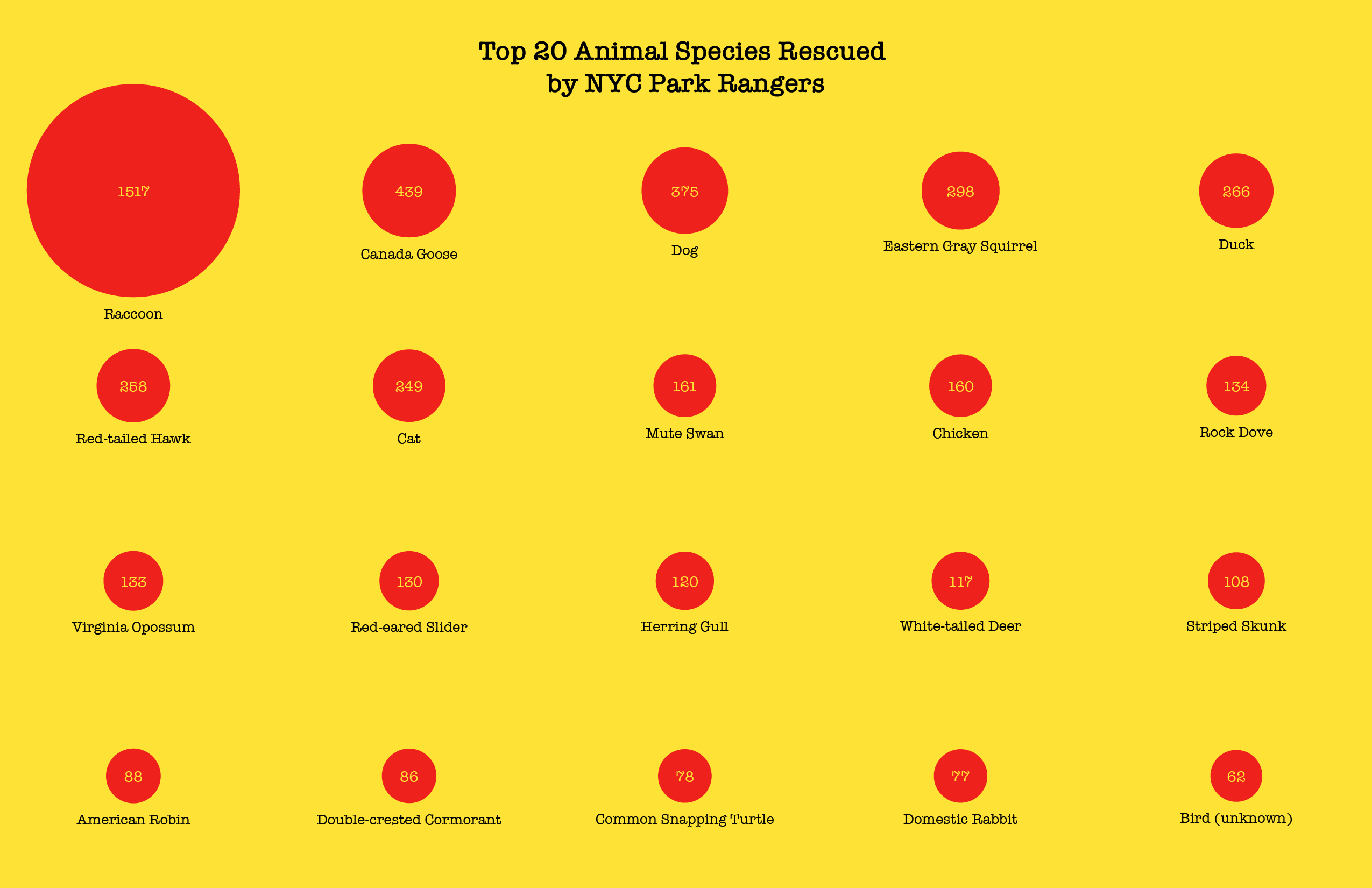
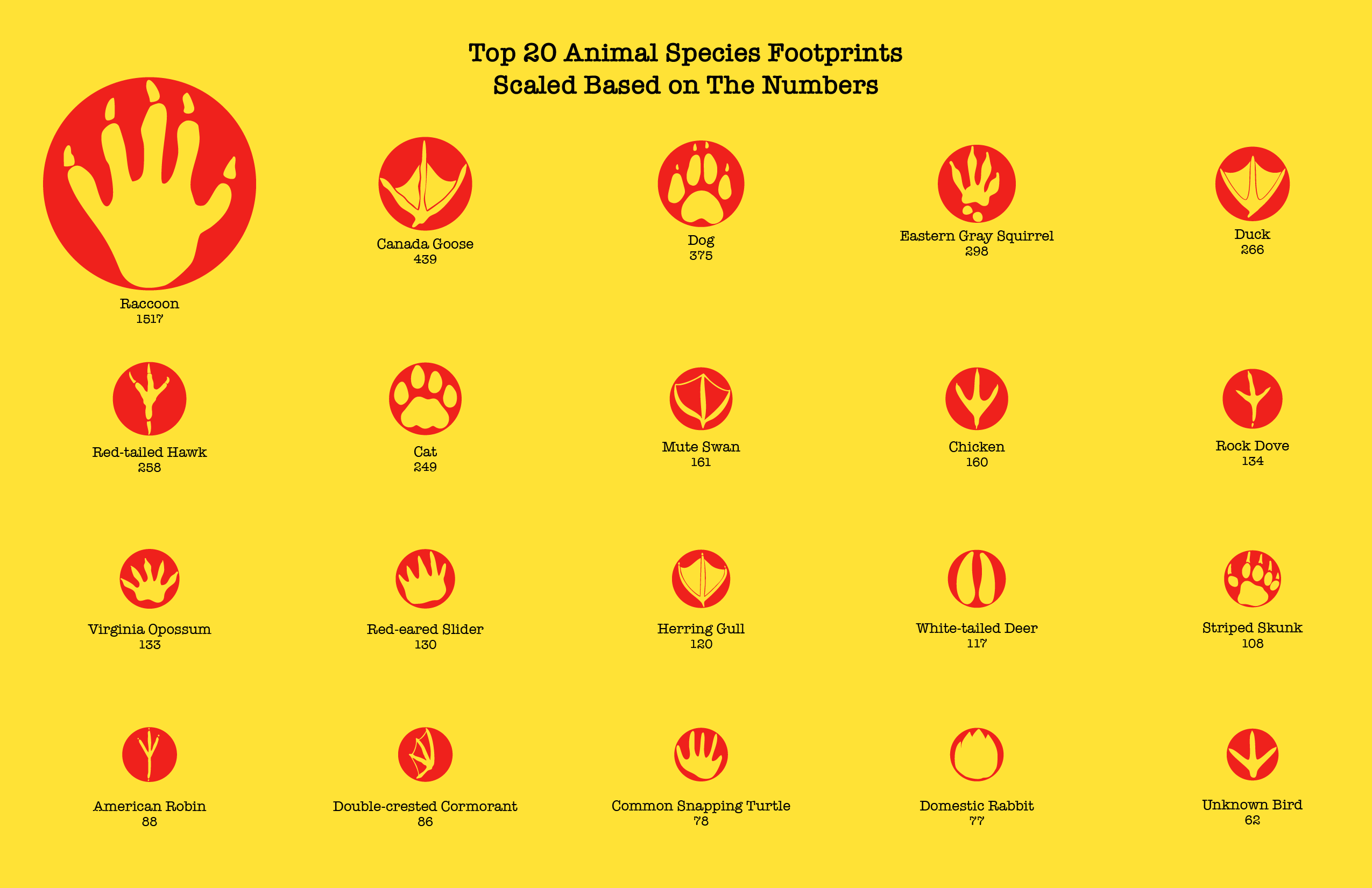
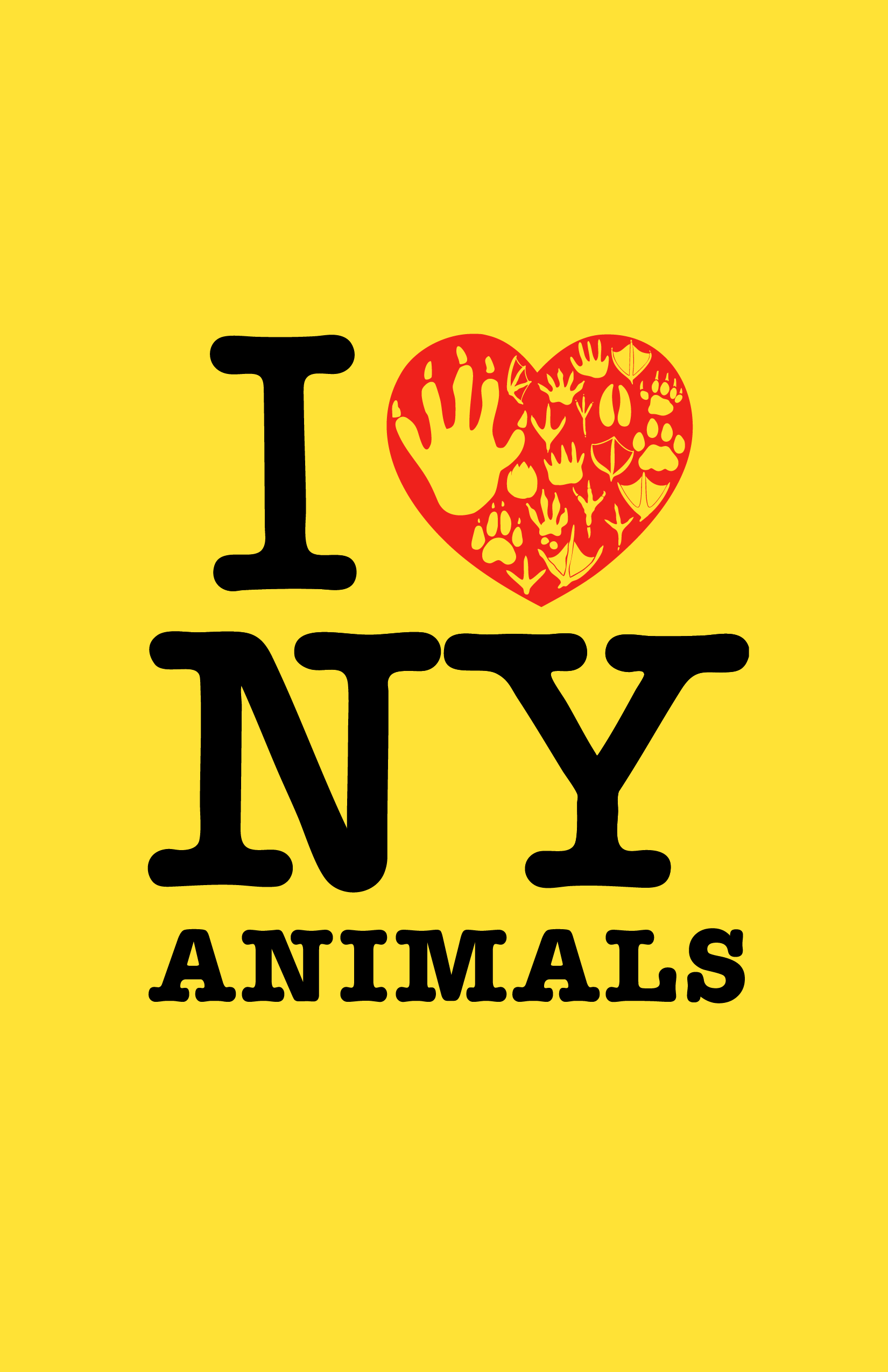
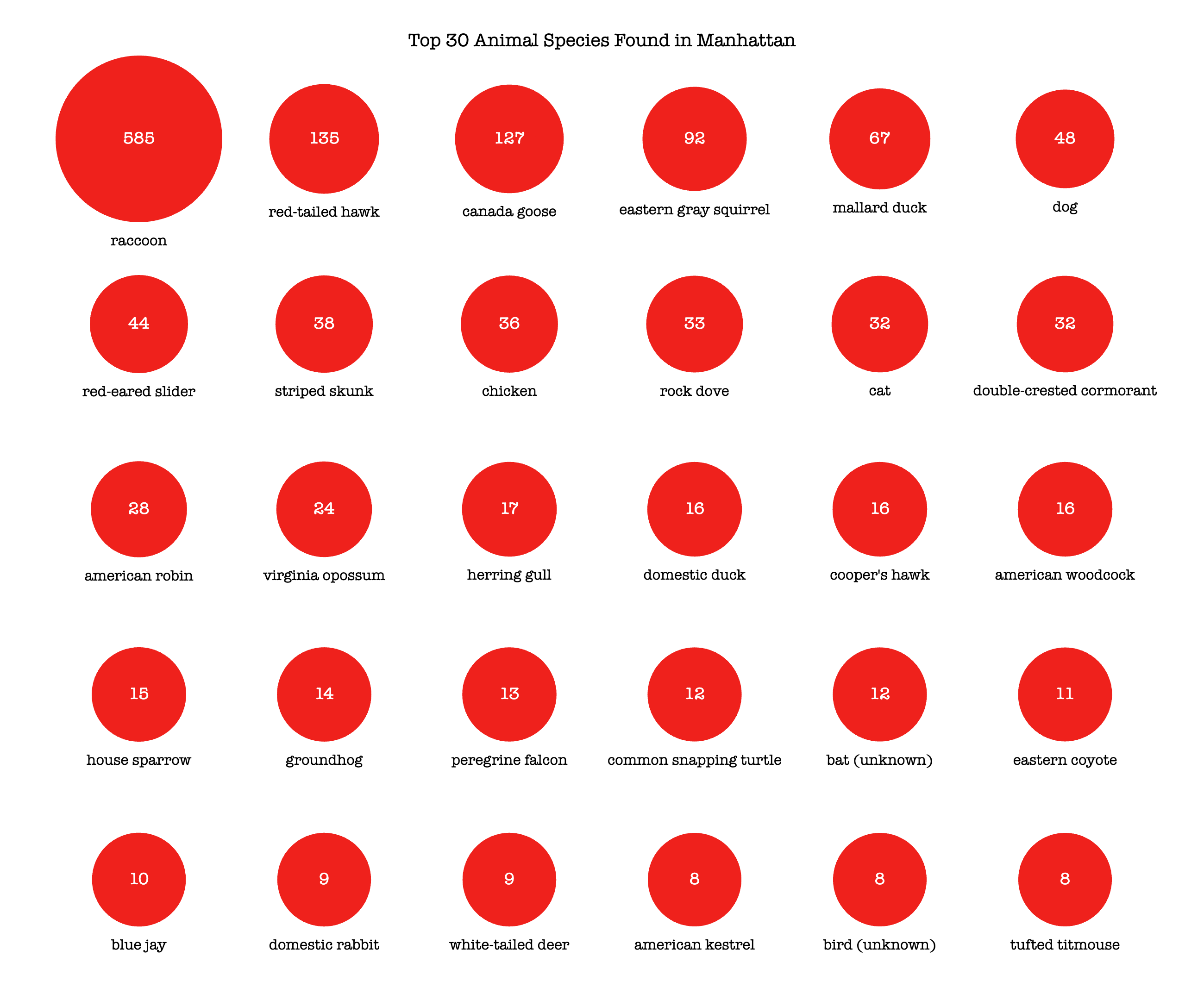
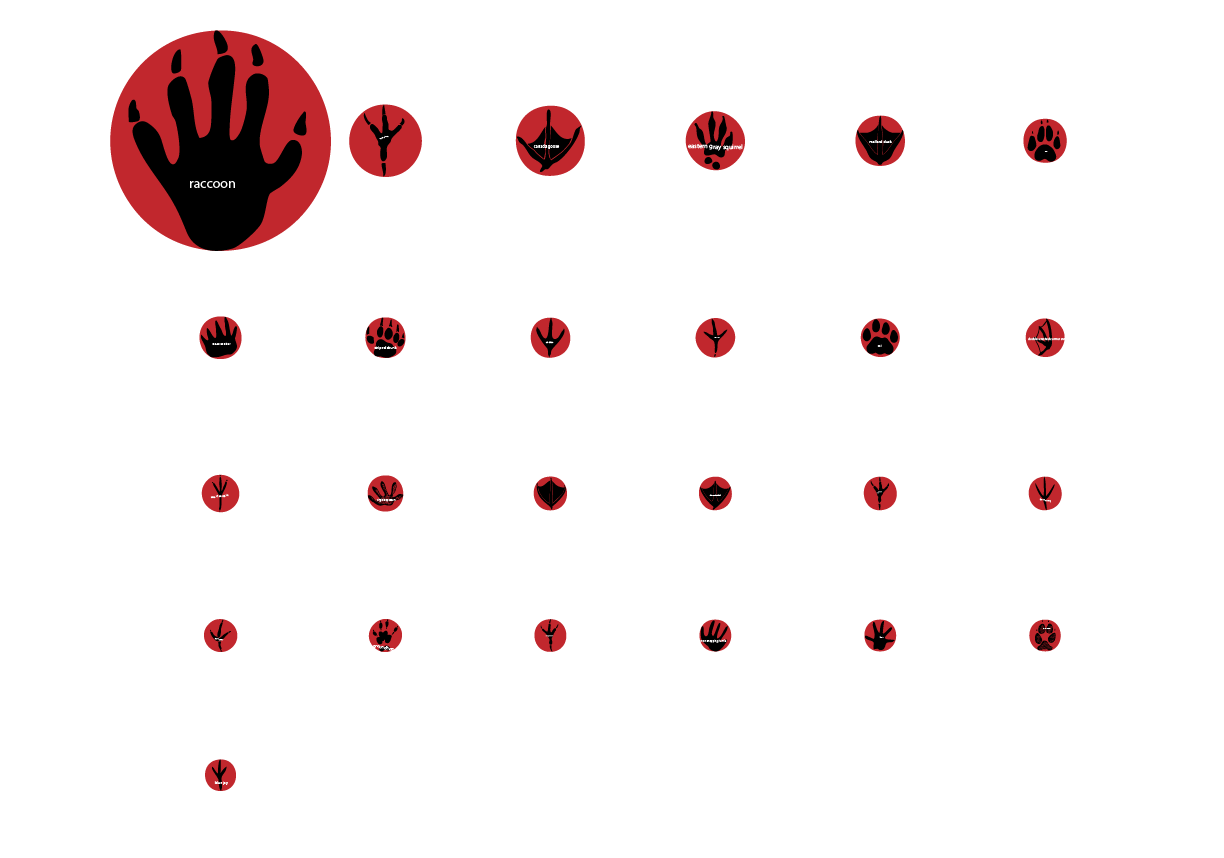
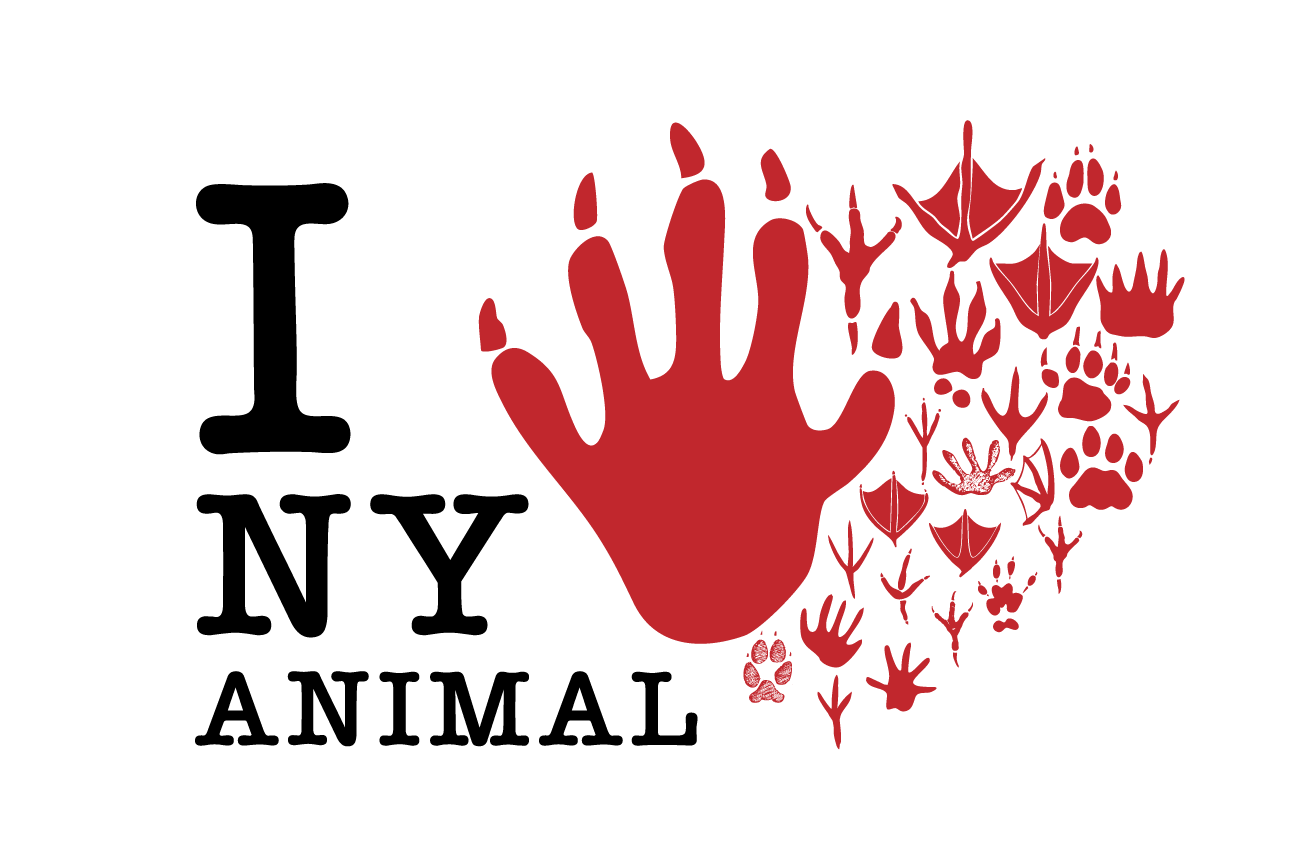
I tried to incorporate the classical I❤️NY logo into my project and turn it into I❤️NY ANIMAL. I used coding to translate the "Urban Park Ranger Animal Condition Response" data into a series of circles, each circle represents one kind of animal, and the size of the circle is based on the reporting number. Then I used the footprints of different animals to symbolize the species and took the downloaded circles as a reference for scaling them.

Credits & References

ChatGPT helped to create circles based on the reported number
map() [link]
Birds That Leave Their Mark
American Dipper Tracks and Sign [link]

Week 6

Project file 1
Live Demo

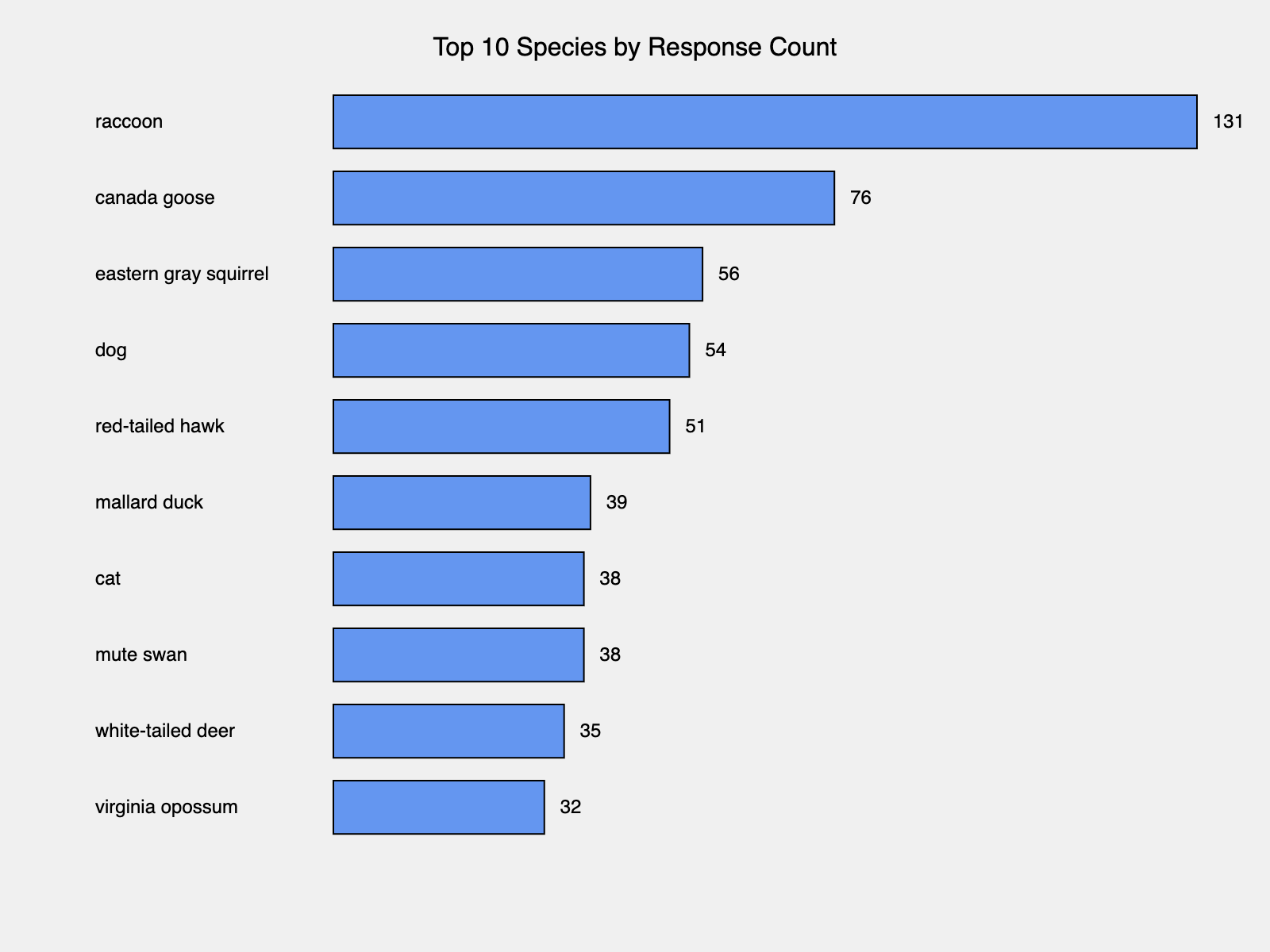
I decided to work on the Urban Park Ranger Animal Condition Response from NYC open data, but I struggled to make every animal response into a point on the map, since there are no coordinate in the data, so I can only visulize the amout of number of top 10 speices.

Credits & References

ChatGPT help create the visualize bar

Week 3

Project file 1
Project file 2
Project file 3
Project file 4
Project file 5
Live Demo

I want to create a series of clouds applied to various dimensions. I adjusted the cloud code from ChatGPT to make it prettier, but it doesn't make a huge difference in different dimensions. I tried to use tiny particles to make a cloud to reach the effect of Chladni Patterns, but it didn't quite work out. I used a gradient and added texture to create the background, and let the text appear randomly on the canvas within the order of the sentence.

Credits & References

Chat GPT: help create the basic of the cloud, keep text on the canvas(still don't know how it manage to do)
Librabry: blendMode, noise
Tutorials:
How to Graph Perlin Noise with p5.
js [link]
Noise vs Random in p5.js [link]
Particle Systems with Inheritance - The Nature of Code [link]

Week 1

Project file 1
Live Demo

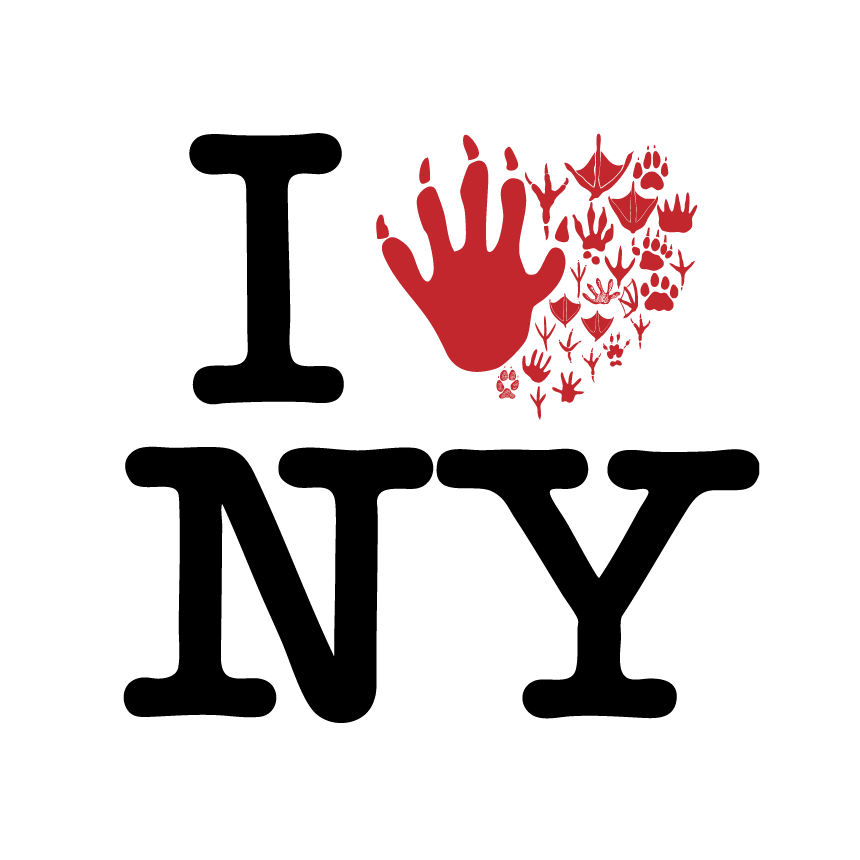
I tried to recreate the signature "I Love New York" logo, designed by Milton Glaser in 1976. I used the same typeface and drew the red heart by adjusting others' code. By focusing on making the logo look alike, including the spacing and proportion of the text, I learned to adjust basic argument and get myself more familiar with the rule and coding environment.

Credits & References

Adjust the heart shape code from: [link]
Read bezierVertex() Reference: [link]