Week 13

Live Demo

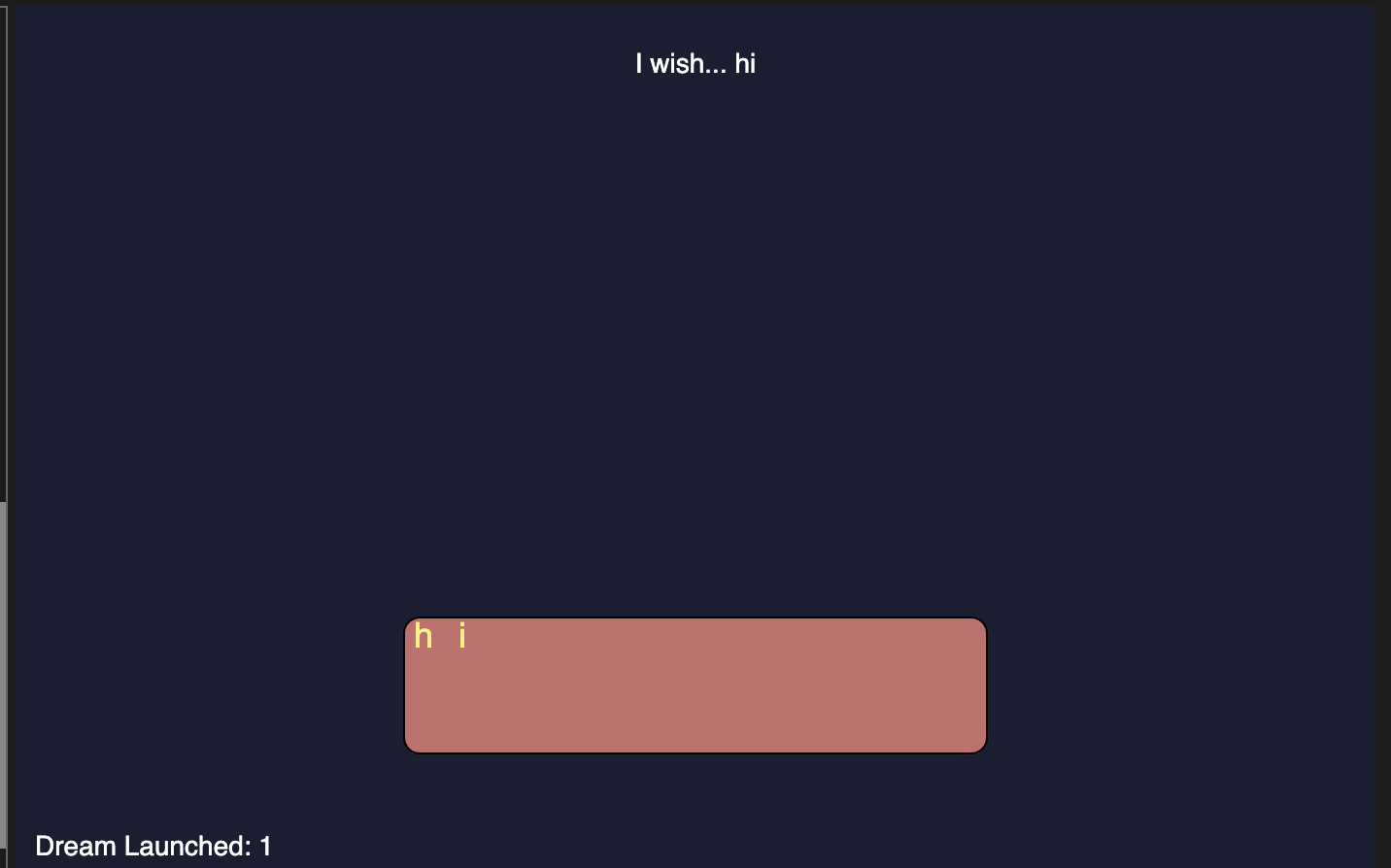
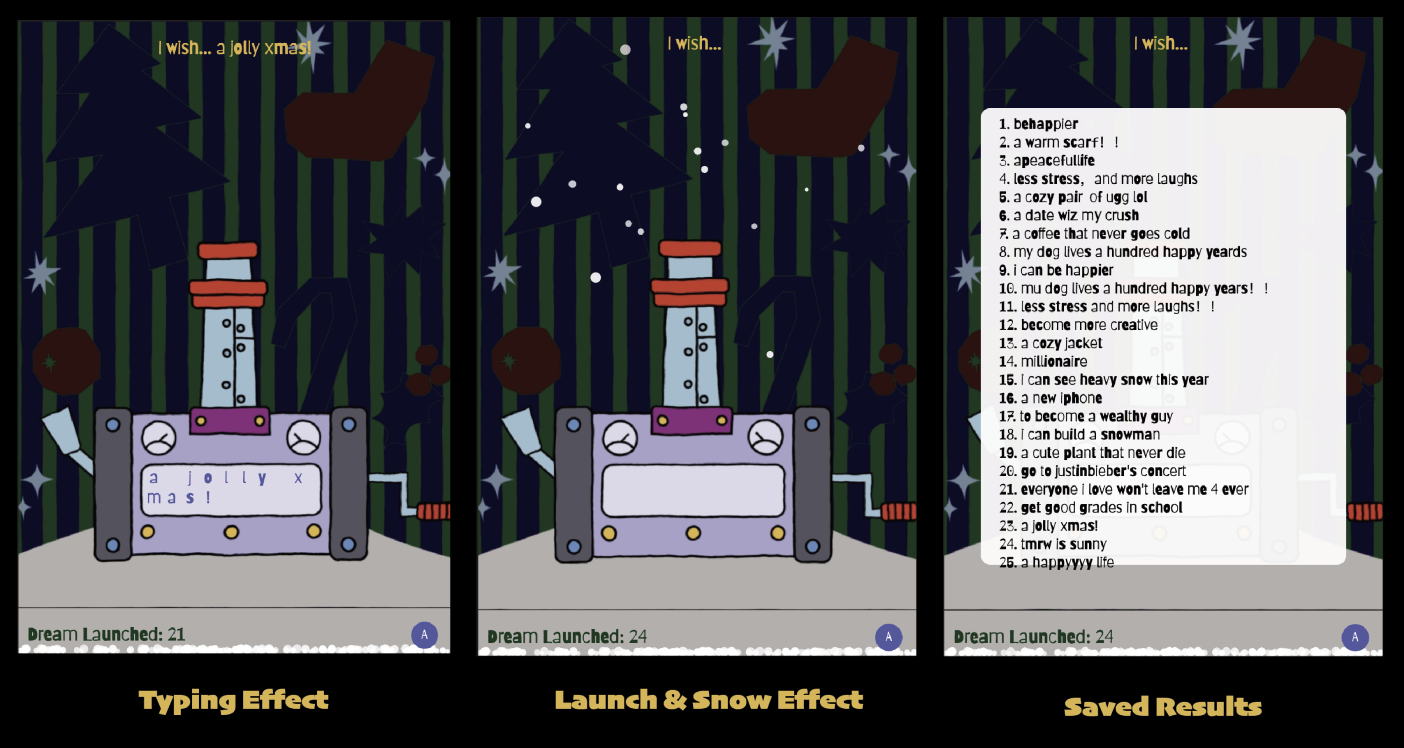
This project is a time-based Christmas wish launcher. You can type any wish you have for Christmas using the keyboard, and the letters you type will “fly” onto the monitor of the launcher. When you press the Enter button, your wish will be launched into the sky in a random shape.

Credits & References

ChatGPT

Week 10

Project file 1
Project file 2
Live Demo

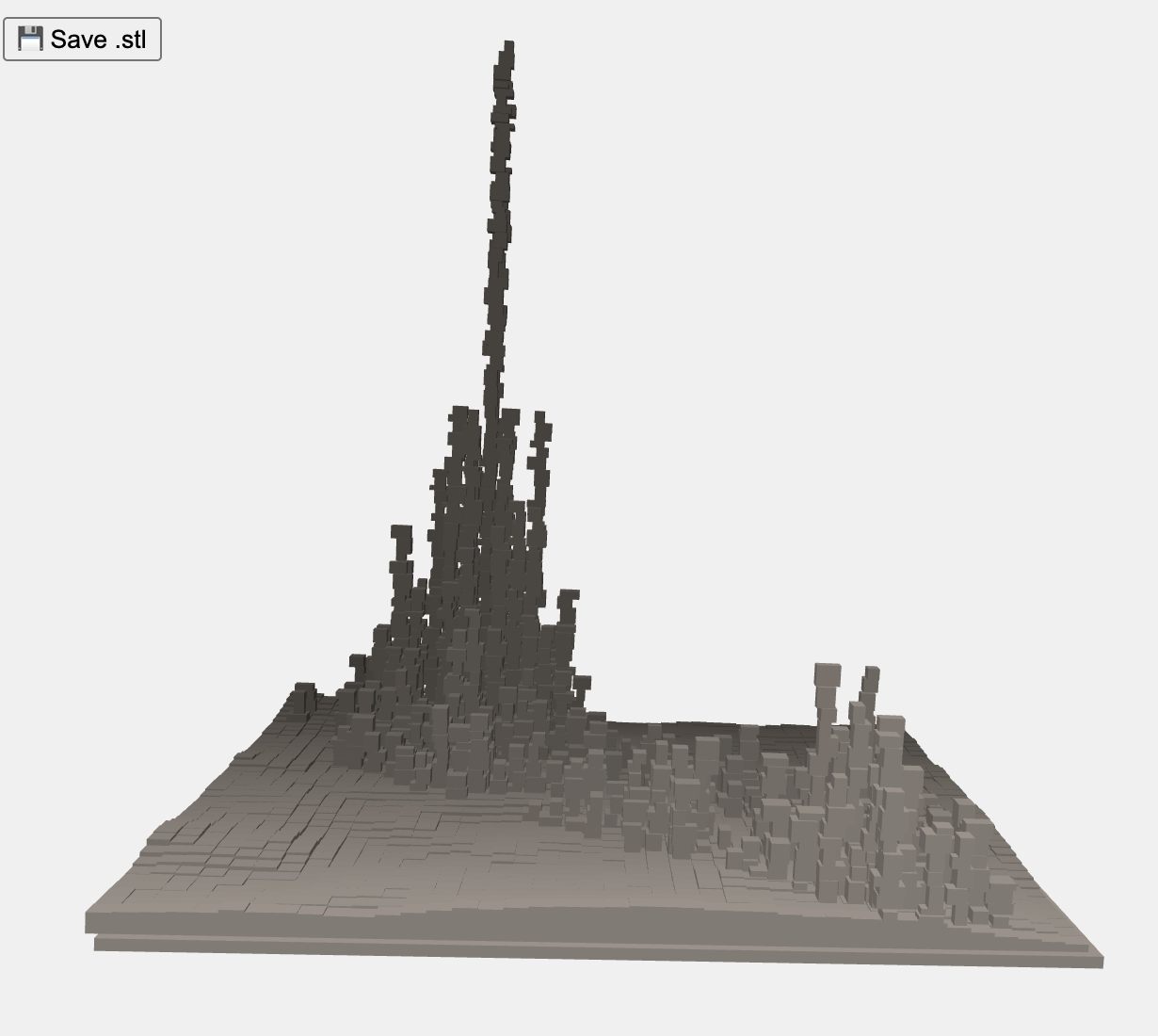
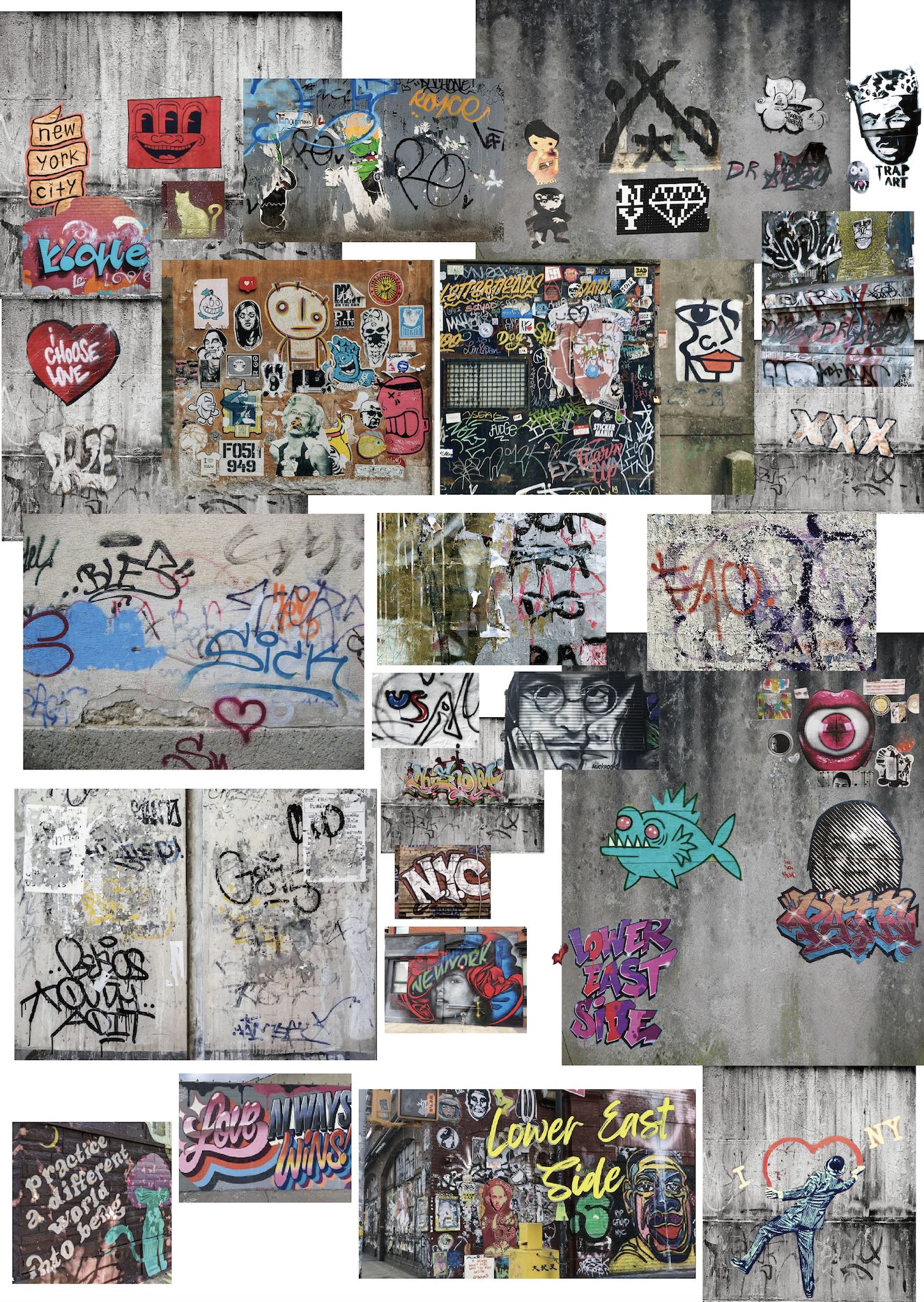
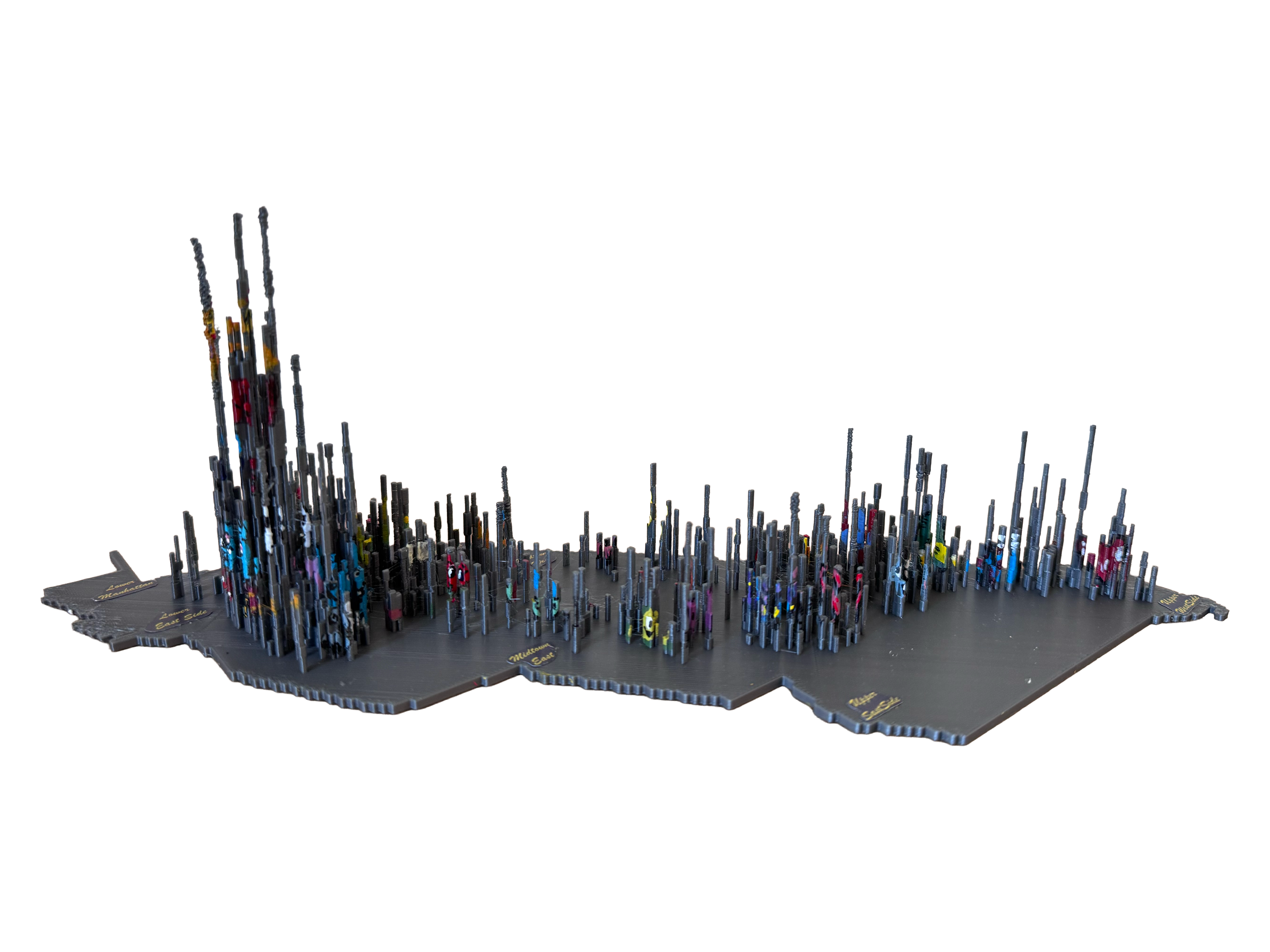
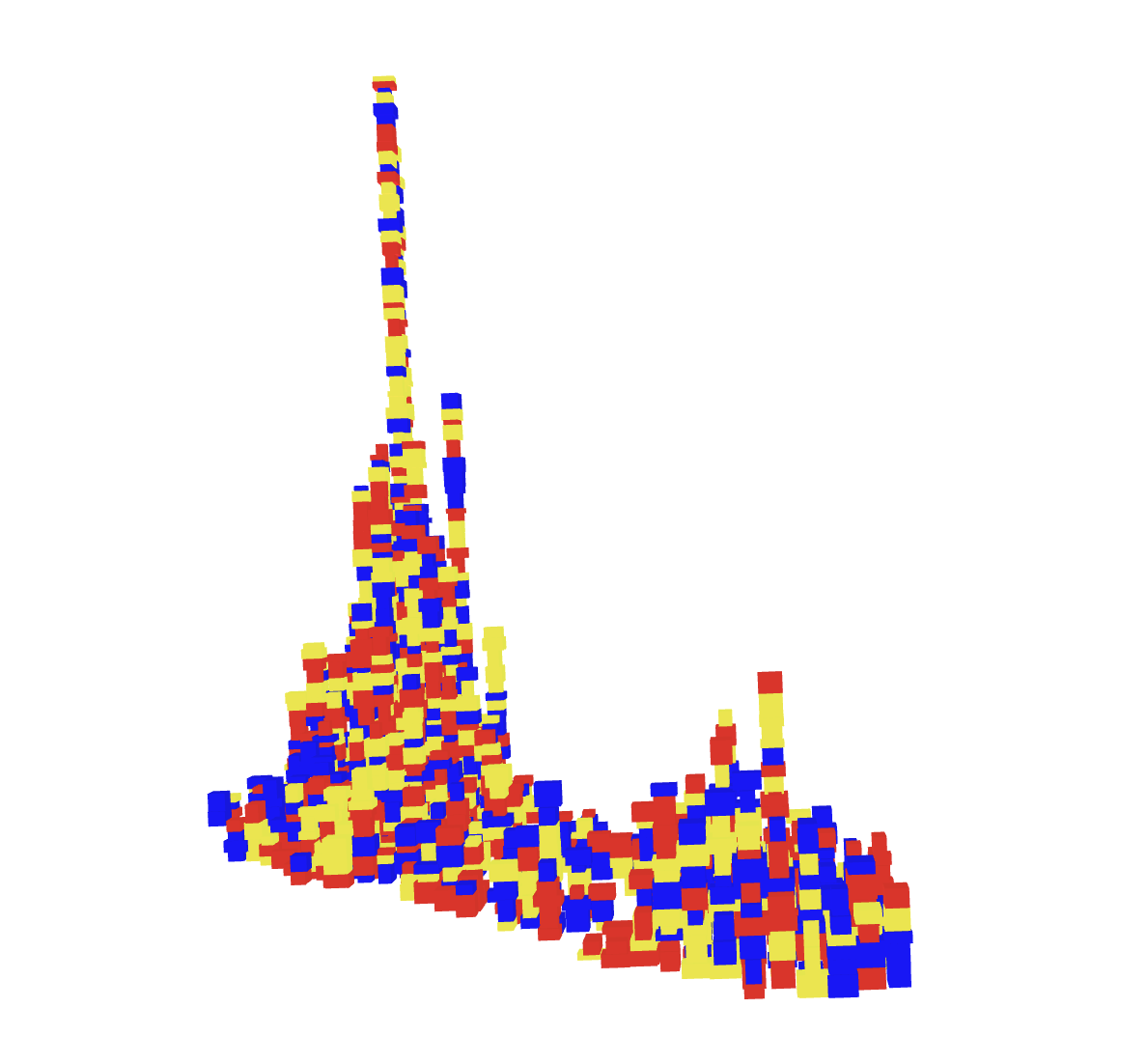
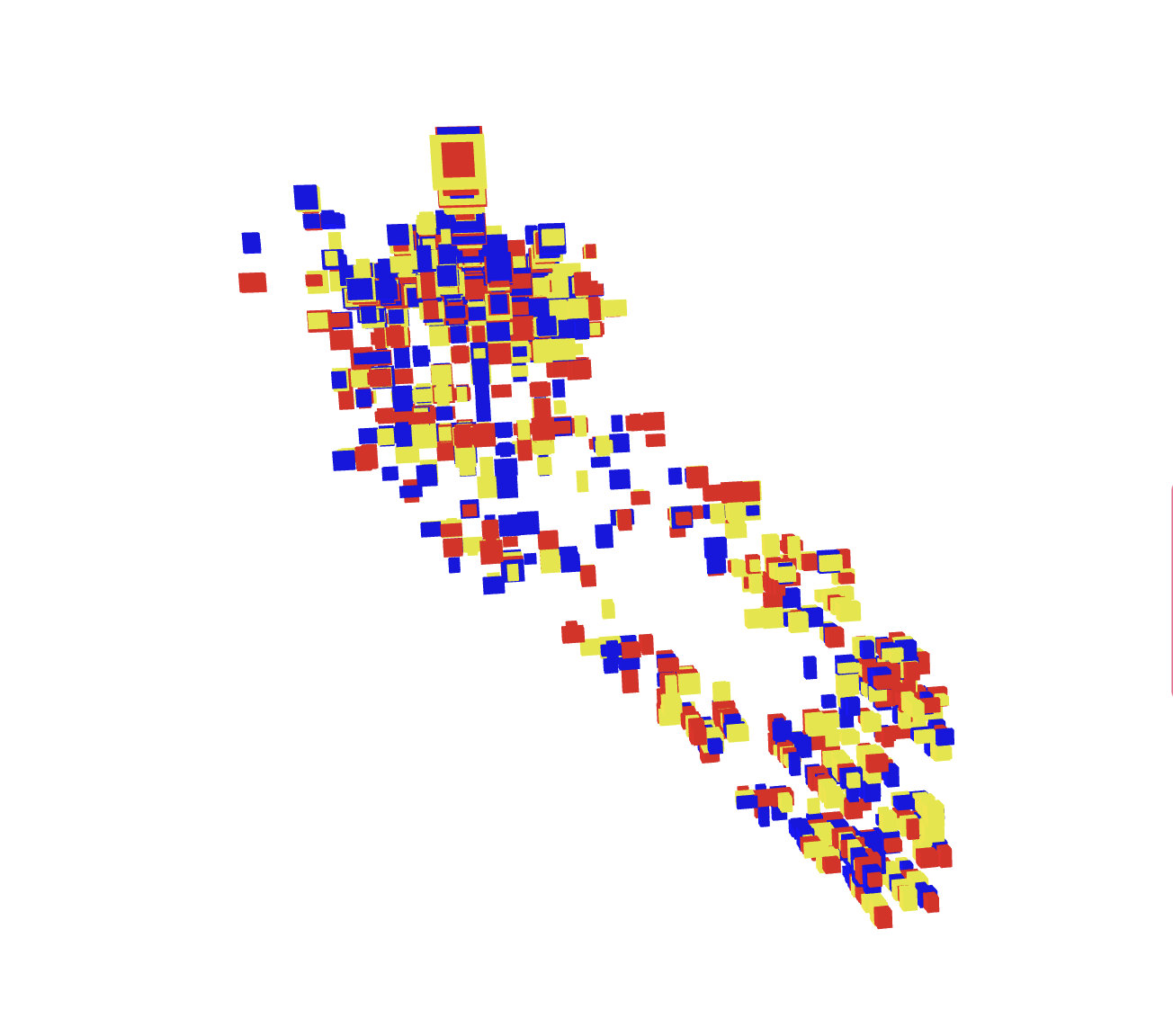
I chose this dataset because of the clear contrast in graffiti numbers across different areas. I represented each graffiti as a small cube with random sizes, allowing them to overlap and form a “graffiti city.” After 3D printing the model, I hand-painted graffiti on the sculpture on each side to make it more vivid and alive.You can see different graphics on each side.

Credits & References

For the Manhattan shape outline part, I asked Prof. Shih for help.

Week 7

Project file 1
Project file 2
Project file 3
Live Demo

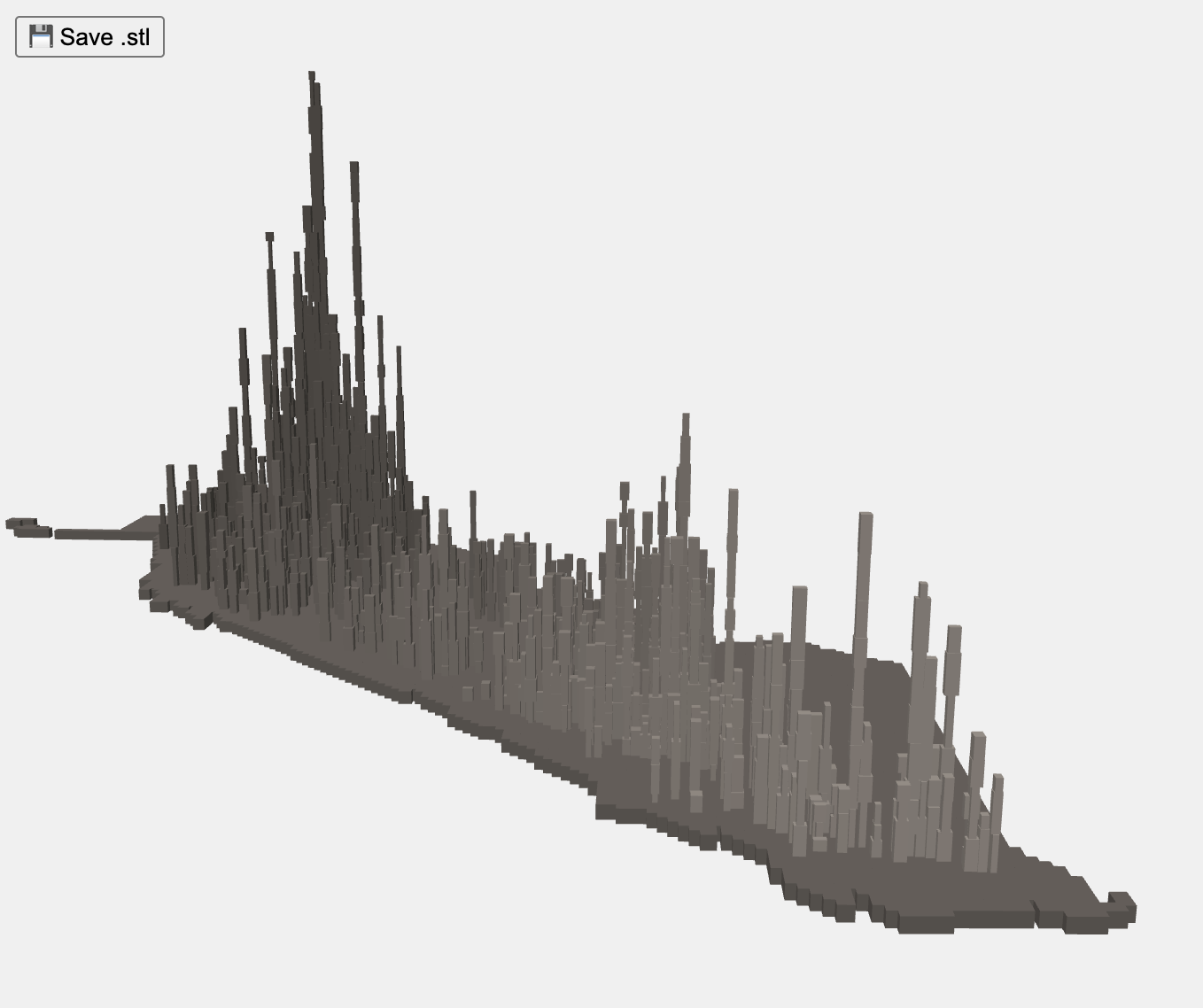
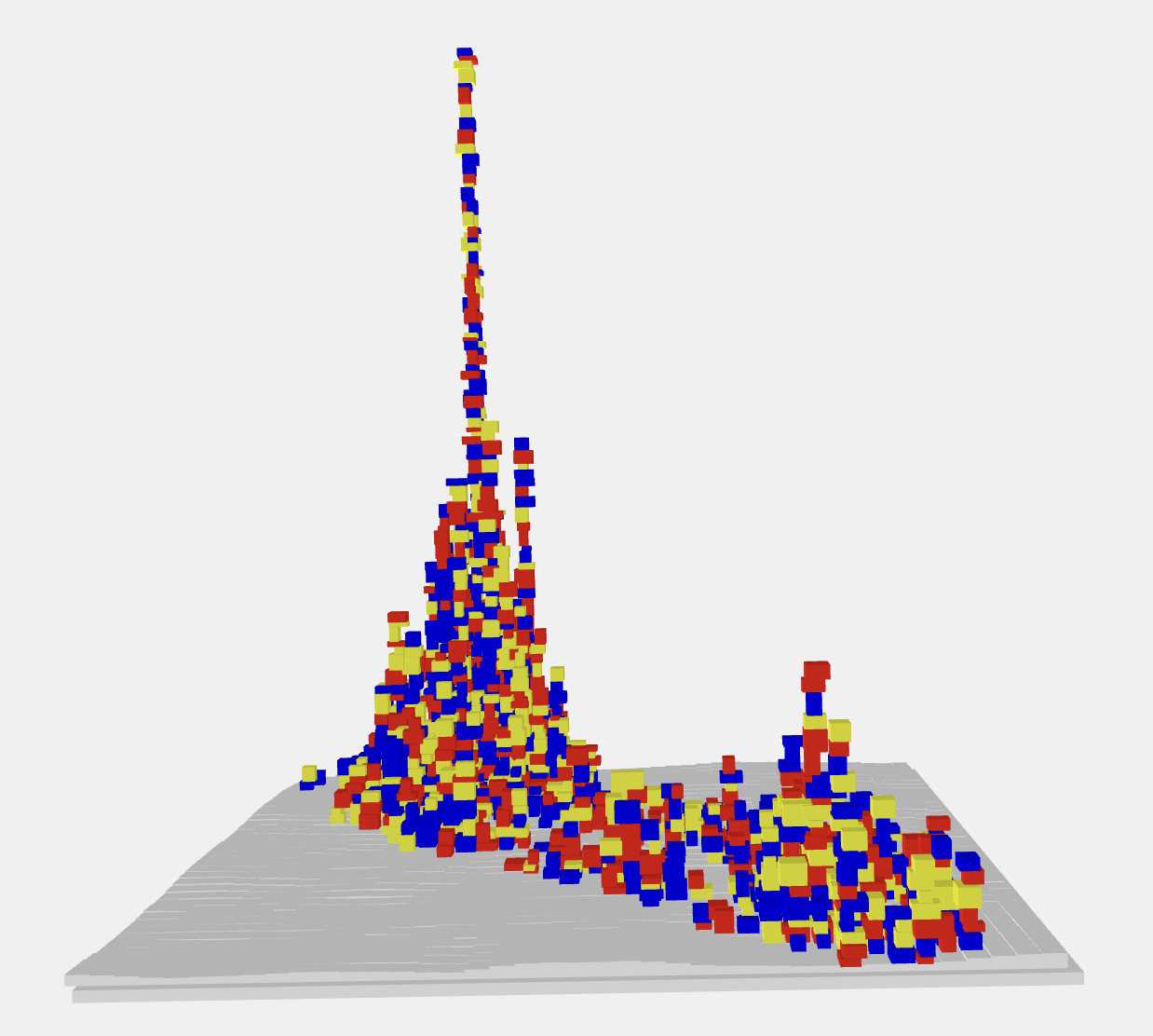
I plan to name this project “Graffiti City.” I found the graffiti I saw along the streets interesting, so I researched the distribution of graffiti across Manhattan and created a sculpture based on it.I Each small block stands for one piece of graffiti. I used the three primary colors at the bottom, and let the colors get stronger in places where there’s more graffiti.

Credits & References

ChatGPT

Week 4

Project file 1
Project file 2
Project file 3
Project file 4
Project file 5
Live Demo

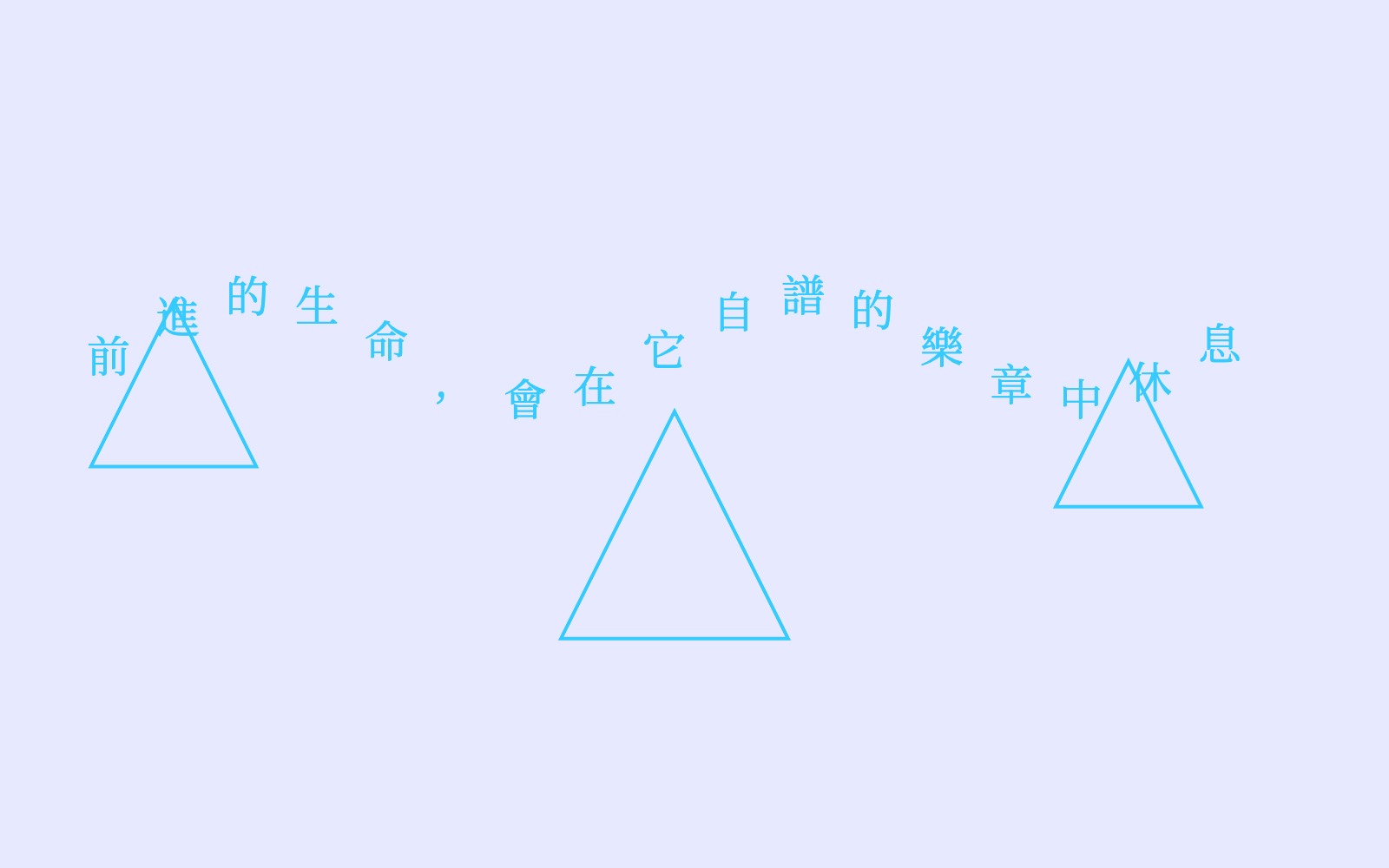
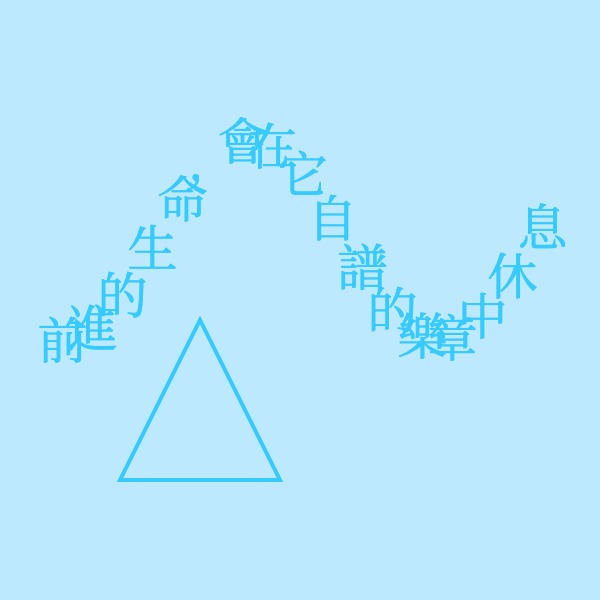
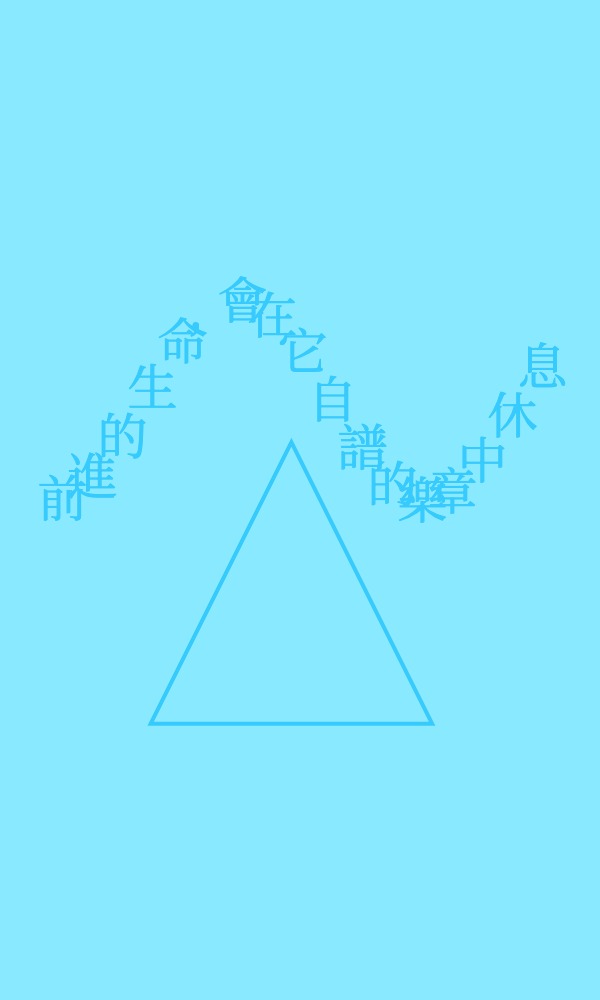
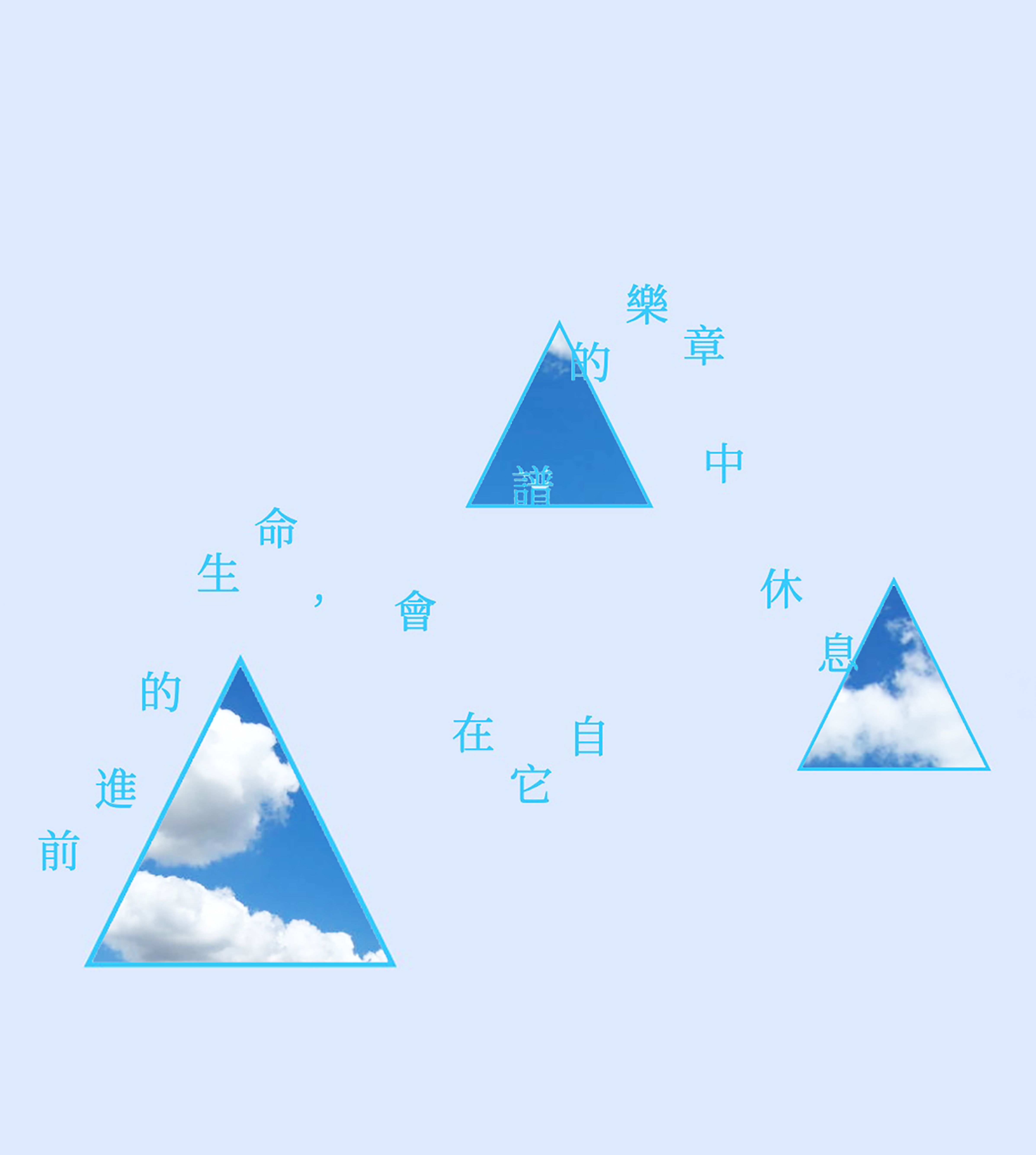
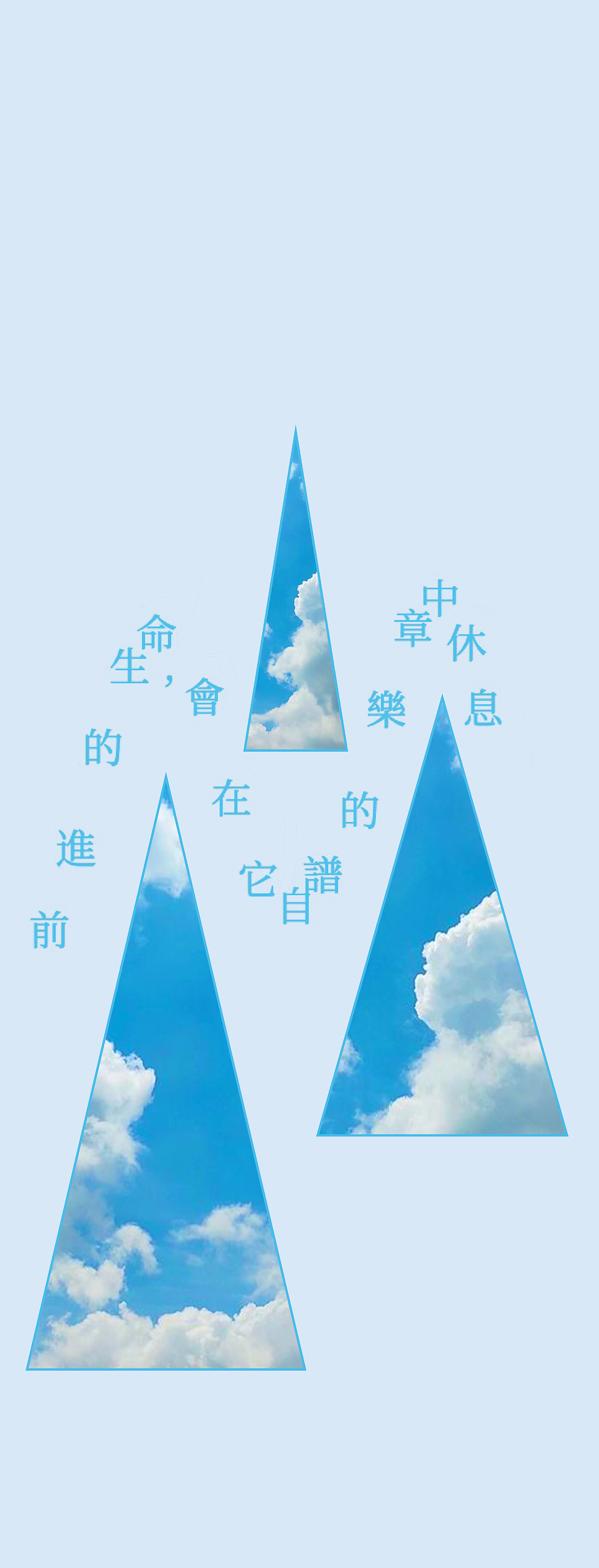
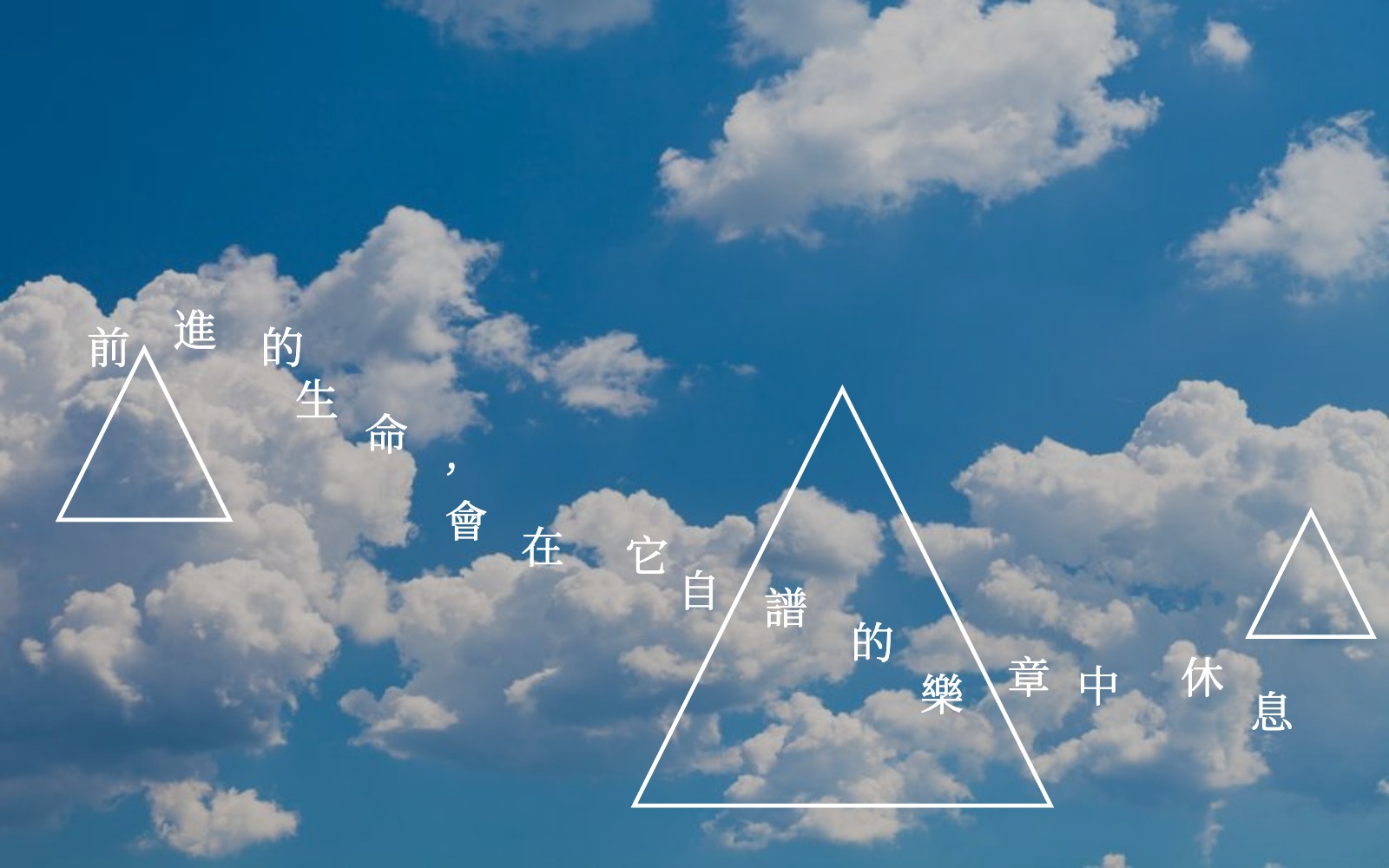
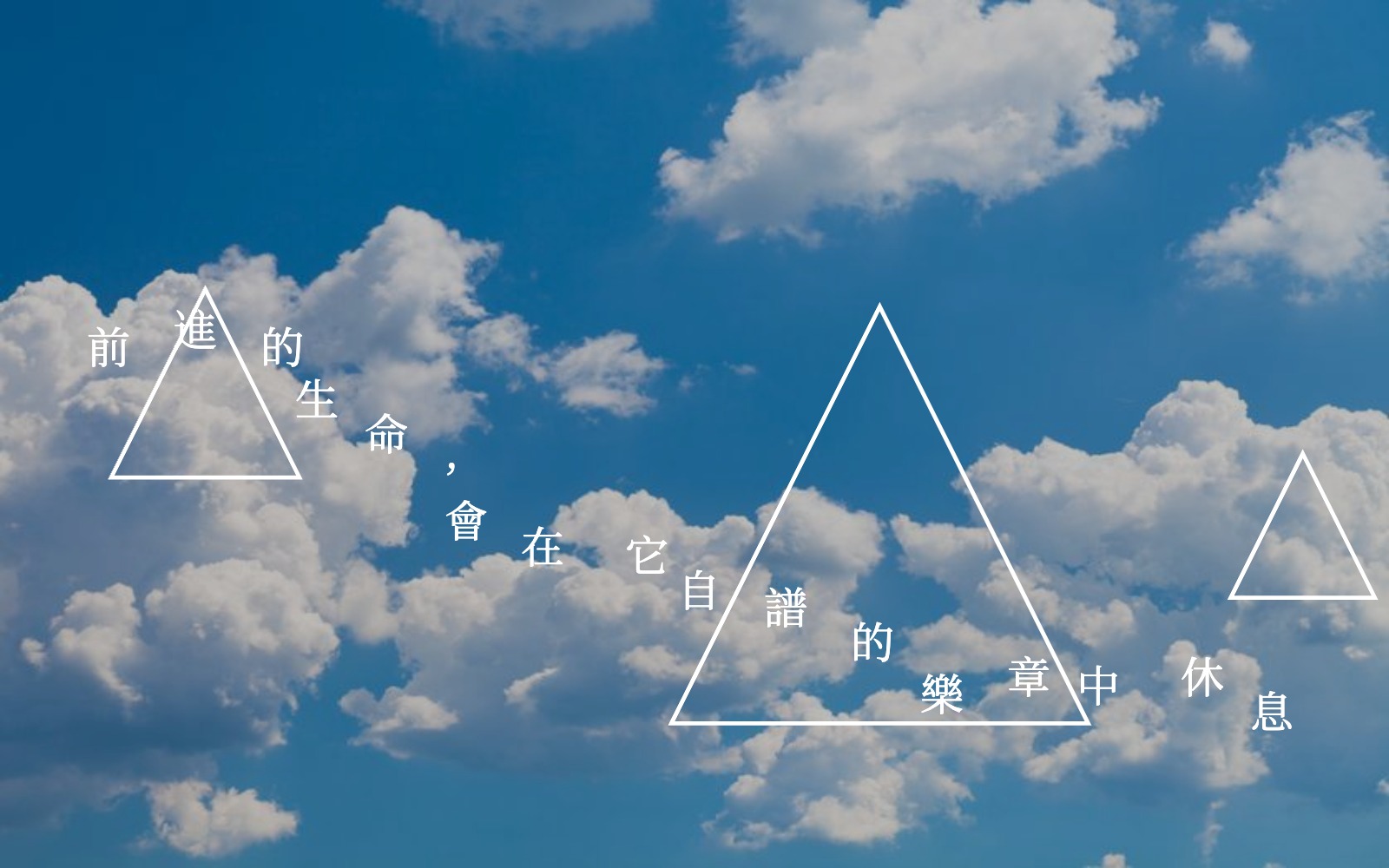
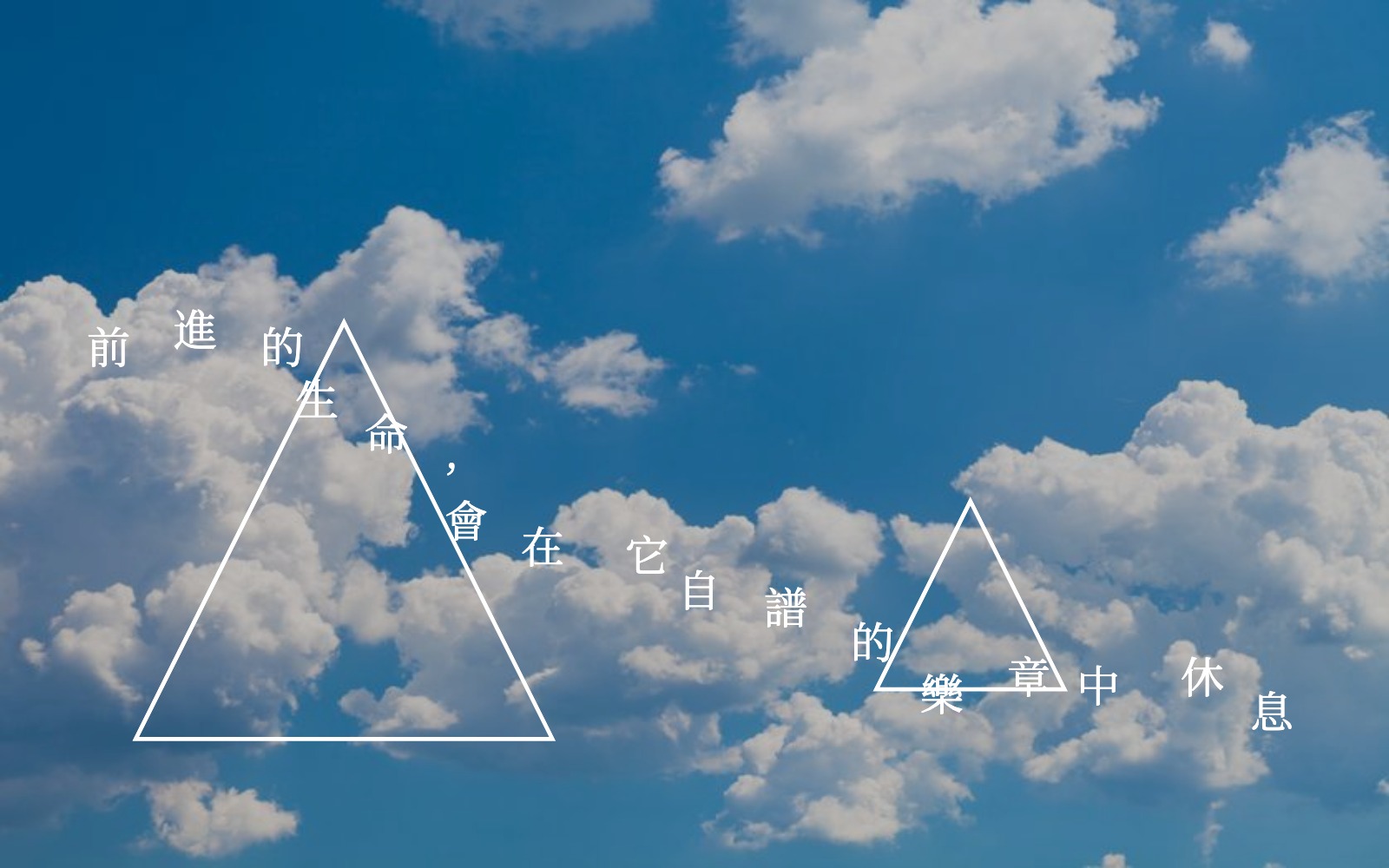
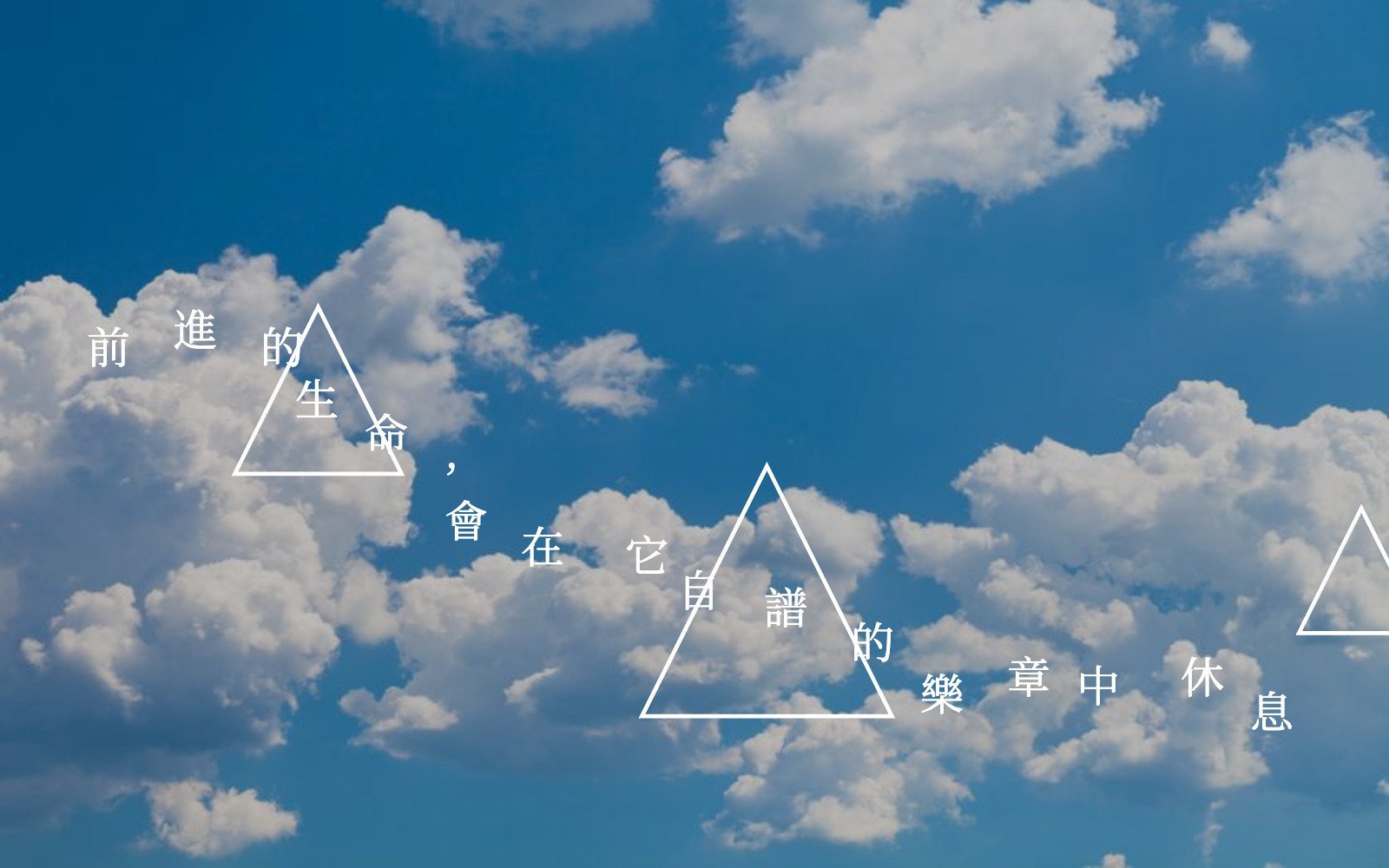
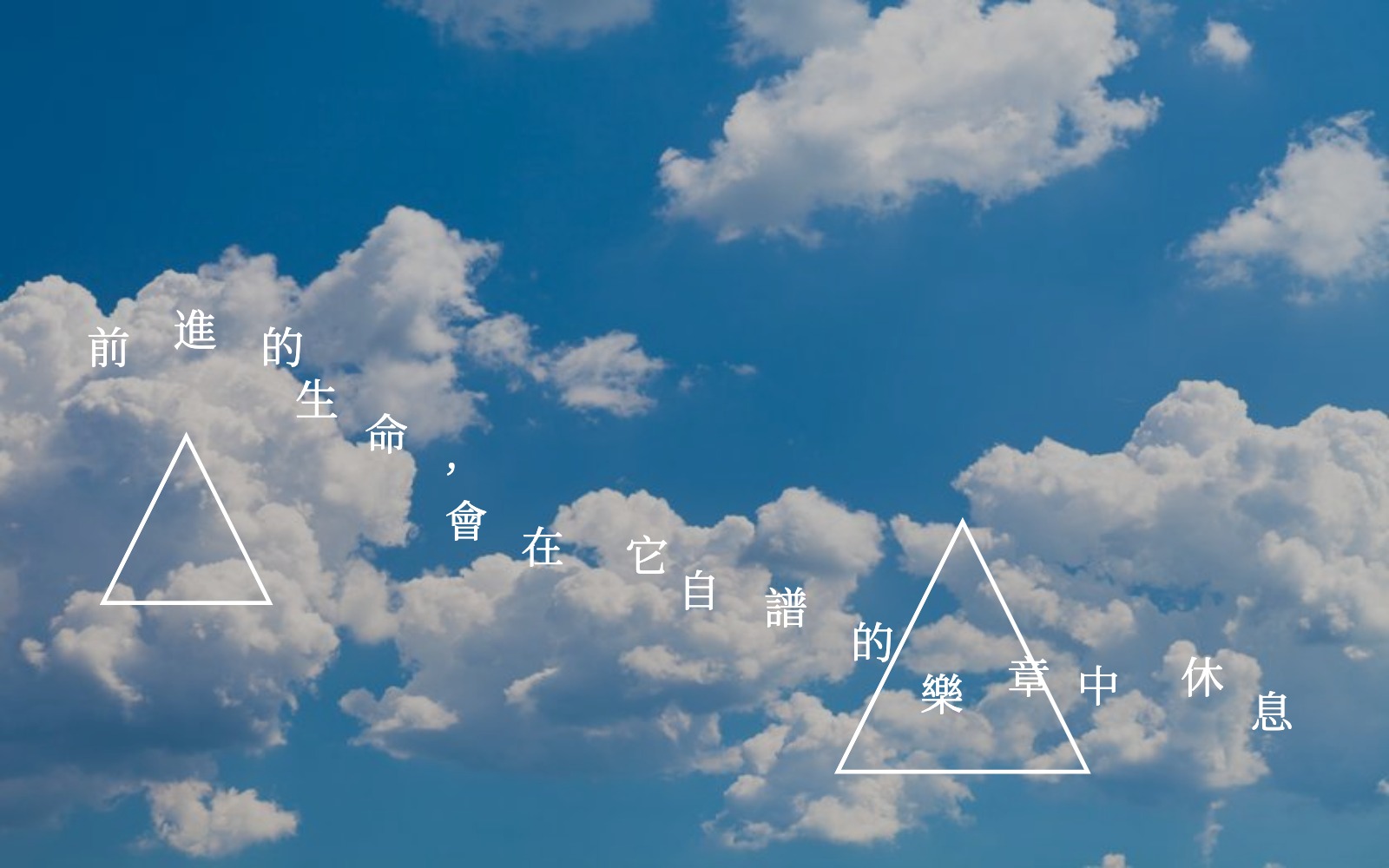
This design system is inspired by the shapes of clouds. Variation comes from changing the size and position of the triangles, and the wave of the text. By adjusting these, each version looks a little different, creating a unique feeling while keeping the cloud-like style.

Credits & References

I asked ChatGPT for help, and Professor Shih helped me with the for loop part.

Week 2

Project file 1
Project file 2
Project file 3
Project file 4
Project file 5
Live Demo

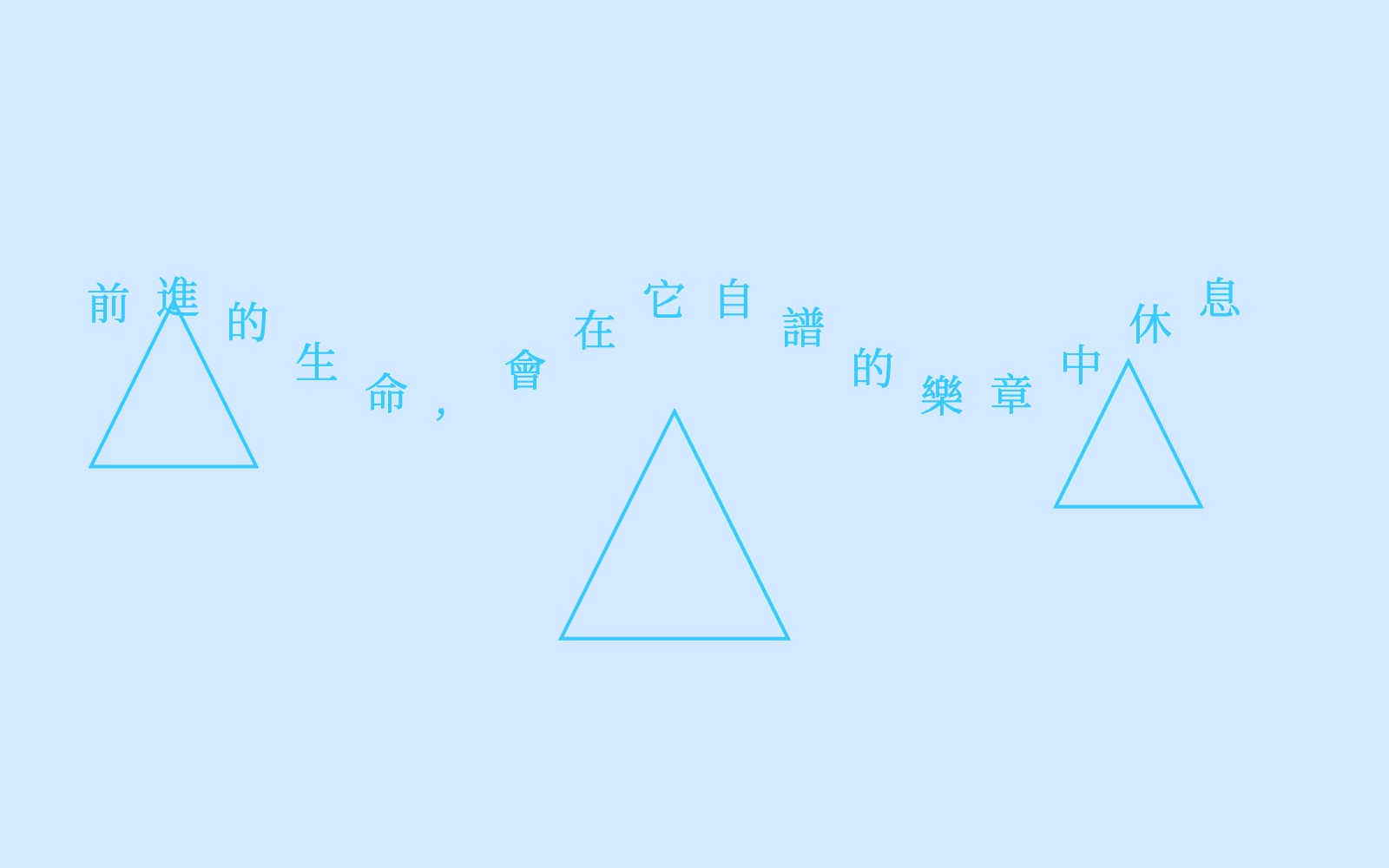
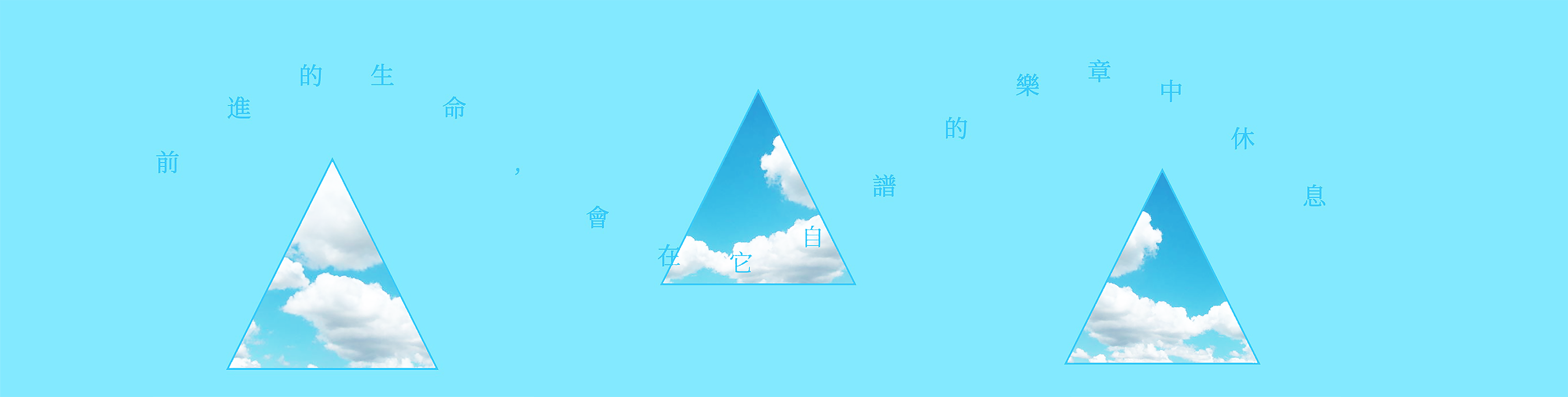
This project is based on the previous one,but i added variations and GUI that was required,which makes the text more interesting.I uploaded a sky background and three triangles that can be resized by the GUI, and their positions will change randomly each time.

Credits & References

I asked ChatGPT for help,and also went through the references page.

Week 12

Project file 1
Live Demo

I’m planning to make a Christmas dream ejector. Users can type their wishes using the keyboard, and the letters will fly into the box. When the user presses the Enter key, their wishes will launch into the 'sky’

Credits & References

ChatGPT

Week 9

Project file 1
Project file 2
Live Demo

This project is called “Graffiti City.” I used data of graffiti in Manhattan and built it into a sculpture. For the final model, I plan to add many stickers and hand-draw some elements, making it look more like a true “Graffiti City.

Credits & References

I asked ChatGPT for help, and I also asked Professor Shih for help

Week 6

Project file 1
Project file 2
Live Demo

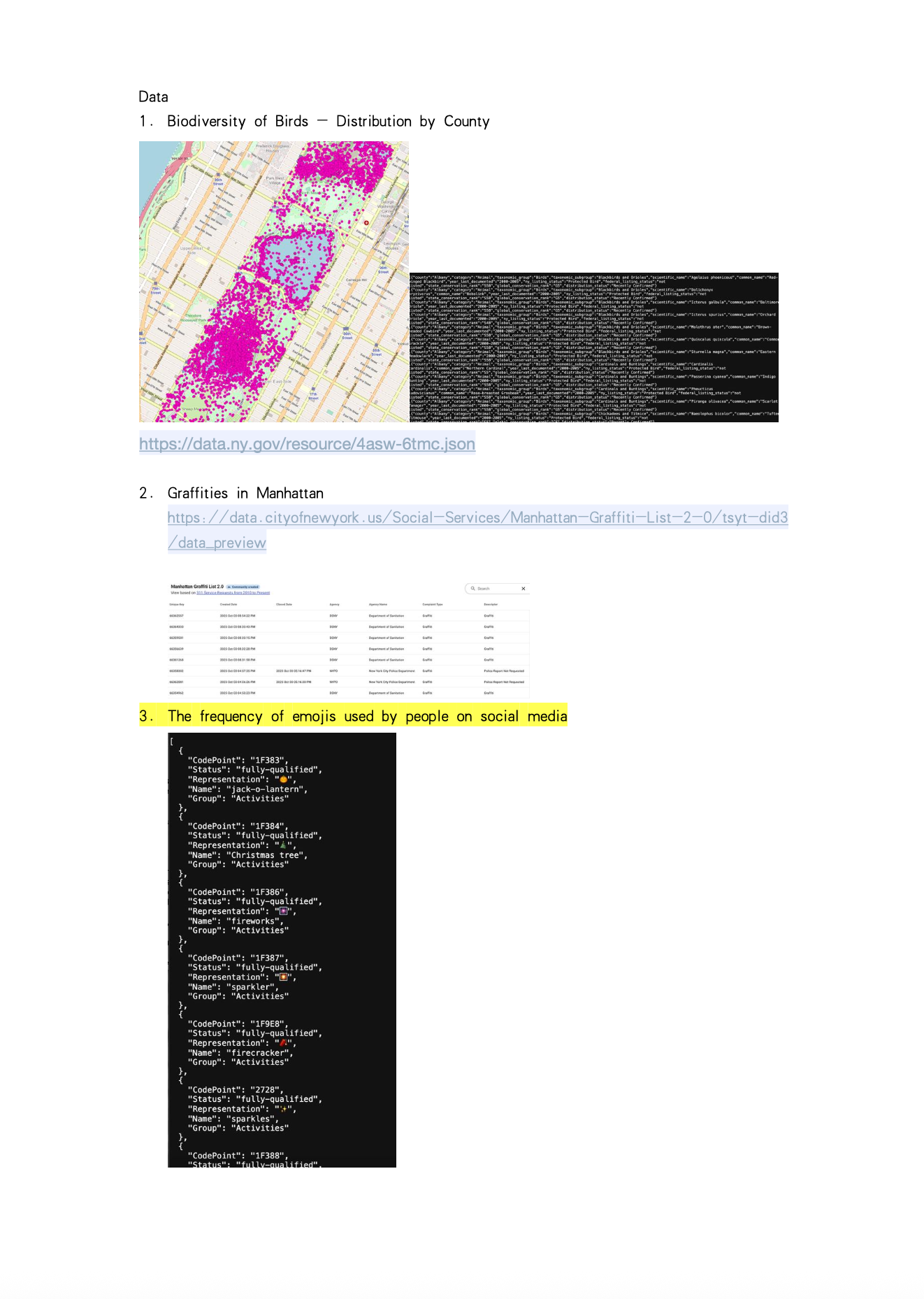
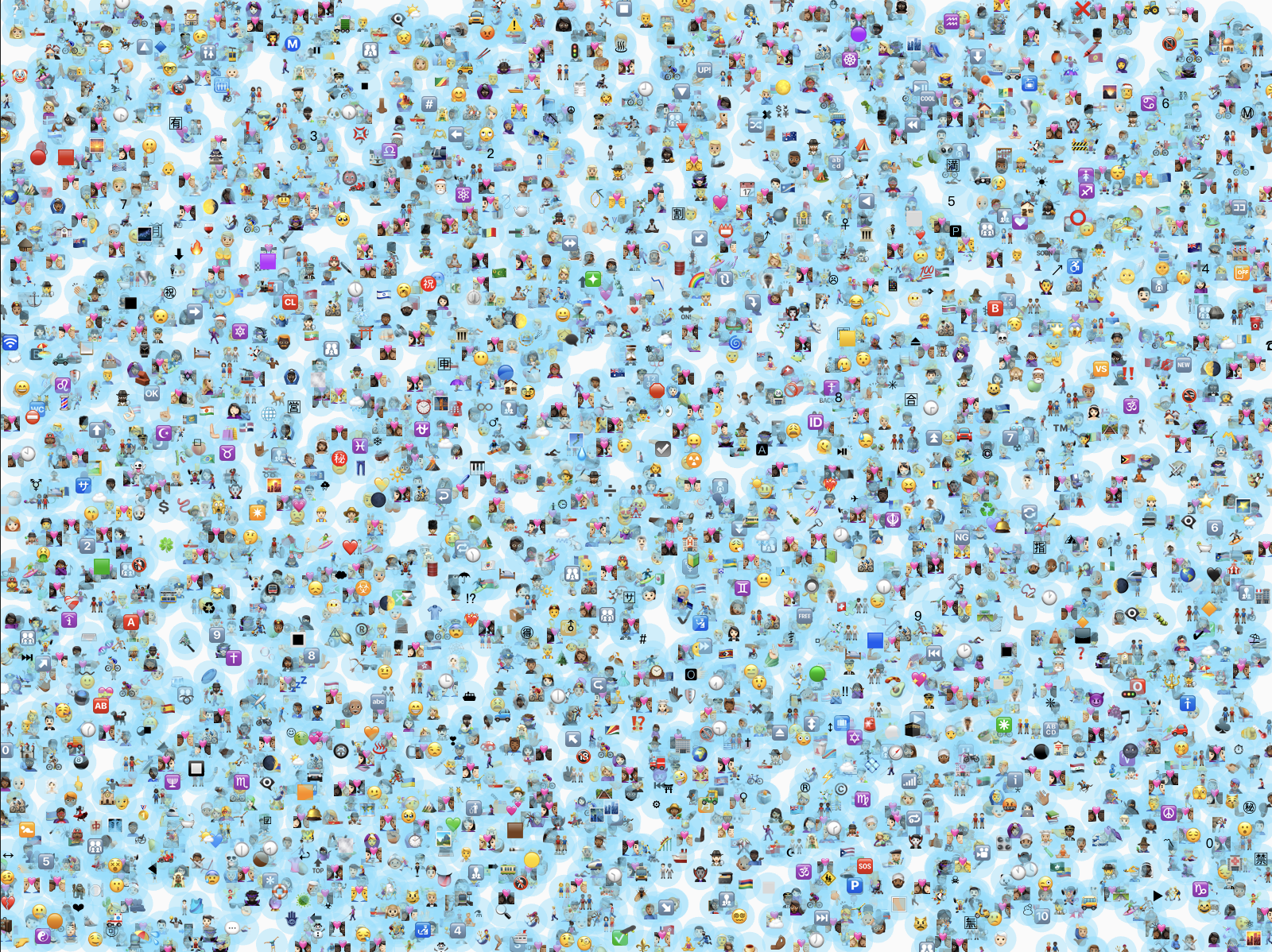
I’ve researched some data about graffiti, emoji usage, and bird distribution. Among them, I’m most interested in emojis and created a data visualization with the help of GPT.

Credits & References

ChatGPT

Week 3

Project file 1
Project file 2
Project file 3
Project file 4
Project file 5
Live Demo

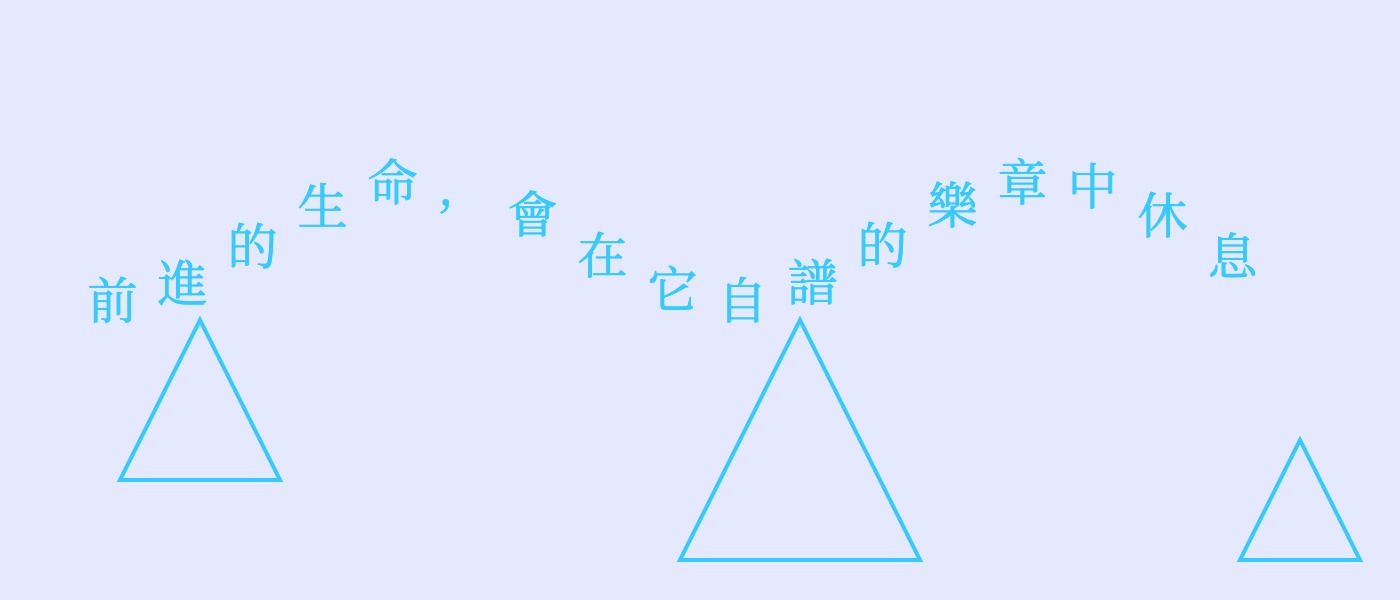
For this week, I built on my previous work by making the text adaptable to different canvas sizes and adding a GUI for positioning, which allows me to control the size of the triangles. I also added rules with if-else statements to make sure the text and shapes don’t have the same color as the background.

Credits & References

Professor Shih helped me with the wave animation and the for loop() part. And i also asked ChatGPT and Claude AI for help.

Week 1

Project file 1
Project file 2
Project file 3
Project file 4
Live Demo

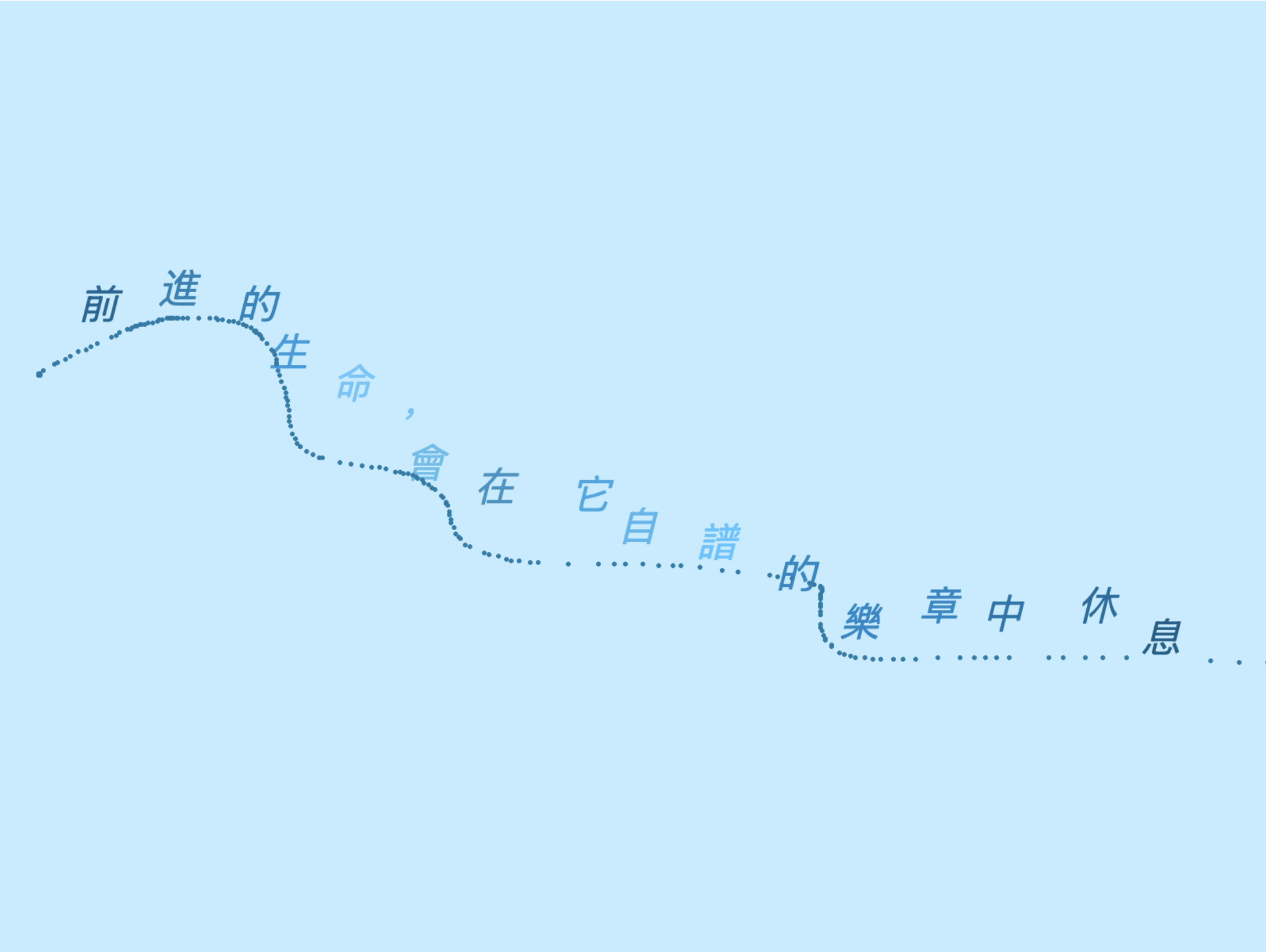
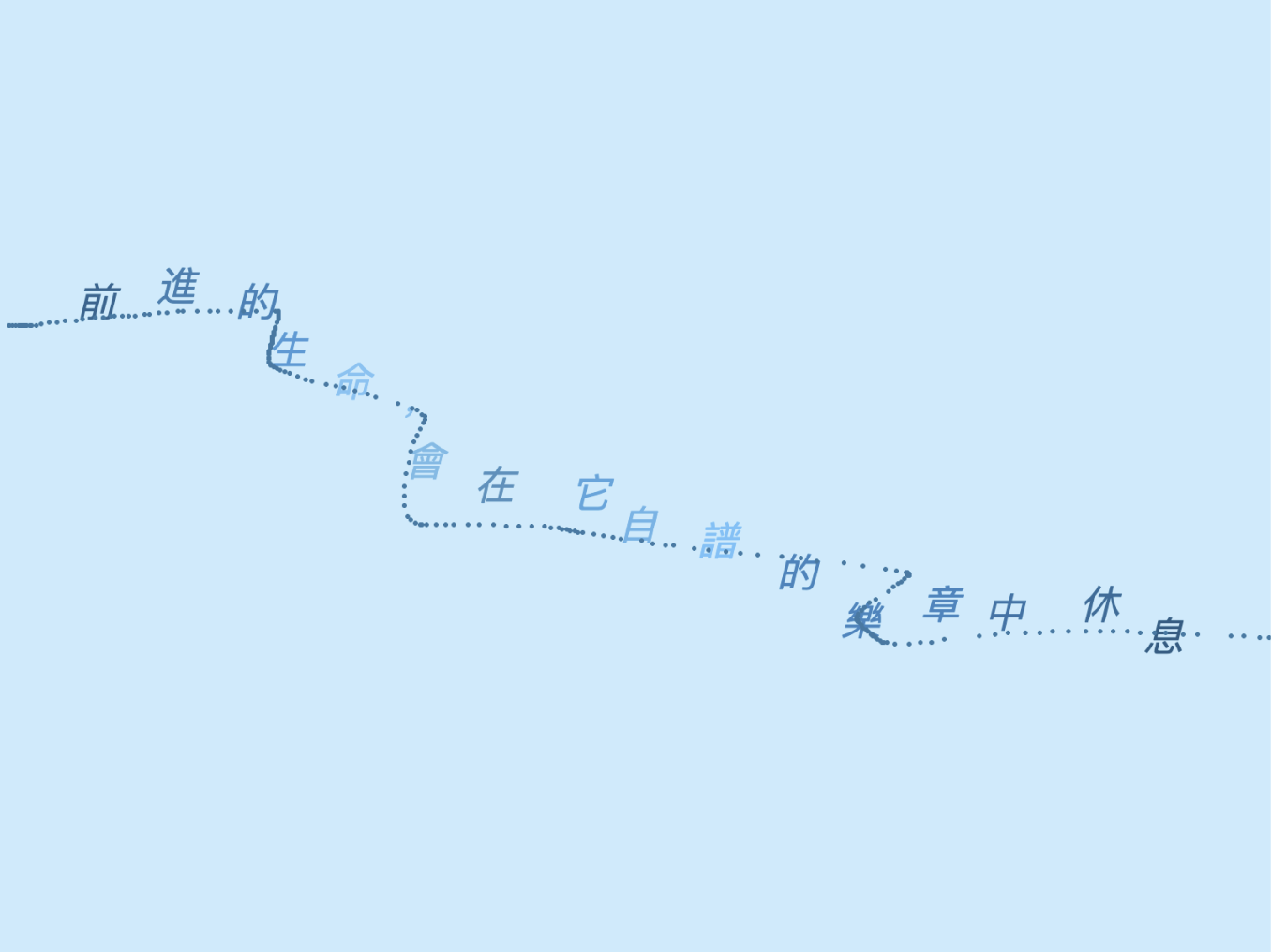
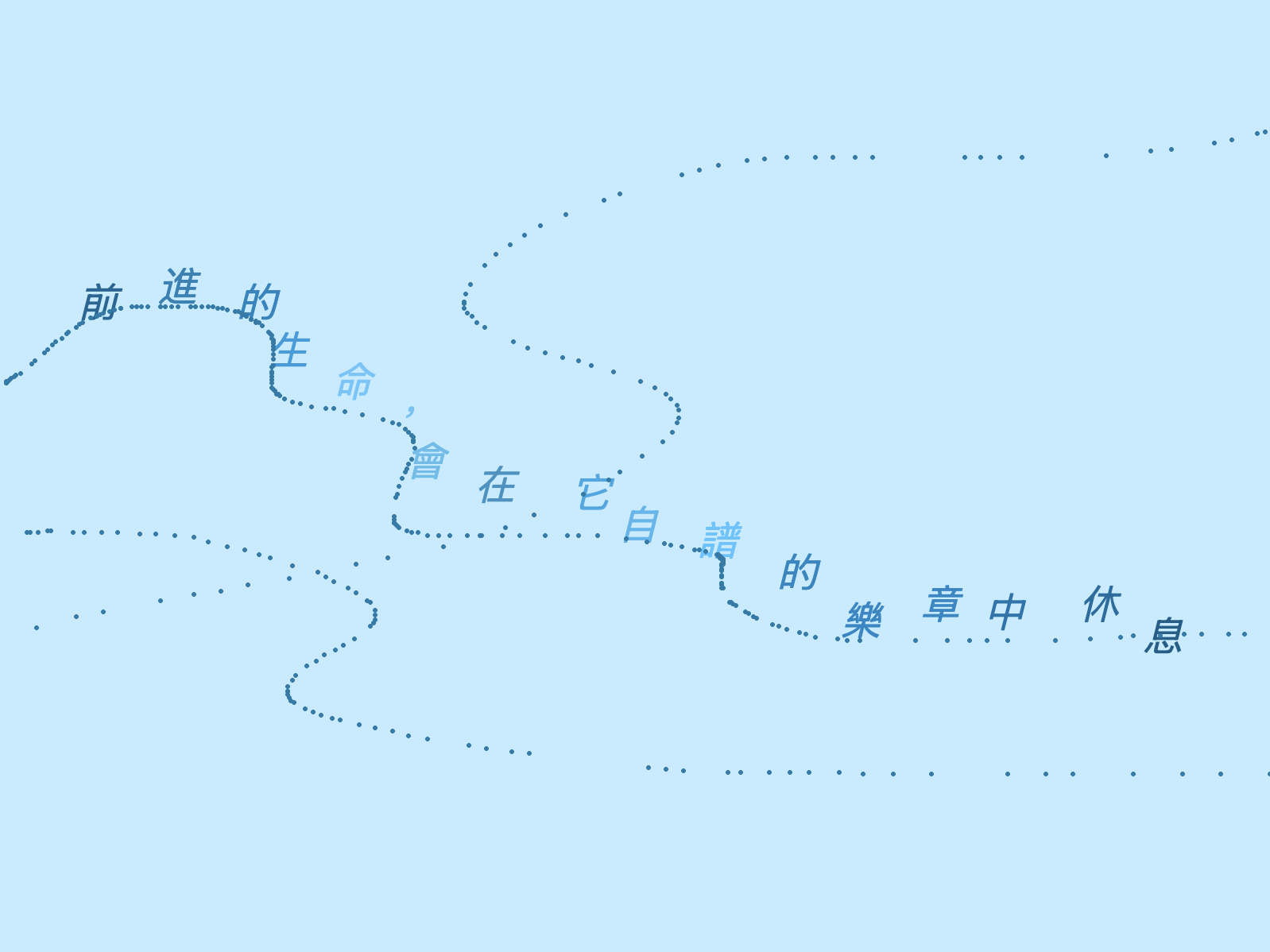
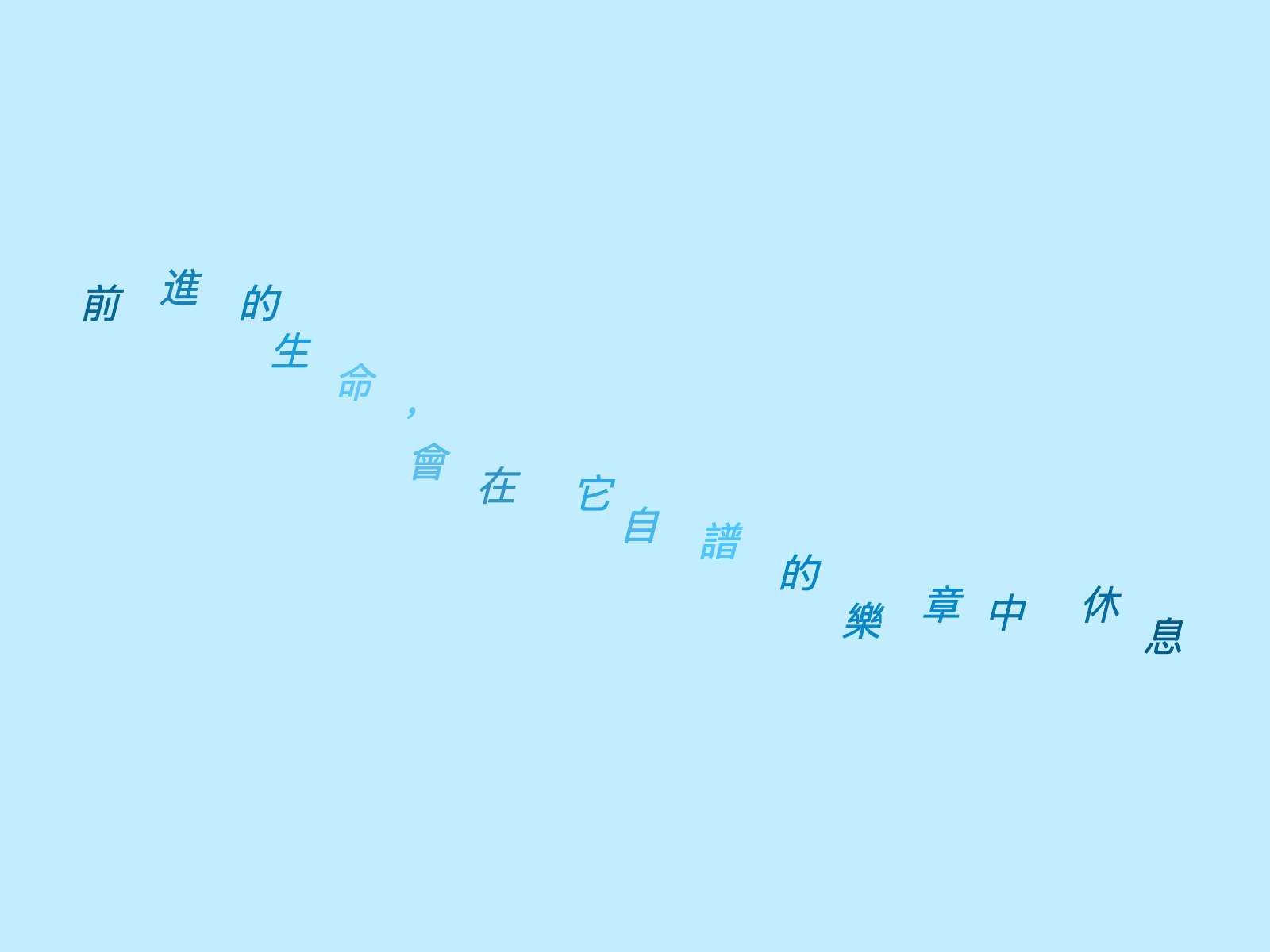
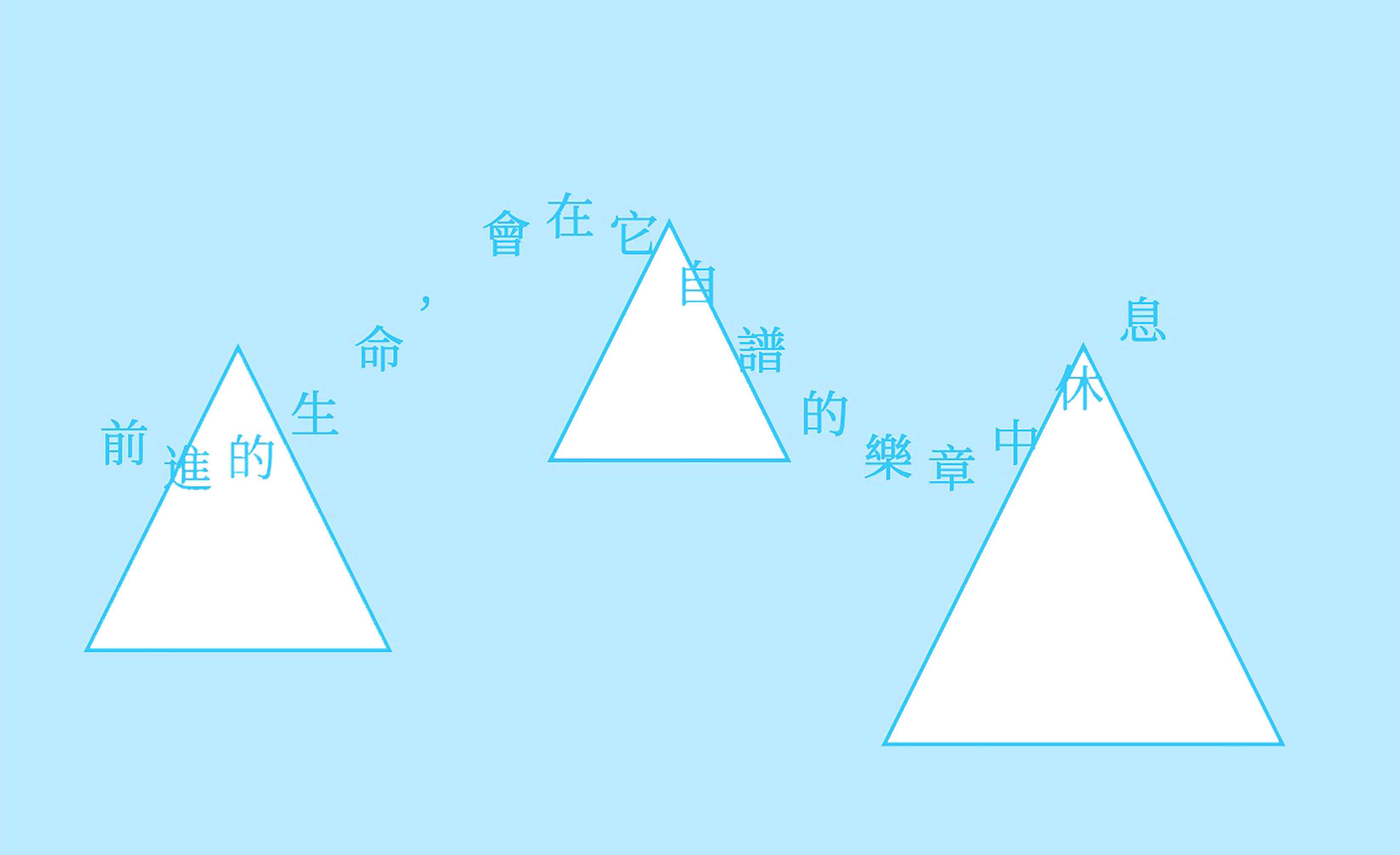
I chose a short poem from Starry Birds, my favorite poetry collection. I want to show it as random wave-like melodies that we can draw ourselves, which matches the meaning of the text.

Credits & References

references from P5.js website, claude AI,Chat GPT.