Week 6

Project file 1
Project file 2
Live Demo

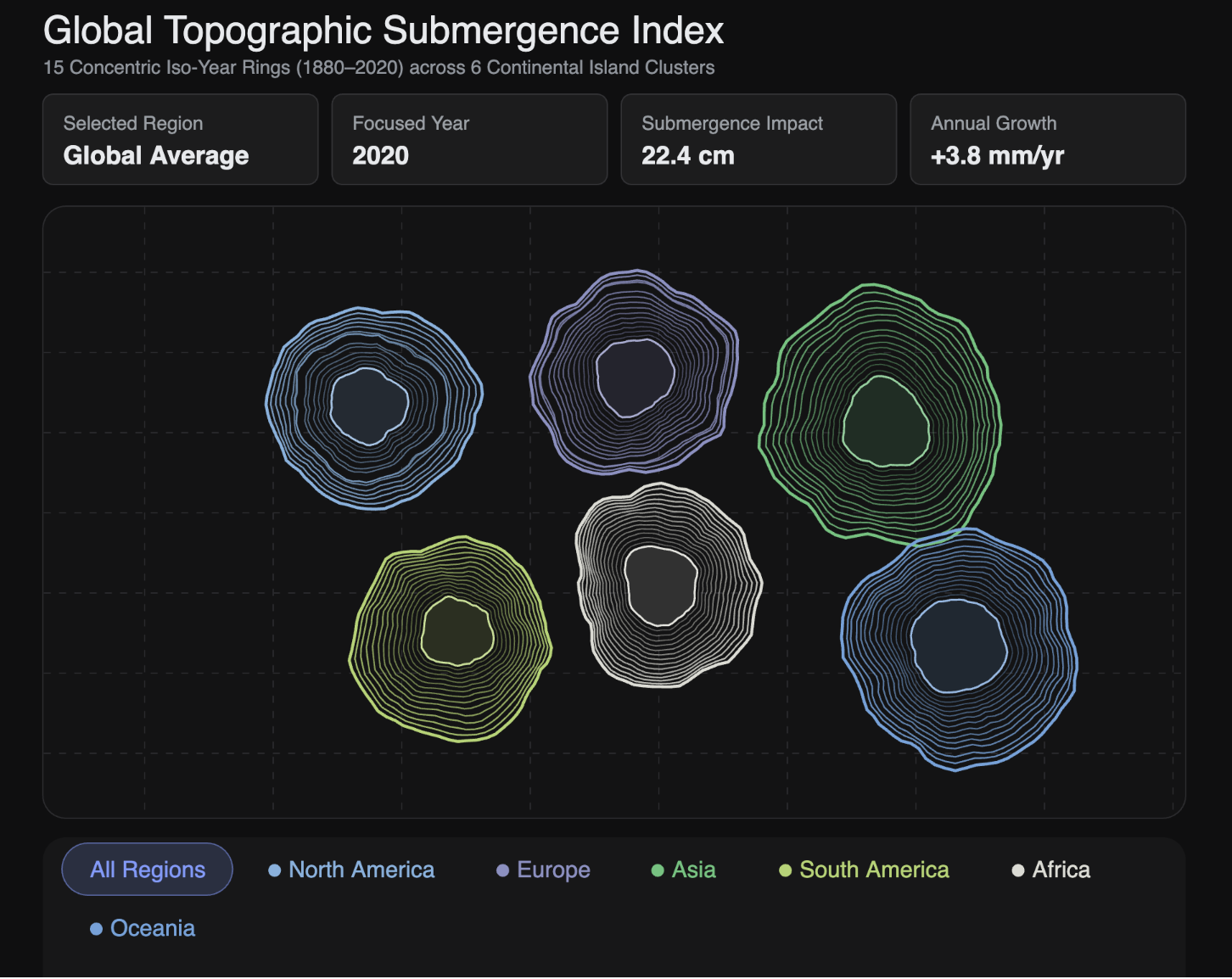
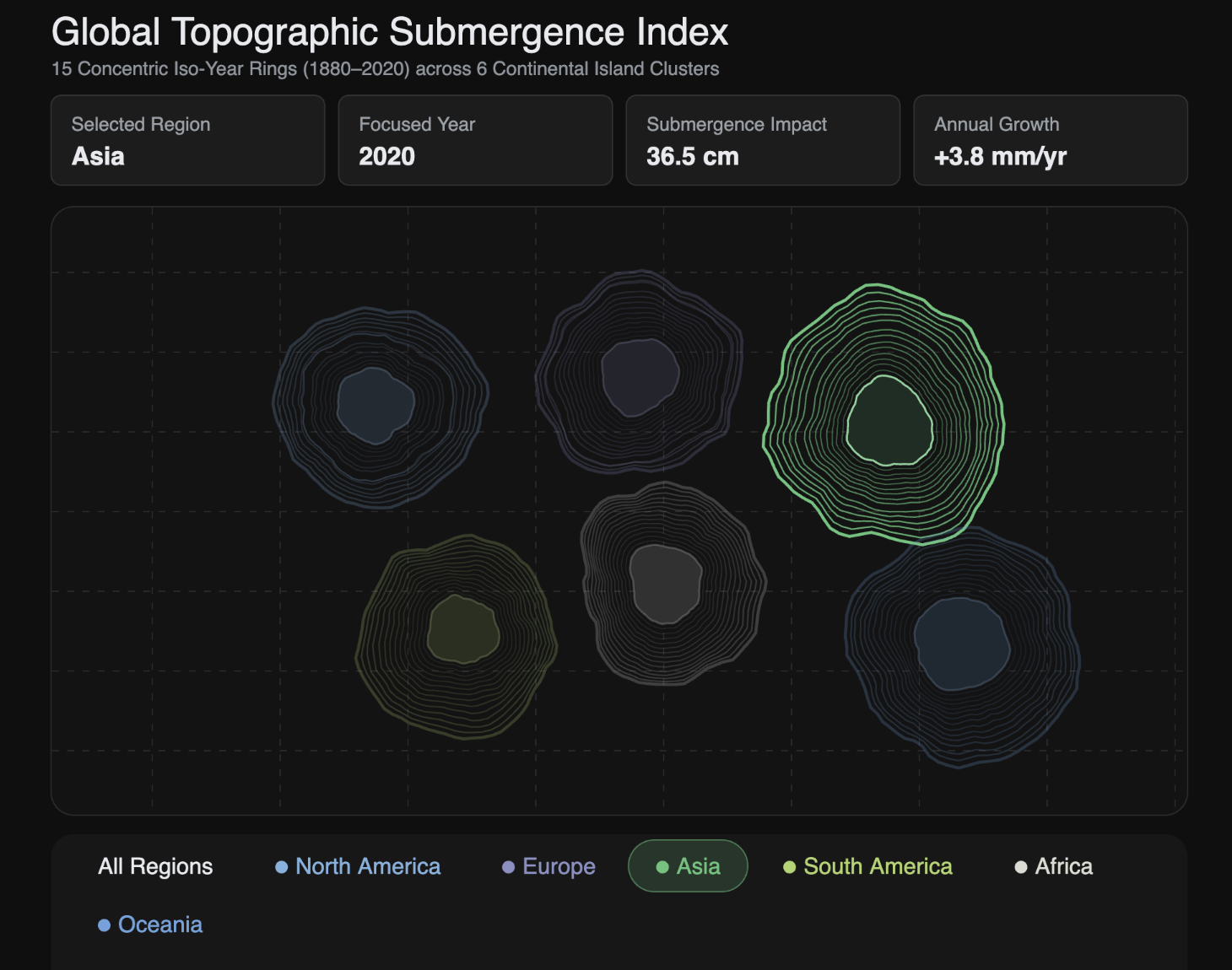
Trying to find the best way to visualize coastal erosion. I was going for the topographical lines on a map but I think there is still room to play around with this and find a visual that works better.

Credits & References

"Global coastal erosion data via kaggle", Gemini, Claude
Week 4

Project file 1
Project file 2
Project file 3
Live Demo

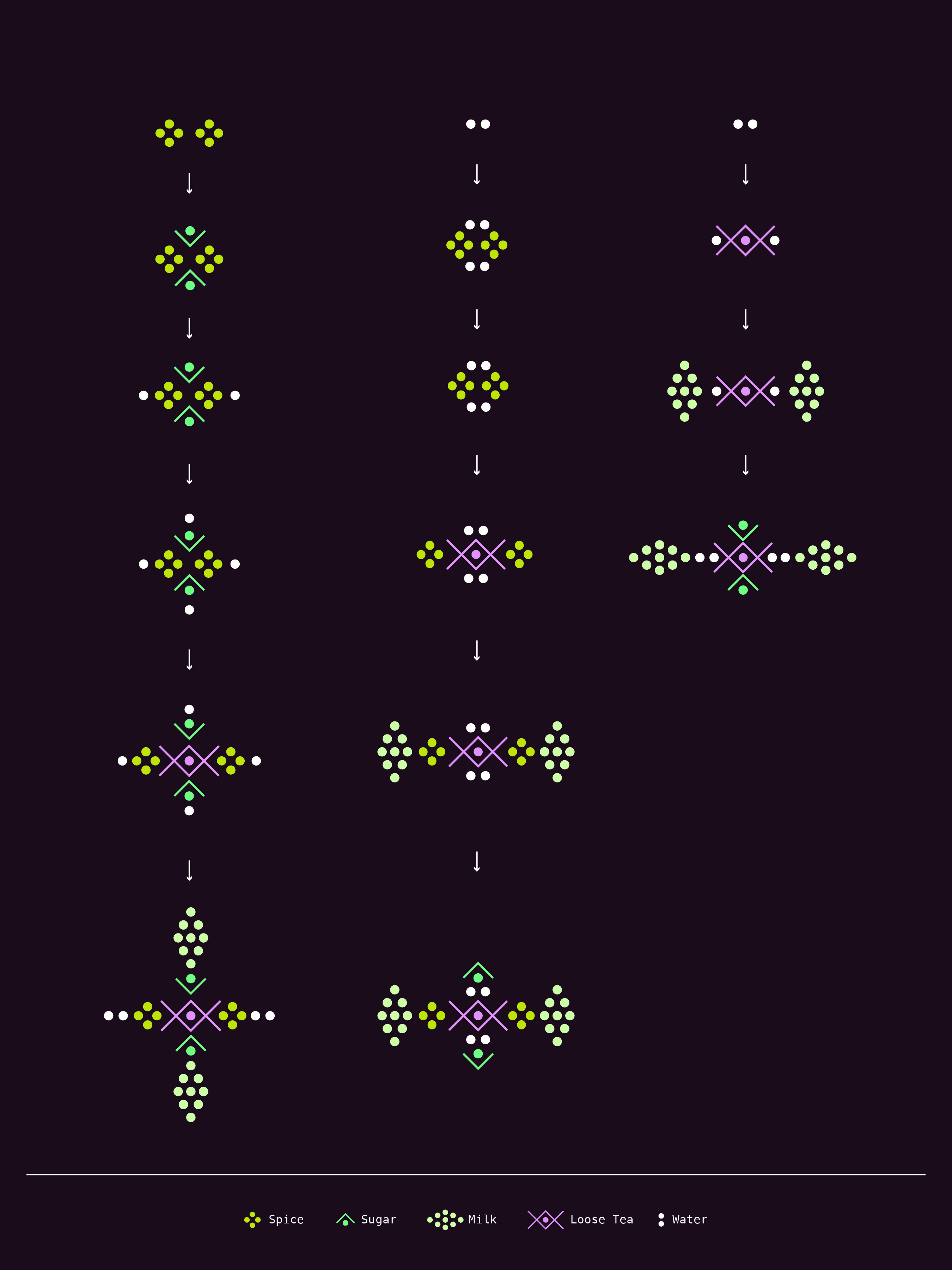
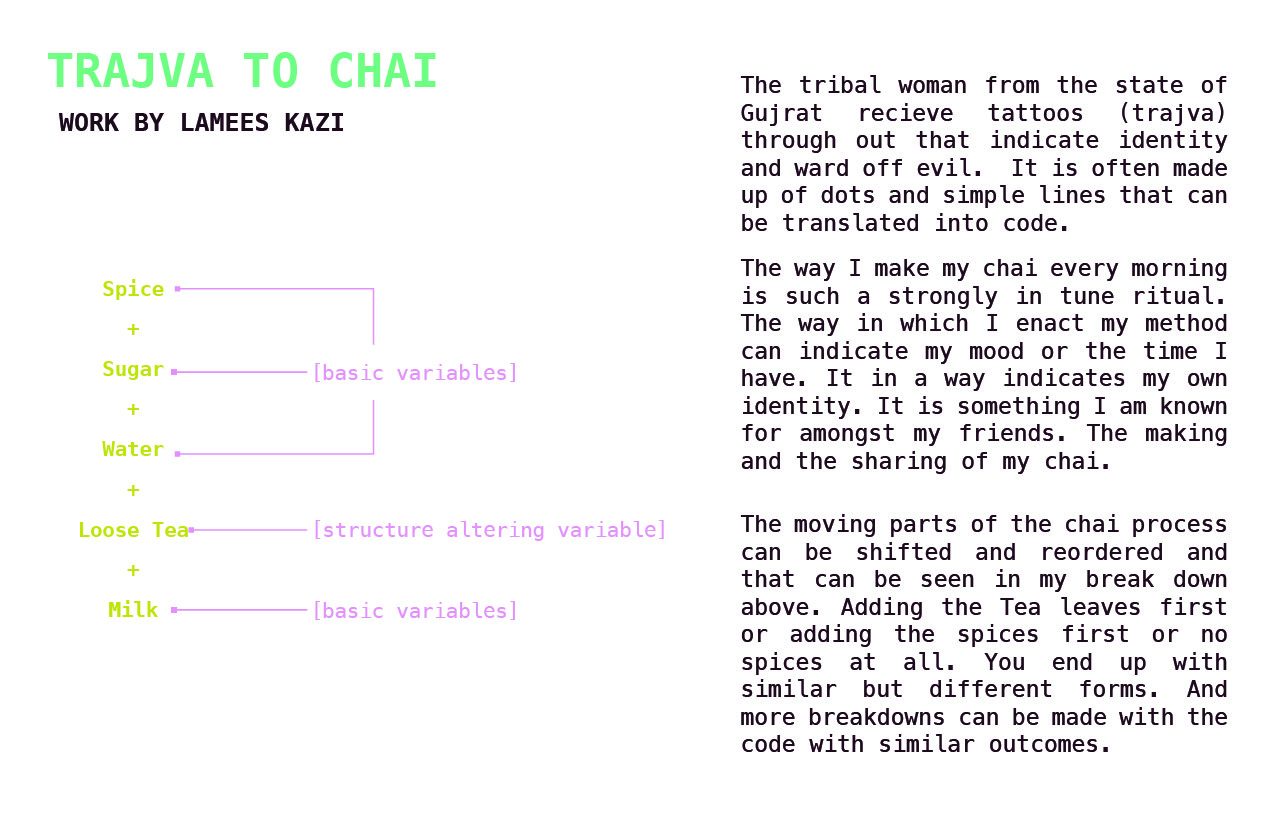
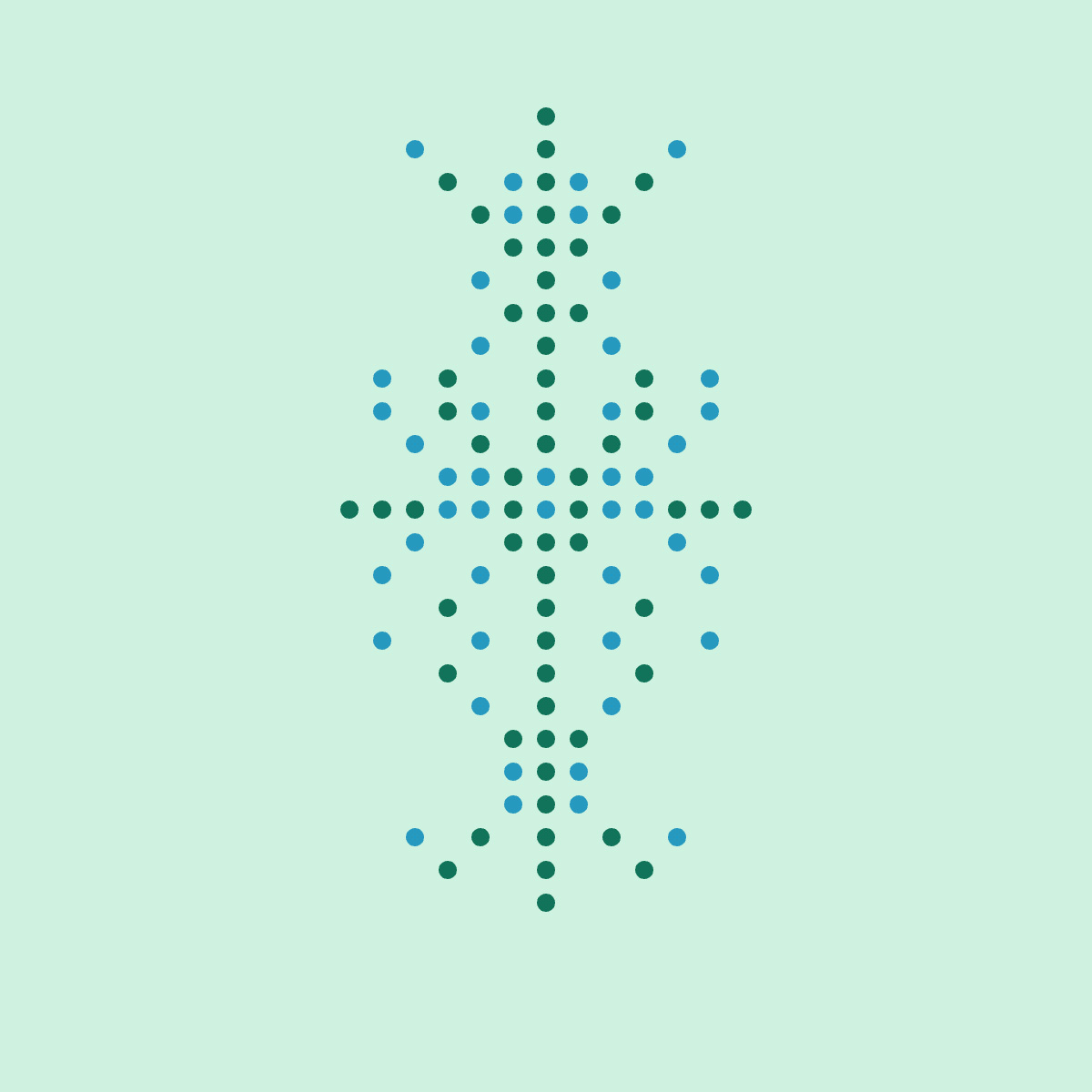
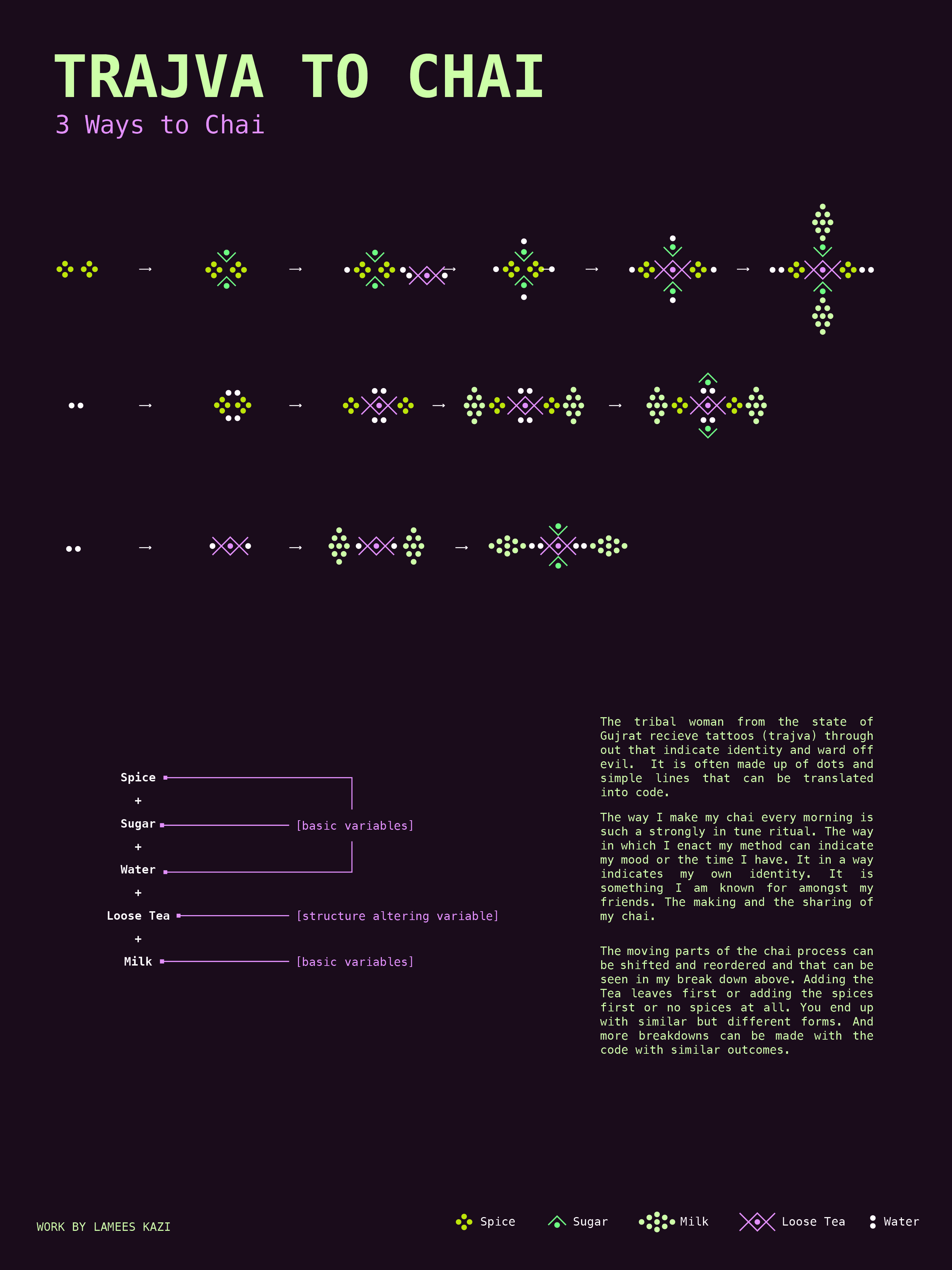
The way I make my chai every morning is such a strongly in tune ritual. The way in which I enact my method can indicate my mood or the time I have. It in a way indicates my own identity. It is soMething I am known for amongst my friends. The making and the sharing of my chai. The moving parts of the chai process can be shifted and reordered and that can be seen in my break down above. Adding the Tea leaves first or adding the spices first or no spices at all. You end up with similar but different forms. And more breakdowns can be made with the code with similar outcomes.

Credits & References

Gemini, Claude

Week 1

Project file 1
Project file 2
Project file 3
Live Demo

There is an exactness that comes with using ps5.js and in some ways feels more rigid. Illustrator/Photoshop allow a lot of flexibility in placement which at times can feel like you have an overwhelming blank canvas. Ps5.js forces one to look a the bone structure of what they are creating. I think like most applications this feels frustrating to me because I am new to it but that is likely how I felt when I started using Adobe products 10 years ago. I have always loved creating patterns and this function of designing with coding feels like a precision gets to be executed that is a little trickier to get to in traditional Adobe products. Adobe feels more forgiving and it feels very user friendly while ps5 feels like you are punch needling a rug from behind not being able to see the final out come unless your move in front of your piece. Overall excited to get more adept despite being initially a bit frustrated.

Credits & References

p5s.js for tutorials and "https://www.figma.com/color-palette-generator/" for color palette

Week 3

Project file 1
Project file 2
Project file 3
Live Demo

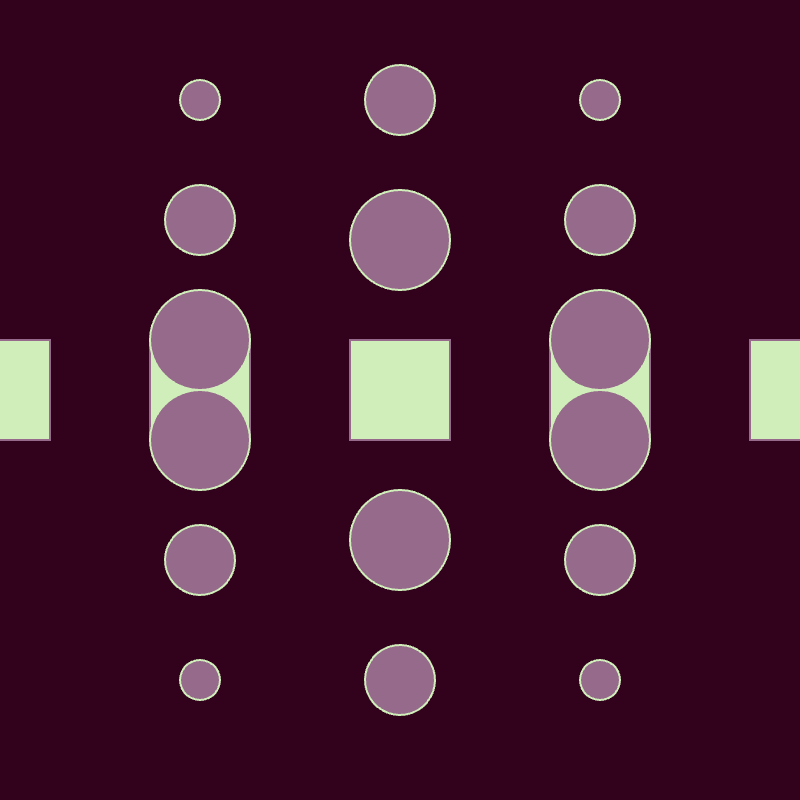
I try to understand random conditionals and transformation

Credits & References

Gemini