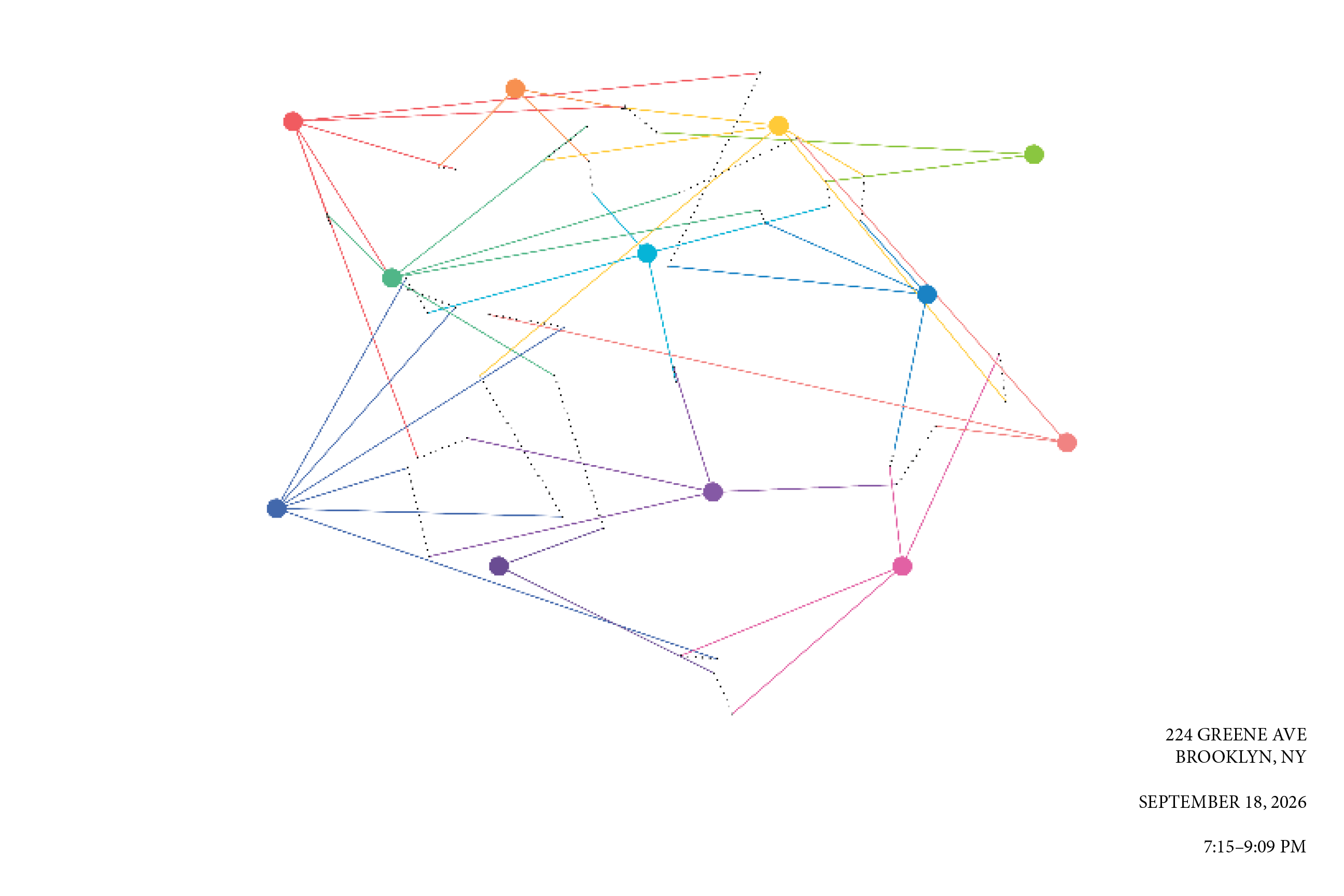
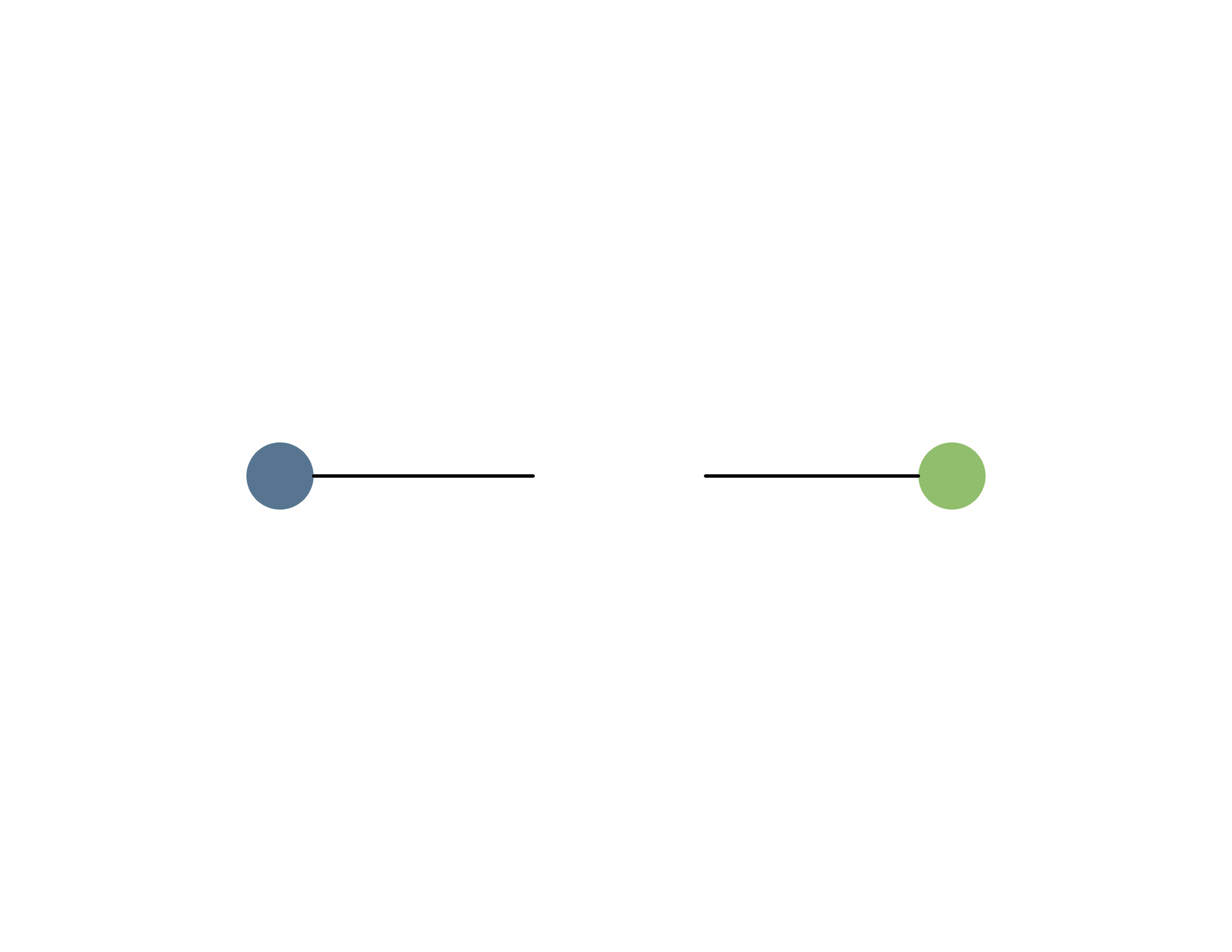
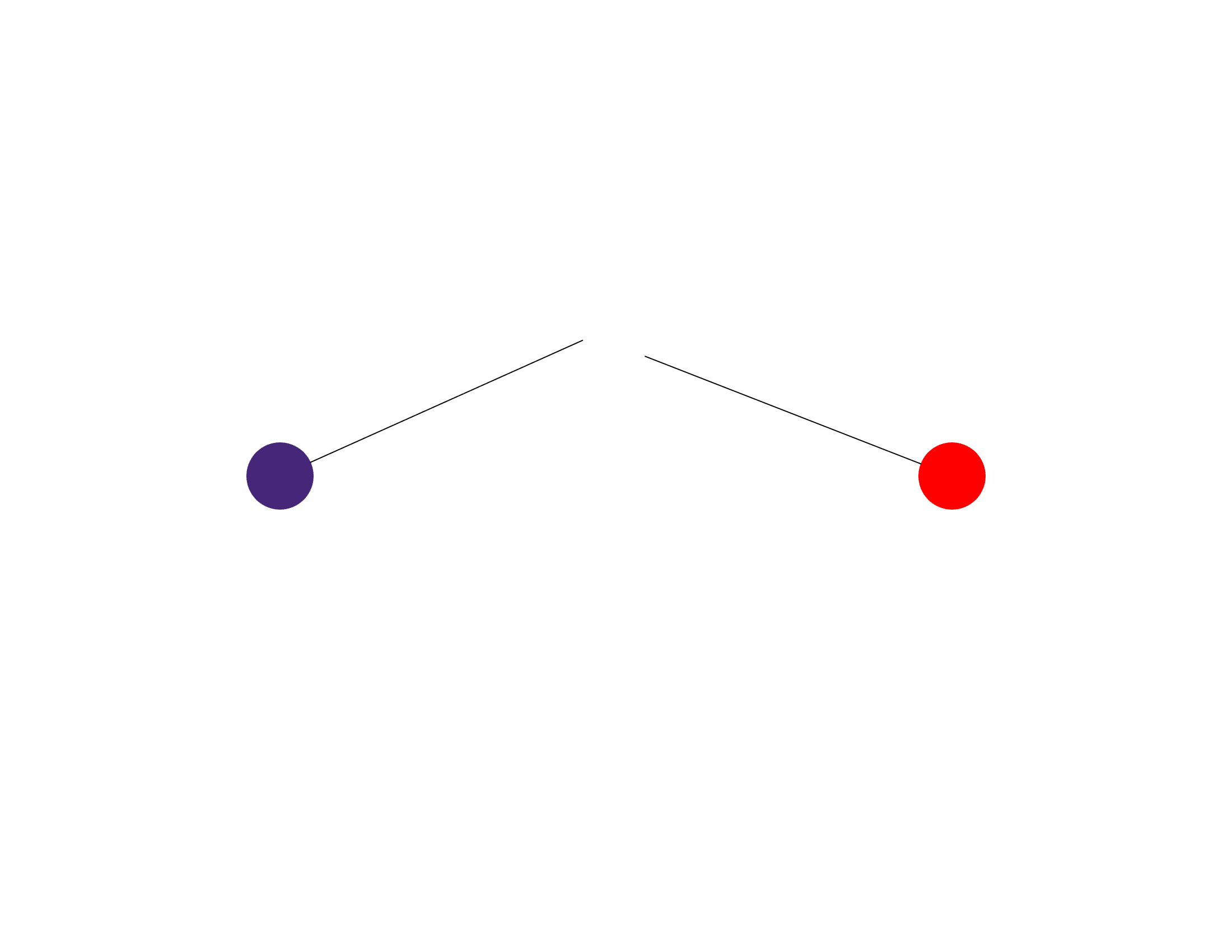
For this project, I wanted to explore social interaction as a coding system, which built from last week's assignment of identifying chat messages/reactions as a form of social code. By documenting a two way communication system, it allowed me to make the variables more complex. I was interested in the idea that an interaction between two people can have a number of different outcomes: contact can be intentional or accidental, a message can be received or missed, understood or misunderstood, reciprocated or left without a response. This idea was partially inspired by a communication theory reading that we read in Seminar during Week 1, which breaks down communication into a sequence of events, beginning with the consideration of a message and progressing through sending, receiving, processing, understanding, responding, and potentially replying. Before assignment visual code to all of these potential steps, I wanted to simplify it into a smaller set of variables.
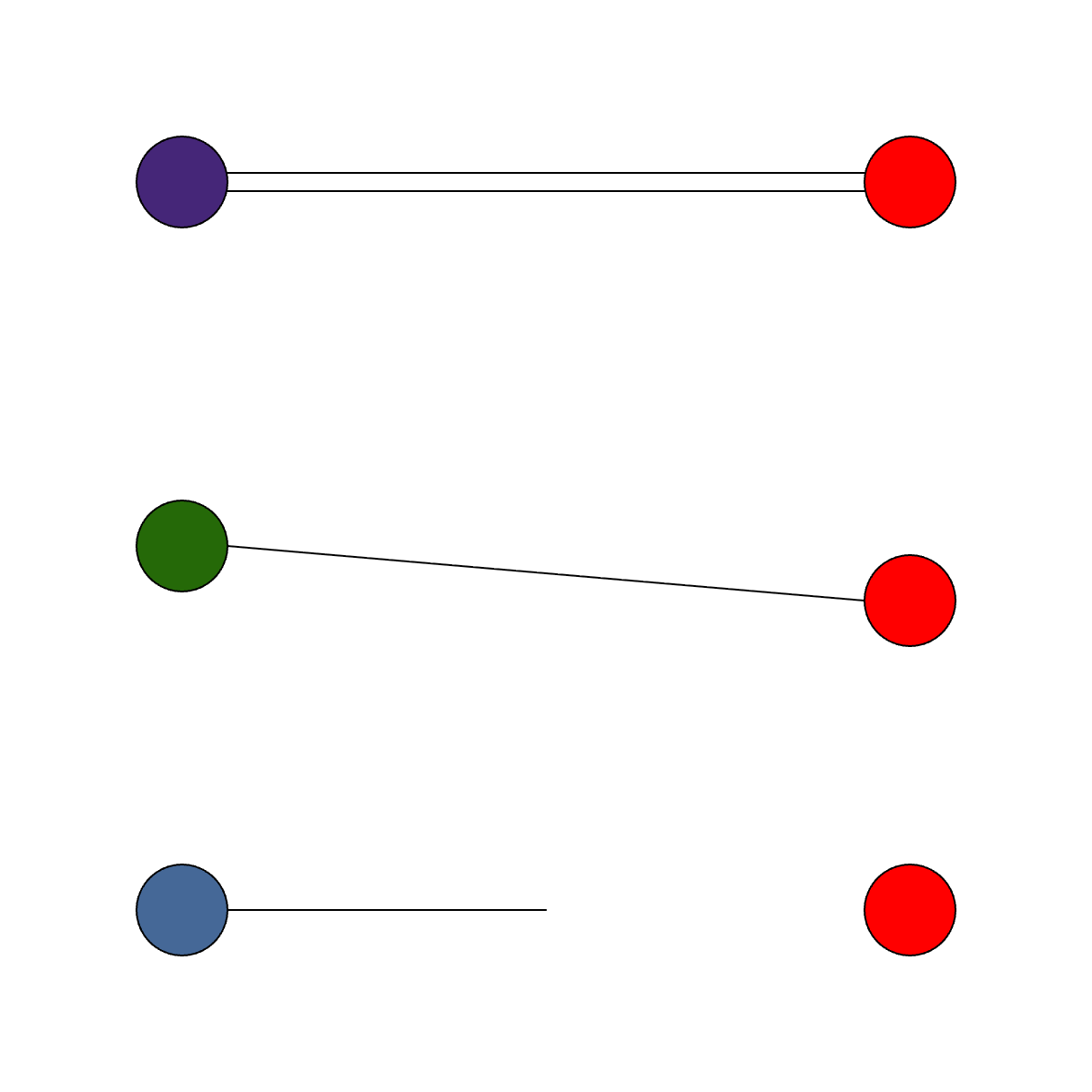
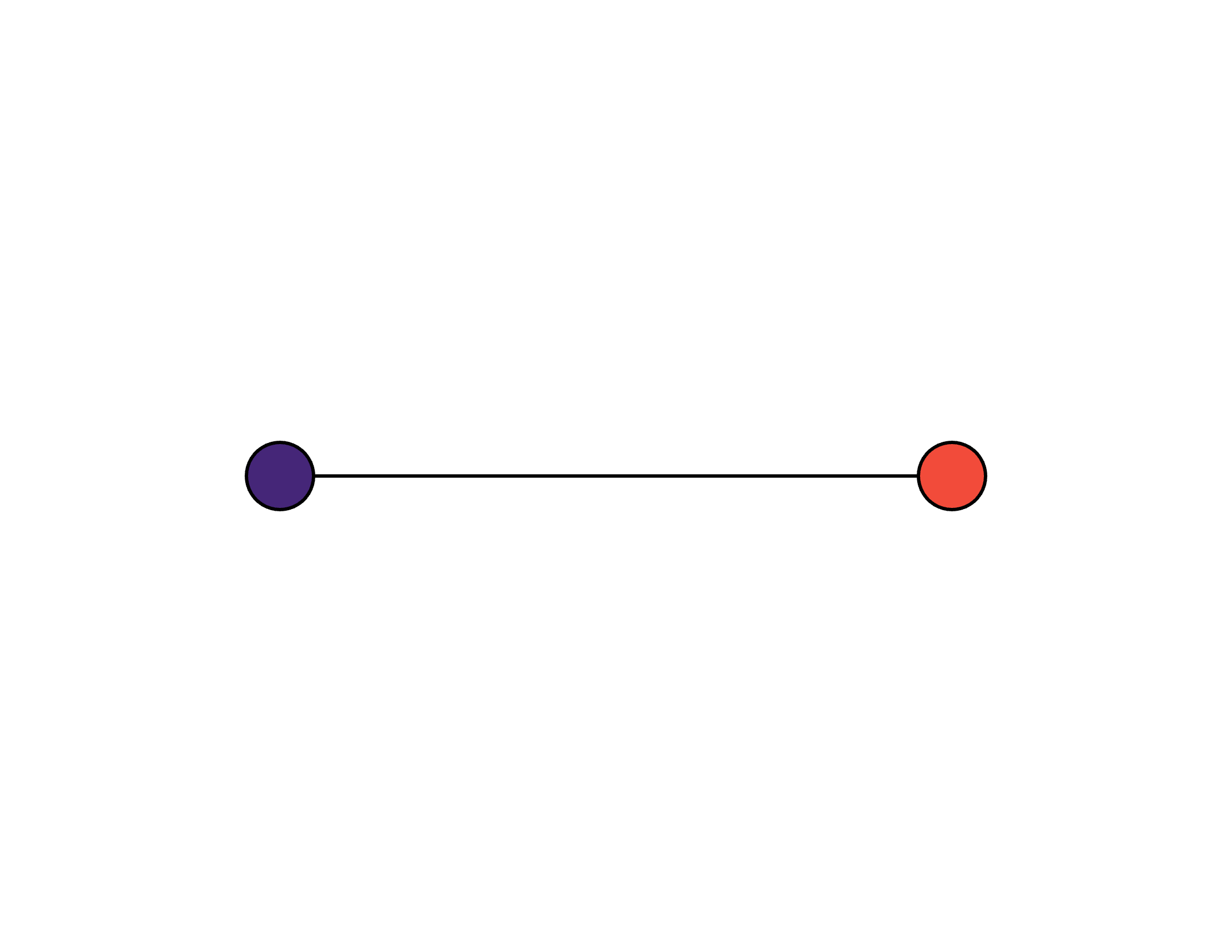
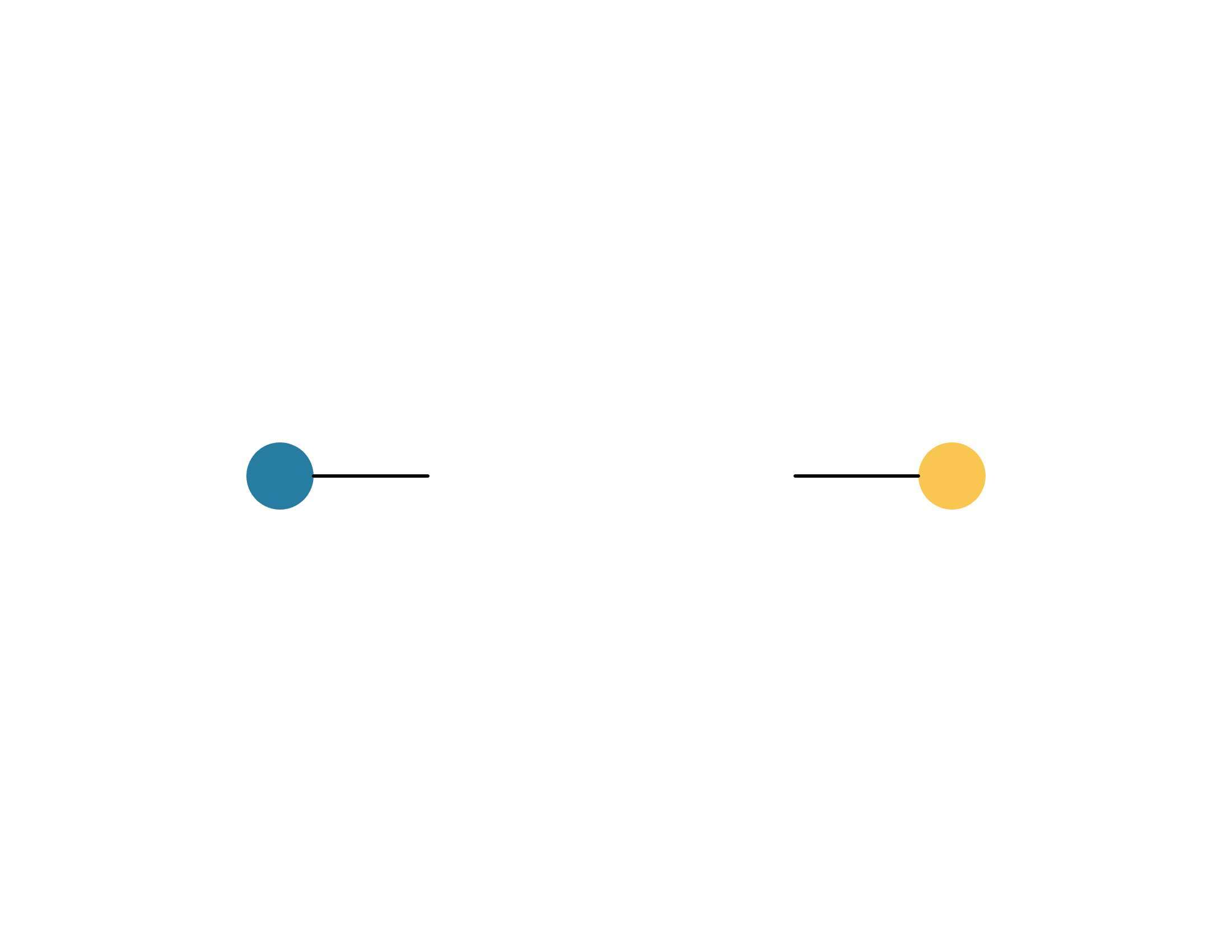
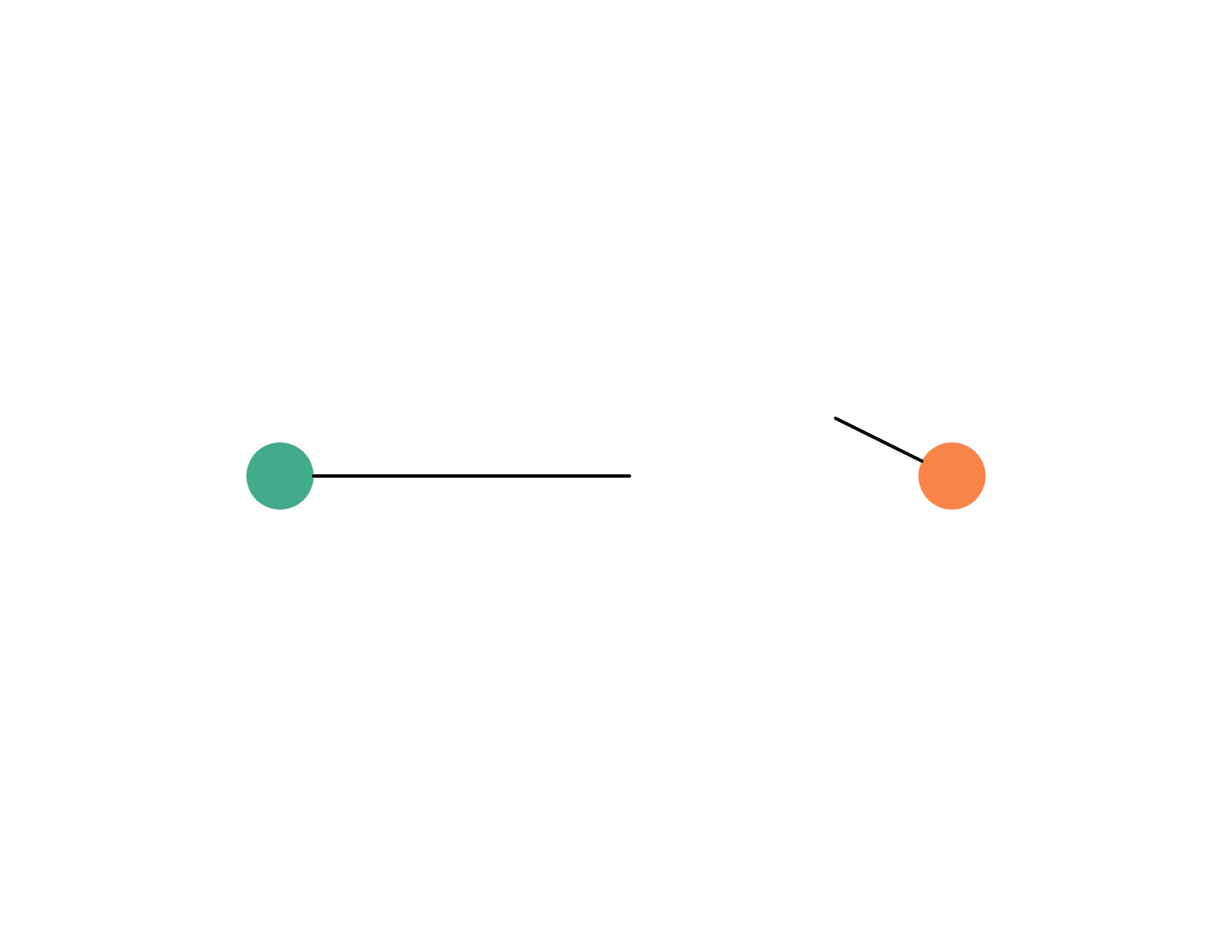
The six variables I used in my sketch are initiation, medium, reception, understanding, reciprocity, and duration. I then began developing a simple visual system using two ellipses to represent two people and lines to represent the interaction between them. The behavior of the line can change depending on the conditions of the interaction – it might reach the second person, stop before reaching them, be returned, or move at a different speed.
Using ‘let’ allows these properties to exist as variables within the system, while ‘random’ introduces unpredictability into how an interaction unfolds. I’m interested in continuing to explore how the same basic visual language can generate different outcomes and also create more engaging, visually engaging visuals.